The safest way to automate LinkedIn profile data collection is to collect less, document more, and use approved access paths whenever possible. Public profile data can still be personal data, so automation should be built around consent, purpose limits, data accuracy, and respect for platform rules. A good system does not just pull names and job titles. It proves why the data was collected, how it is checked, when it expires, and who can use it.
TLDR: Ethical LinkedIn profile data extraction starts with a clear business purpose, such as keeping a recruiting CRM accurate or enriching approved sales records. For example, a team with 5,000 existing contacts might find that 28% changed roles in the last year, but it should update only records that have a lawful basis and remove fields it does not need. Use official APIs, user permission, trusted data providers, or manual review workflows before considering any automated collection. Avoid login scraping, fake accounts, CAPTCHA workarounds, and anything that ignores user privacy choices.
What “public” really means
Public does not mean free to copy, store, and reuse forever. A LinkedIn member may make a profile visible to search engines, but that does not give every company a blank check to build a shadow database. Names, employers, locations, education, work history, photos, and profile URLs can all identify a person. In many regions, that makes them personal data.
The practical rule is simple: treat public LinkedIn data as sensitive business data. That means you need a purpose, an access method, a retention policy, and a deletion process. If your team cannot explain those four items in plain language, the automation is not ready.

Choose ethical access methods first
The best automation plan starts before any code is written. Decide how the data will be obtained. Safer options include:
- Official LinkedIn APIs: Best for permitted use cases, especially when user authorization is involved.
- CRM integrations: Useful when contacts have already engaged with your company and updates are tied to an existing relationship.
- Consent based forms: Ask users to connect or submit their own profile data during onboarding, events, hiring, or partnership workflows.
- Licensed data providers: Use vendors that can show source records, compliance controls, and removal procedures.
- Human assisted review: Let automation suggest updates, then have a person confirm high impact changes.
The catch is that the easiest technical route is often the riskiest legal route. Scraping logged in pages at scale, rotating accounts, bypassing restrictions, or ignoring rate limits can create legal, contractual, and reputational problems. It also tends to produce messy data. Honestly, it feels like a shortcut until your CRM fills with duplicate people, outdated roles, and names written in five different formats.
Define a narrow collection purpose
Good automation has boundaries. Bad automation says, “collect everything now, decide later.” That is how teams end up storing profile photos, personal interests, graduation years, locations, and career histories they never use.
Before extraction begins, write a short purpose statement. For example:
“We collect current job title, company, profile URL, and region for existing B2B contacts so our account managers can keep records accurate and avoid contacting people in irrelevant roles.”
That statement acts like a filter. If a field does not serve the purpose, skip it. If the purpose changes, review the process again. This is not paperwork for the sake of paperwork. It keeps the dataset smaller, cleaner, and easier to defend.
Build for data quality from day one
LinkedIn profile data changes constantly. People switch jobs, update titles, merge roles, change locations, or rewrite summaries. Automation that does not measure quality will quietly decay.
Set rules for common quality checks:
- Freshness: Store the date when each field was last verified.
- Source tracking: Keep the source URL or approved provider reference.
- Field confidence: Mark whether the value was confirmed, inferred, or user supplied.
- Duplicate detection: Match by profile URL first, then name, company, email, and region if available.
- Normalization: Convert titles, company names, and locations into consistent formats.
- Change logs: Record old and new values when updates are made.
Expect to waste time on tiny formatting problems if you skip this. “VP Sales,” “Vice President, Sales,” and “VP of Sales” may describe the same role, but your reporting tool may treat them as three separate segments. That tiny difference can distort pipeline analytics, hiring reports, or market research.
Respect compliance requirements
Different laws may apply based on where your company, users, and data subjects are located. GDPR, CCPA or CPRA, UK GDPR, LGPD, and other privacy rules may require transparency, lawful basis, access rights, deletion rights, and limits on profiling.
Common compliance safeguards include:
- Lawful basis review: Confirm why your organization may collect and process the data.
- Privacy notice updates: Tell people what you collect, why, and how they can object or request removal.
- Data minimization: Collect only fields tied to the approved purpose.
- Retention limits: Delete or recheck records after a set period, such as 12 or 18 months.
- Opt out management: Maintain suppression lists so removed people are not added again later.
- Vendor review: Require contracts, security controls, and proof of compliant sourcing.
For higher risk uses, such as recruitment screening, credit analysis, insurance, or automated decision making, extra care is needed. Profile data can be incomplete or biased. Do not use it as the only basis for decisions that affect someone’s career, income, or access to services.
Design responsible automation controls
Responsible automation is not just about what the script can do. It is about what it is prevented from doing.
Strong controls include:
- Access limits: Only approved users and systems can view or export profile data.
- Audit logs: Track who collected, changed, exported, or deleted data.
- Rate discipline: Avoid aggressive collection patterns and respect platform restrictions.
- Error handling: Stop jobs when data quality drops or unexpected fields appear.
- Manual review gates: Require human approval for sensitive updates or bulk imports.
- Security controls: Encrypt stored data and avoid keeping raw HTML or unnecessary snapshots.
Do not build systems that hide identity, defeat access controls, or imitate real users through fake behavior. Those tactics create risk and signal that the project has moved away from responsible data operations.
A simple workflow that works
A clean profile data automation workflow might look like this:
- Define the purpose: Example: update job titles for existing customers.
- Select the access path: API, consent flow, approved integration, or licensed provider.
- Map allowed fields: Profile URL, current company, current title, region, last verified date.
- Validate records: Check duplicates, missing values, and confidence scores.
- Review exceptions: Send uncertain matches to a person for approval.
- Update the system: Sync only verified changes into the CRM or database.
- Monitor and delete: Track age, objections, removals, and retention deadlines.
Metrics to track
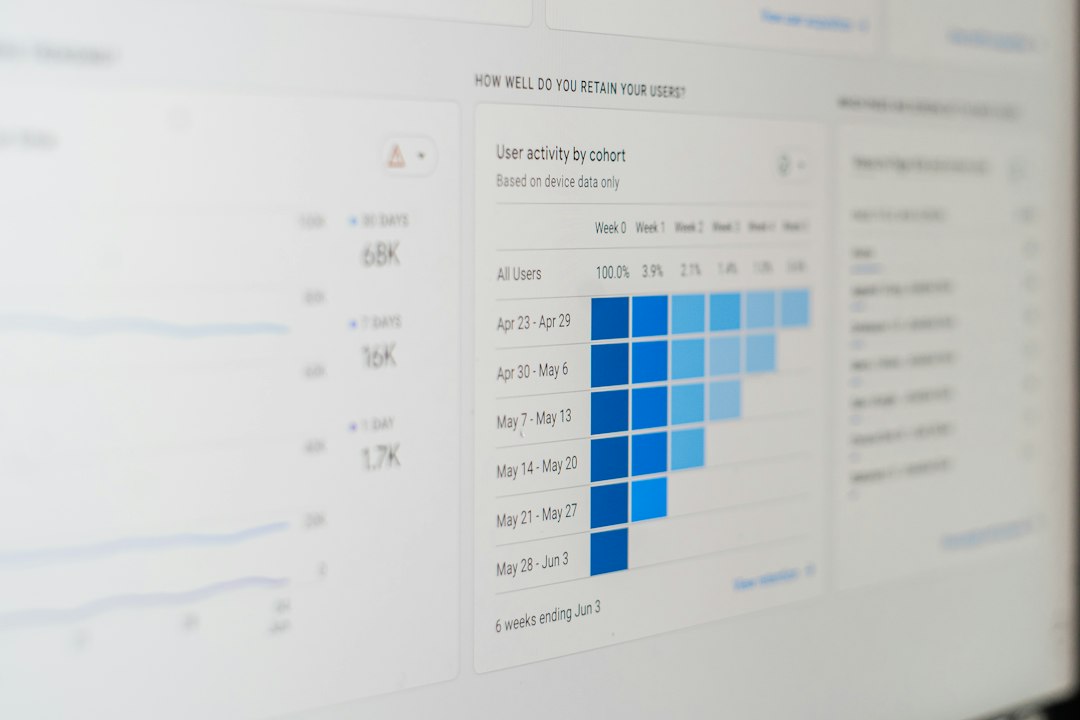
Measure both value and risk. Useful metrics include update accuracy, duplicate rate, match confidence, opt out volume, stale record percentage, vendor error rate, and average record age. If a contact enrichment process updates 10,000 records but creates a 12% duplicate rate, that is not success. That is cleanup work wearing a nice dashboard.
Also track business outcomes. Did bounced emails drop by 15%? Did sales reps spend 20% less time fixing contact records? Did recruiters reduce irrelevant outreach? These numbers show whether the automation is helping people or just moving data around.
Final recommendation
Automate LinkedIn profile data collection only when the purpose is clear, the access method is permitted, and the data controls are strong. Keep the dataset lean. Verify changes before syncing them. Give people a way to opt out. Review vendors closely. The best systems are not the ones that collect the most data. They are the ones that collect the right data, keep it accurate, and treat people with respect.