Square has made it easier than ever to accept payments. Swipe a card. Tap a phone. Send an invoice. Done. But behind every simple transaction is a small fee. And those fees matter. If you run a business, you need to know where your money goes.
TLDR: Square charges flat-rate transaction fees that vary depending on how you accept payments. In-person payments cost less than keyed-in or online payments. There are no long-term contracts, but add-ons and chargebacks can increase your costs. Understanding the fee structure helps you price smarter and keep more profit.
Let’s break it all down in a way that’s simple. No confusing jargon. Just real talk.
1. Square Uses Flat-Rate Pricing
The biggest thing to know? Square keeps it simple.
They use flat-rate pricing. That means you pay a fixed percentage plus a small per-transaction fee. No guessing. No complicated interchange tables.
Here’s what that usually looks like:
- In-person payments: 2.6% + $0.10
- Online payments: 2.9% + $0.30
- Keyed-in payments: 3.5% + $0.15
- Invoices: 3.3% + $0.30
These numbers can change slightly depending on promotions or business type. But this is the standard structure.
The main idea? The more “manual” the transaction, the higher the fee.
Why? Because manually entered payments carry more fraud risk.
Tip: Whenever possible, encourage customers to tap, dip, or swipe. It costs you less.
2. In-Person Payments Are the Cheapest
If you run a physical store, good news.
In-person payments are the most affordable option with Square.
That 2.6% + $0.10 rate applies when customers:
- Tap a contactless card
- Insert a chip card
- Swipe a magnetic stripe card
- Use mobile wallets like Apple Pay or Google Pay
Why is it cheaper?
Because the cardholder is physically present. Fraud risk is lower. Disputes are less common.
Let’s look at an example.
If a customer spends $100 in your café:
- 2.6% of $100 = $2.60
- Plus $0.10
- Total fee = $2.70
You take home $97.30.
Simple math. Easy to predict.
3. Online and Keyed-In Payments Cost More
Selling online? Sending invoices? Taking payments over the phone?
Your fees go up.
Online payments usually cost 2.9% + $0.30.
Keyed-in transactions cost around 3.5% + $0.15.
This includes:
- Typing in card numbers manually
- Virtual terminal payments
- Card-not-present transactions
Why more expensive?
Because fraud is more likely when the card isn’t physically there.
Let’s compare a $100 sale across payment types:
| Payment Type | Fee Structure | Total Fee on $100 | You Keep |
|---|---|---|---|
| In-Person | 2.6% + $0.10 | $2.70 | $97.30 |
| Online | 2.9% + $0.30 | $3.20 | $96.80 |
| Keyed-In | 3.5% + $0.15 | $3.65 | $96.35 |
The differences may look small. But over thousands of transactions? It adds up fast.
4. There Are No Monthly Fees (But Watch for Add-Ons)
One reason people love Square? No mandatory monthly fee.
No long-term contract. No early termination penalty.
You can start and stop whenever you want.
But that doesn’t mean everything is free.
Square offers extra tools that cost money.
Examples include:
- Payroll services
- Advanced marketing tools
- Loyalty programs
- Team management upgrades
- Advanced reporting features
These are optional. But they can increase your monthly expenses.
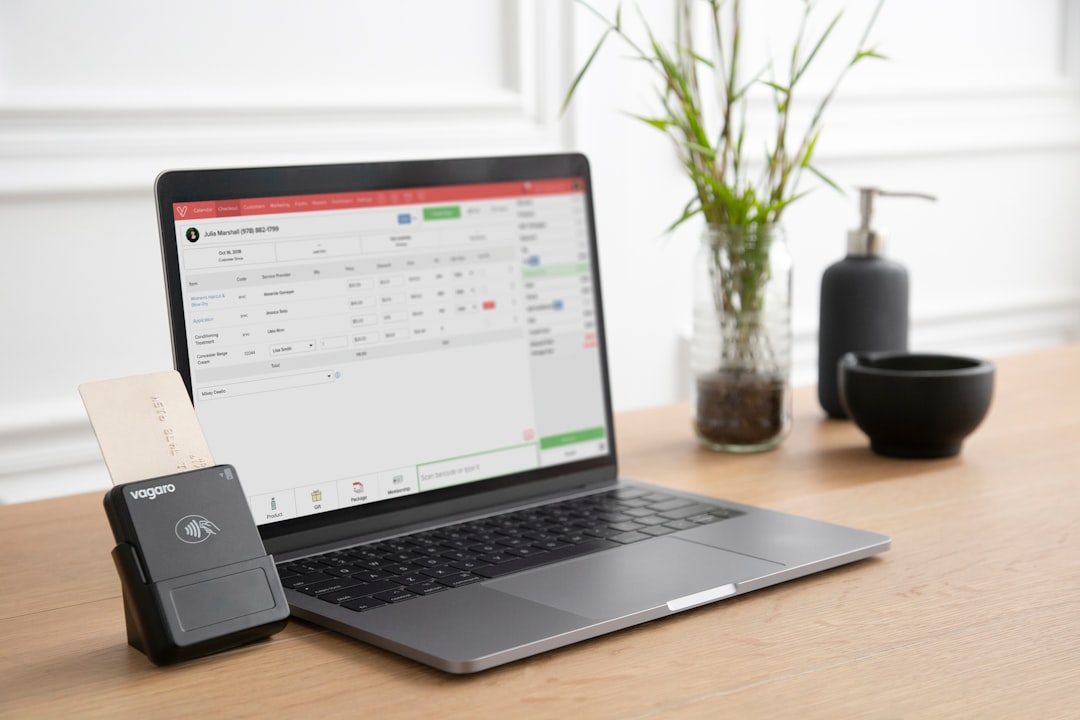
Also remember hardware costs.
Square readers aren’t always free. Terminals, registers, and stands cost money upfront.
It’s worth budgeting for:
- Card readers
- Receipt printers
- Cash drawers
- Barcode scanners
The good news? No surprise PCI compliance fees. No hidden statement fees. What you see is generally what you get.
5. Chargebacks Can Cost You
Here’s something business owners often forget.
Chargebacks happen.
A customer disputes a transaction. Their bank investigates. The money is pulled while it’s reviewed.
Square does not charge a separate dispute fee in many standard cases. That’s better than some providers.
But you can still lose:
- The sale amount
- The product or service delivered
- Your time fighting the dispute
And too many chargebacks can raise red flags.
To reduce risk:
- Always use chip readers when possible
- Get signatures for high-ticket items
- Use clear refund policies
- Keep receipts and documentation
- Respond quickly to disputes
Prevention saves money.
6. Payment Processing Speed Matters
Fees are important. But so is timing.
Square typically deposits funds within 1–2 business days.
Need it faster?
Instant transfers are available. But they come with an extra fee. Usually around 1.5% per transfer.
Example:
If you transfer $1,000 instantly:
- 1.5% fee = $15
- You receive $985 immediately
For some businesses, that speed is worth it.
For others? Waiting a day or two is smarter.
Cash flow is the heartbeat of your business. Know when your money arrives.
Bonus: How Square Compares to Traditional Merchant Accounts
Square is different from traditional processors.
Traditional merchant accounts often use:
- Interchange-plus pricing
- Tiered pricing
- Monthly service fees
- PCI compliance fees
- Long-term contracts
Those structures can sometimes be cheaper for very high-volume businesses.
But they are harder to understand.
Square trades potentially lower rates for simplicity and flexibility.
If you’re a:
- Small retailer
- Coffee shop
- Freelancer
- Food truck owner
- Service provider
Flat pricing often makes sense.
If you process millions per year? It might be worth negotiating custom rates elsewhere.
How to Calculate Your Real Cost
Want clarity? Do this simple exercise.
- Look at your monthly gross sales.
- Identify how payments were accepted (in-person, online, etc.).
- Apply the appropriate fee percentages.
- Add hardware and add-on subscription costs.
This gives you your effective processing rate.
For example:
If you made $20,000 in a month and paid $600 in total Square fees:
- $600 ÷ $20,000 = 3%
Your effective rate is 3%.
That’s the number that matters most.
Smart Ways to Lower Your Square Fees
You can’t eliminate fees. But you can reduce them.
- Encourage in-person payments
- Avoid manual key-ins
- Set minimum card purchase amounts (where legal)
- Increase average ticket size
- Reduce chargebacks
- Factor fees into pricing
Some businesses quietly adjust prices slightly to absorb fees. A 25-cent increase on popular items can make a difference over time.
The key is awareness. When you know your numbers, you stay in control.
Final Thoughts
Square transaction fees are straightforward. That’s their biggest strength.
You pay a flat percentage. You get predictable billing. You avoid long contracts.
But simple doesn’t mean free.
Online sales cost more. Keyed-in payments cost even more. Add-ons and instant transfers increase expenses.
Still, for many small and growing businesses, Square hits the sweet spot. Easy setup. Transparent pricing. Solid tools.
Know your rates. Calculate your effective cost. Optimize how you accept payments.
Because every percentage point matters.
And when you understand your transaction fees, you turn payment processing from a mystery… into a strategy.