


Design and marketing teams move fast. Ideas fly. Deadlines loom. Feedback piles up. Without the right system, chaos wins. That’s why creative project management software is no longer optional. It is the calm in the storm.
TLDR: Creative teams need tools built for visual work, feedback loops, and collaboration. The best platforms mix task management with proofing, file sharing, and real-time updates. In this article, we explore four standout tools that make design and marketing work smoother and more fun. We also compare them so you can pick the right one for your team.
Let’s dive into four creative project management tools that truly shine for design and marketing teams.
1. Asana – Clean, Flexible, and Friendly
Asana is like the organized friend who always has a plan. It is simple to use. But powerful under the hood.
Design and marketing teams love Asana because it gives structure without killing creativity. You can view work in multiple ways:
- List view for detailed task tracking
- Board view for Kanban-style workflow
- Timeline view for campaign planning
- Calendar view for content scheduling
This flexibility matters. A content writer may prefer lists. A designer may love boards. A marketing manager might live in timelines. Everyone gets what they need.
Asana also supports:
- Task dependencies
- Creative brief templates
- File attachments
- Comment threads directly on tasks
Need campaign approvals? You can assign reviewers and track progress in real time. No more messy email chains.
Best for: Teams that want structure with flexibility.
Why creatives like it: It adapts to your workflow instead of forcing you into one.
2. Monday.com – Visual and Highly Customizable
Monday.com is bright. Visual. And surprisingly fun to use.
It feels built for marketing dashboards and campaign tracking. You can customize almost everything. Columns. Labels. Automations. Views.
This is gold for marketing teams running multiple campaigns at once.
Key features include:
- Color-coded task tracking
- Automation rules (e.g., notify the designer when copy is ready)
- Workload view to prevent burnout
- Content calendar templates
The automation feature is a huge time saver. For example:
- When a status changes to “Ready for Design,” notify the designer.
- When a task is done, alert the marketing manager.
- When a deadline approaches, send reminders automatically.
This keeps projects moving without constant check-ins.
It is especially useful for:
- Social media teams
- Content marketing departments
- Agencies managing multiple clients

Best for: Teams that love visual dashboards and automation.
Why creatives like it: It feels dynamic and customizable rather than rigid.
3. ClickUp – All-in-One Powerhouse
ClickUp is ambitious. It wants to replace all your tools. And sometimes, it succeeds.
For creative teams, this is both exciting and powerful. You get:
- Task management
- Docs and wikis
- Time tracking
- Goal tracking
- Whiteboards
Whiteboards are especially helpful in early brainstorming. You can map ideas before turning them into tasks.
ClickUp also offers custom statuses. Instead of boring “To Do” and “Done,” you can create workflows like:
- Brief Ready
- In Design
- In Review
- Client Approved
- Scheduled
This mirrors real creative processes.
Another bonus? Detailed permissions. Agencies can separate client work while keeping everything in one workspace.
But beware. With great power comes complexity. It may take time to set up properly.
Best for: Teams that want everything in one place.
Why creatives like it: It matches complex creative workflows.
4. Wrike – Built for Proofing and Approvals
Wrike shines when feedback matters. And in design and marketing, feedback always matters.
Its standout feature is built-in proofing and approval tools.
You can:
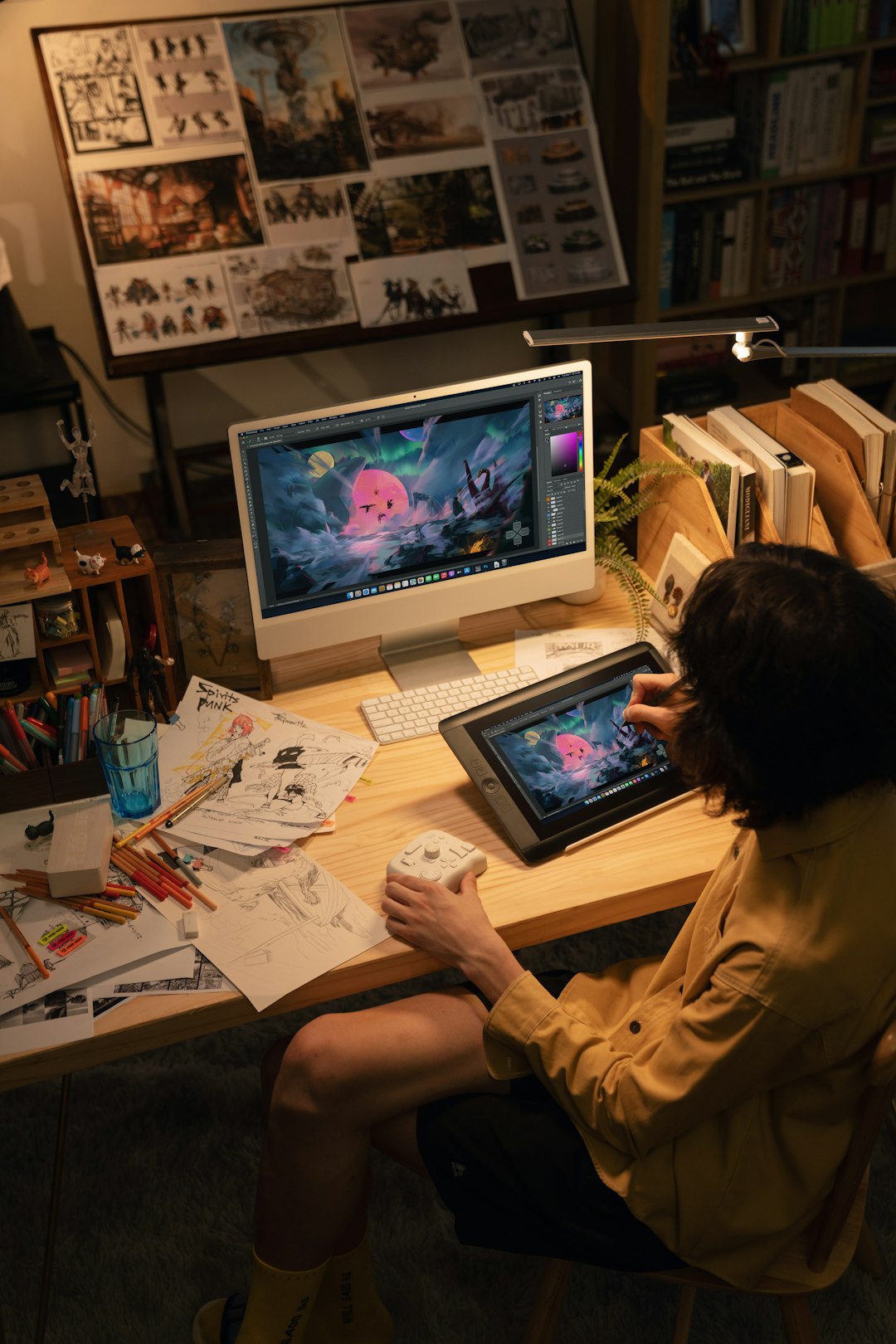
- Upload images and videos
- Leave comments directly on visuals
- Mark specific areas for revision
- Track approval stages
No more vague comments like, “Make it pop.” Reviewers can click exactly where changes are needed.
Wrike also provides:
- Gantt charts for campaign timelines
- Custom request forms for creative briefs
- Detailed reporting for managers
Marketing teams handling high volumes of creative requests will appreciate this structure.
Best for: Teams focused on structured approvals and high-volume asset production.
Why creatives like it: Feedback is visual and precise.
Quick Comparison Chart
| Tool | Ease of Use | Customization | Best Feature | Ideal For |
|---|---|---|---|---|
| Asana | Very Easy | Moderate | Multiple project views | Flexible creative teams |
| Monday.com | Easy | High | Automation and dashboards | Marketing campaign tracking |
| ClickUp | Moderate | Very High | All-in-one workspace | Agencies and complex workflows |
| Wrike | Moderate | High | Proofing and approvals | High-volume design teams |
How to Choose the Right Tool
The best software depends on how your team works.
Ask these simple questions:
- Do we struggle more with planning or feedback?
- Do we need automation?
- Are we managing multiple clients?
- Do we need advanced reporting?
If your team is small and needs clarity, Asana may be perfect.
If you love automation and dashboards, try Monday.com.
If you want one tool to rule them all, test ClickUp.
If approvals are your biggest headache, look at Wrike.
Bonus Tips for Creative Teams
Even the best tool will fail without good habits.
Here are a few simple rules:
- Always use clear creative briefs.
- Set realistic deadlines.
- Limit the number of reviewers.
- Use templates to save time.
- Keep feedback specific and visual.
Software supports your process. It does not replace it.
Final Thoughts
Creative work is exciting. But it can also be messy. Files get lost. Deadlines slip. Feedback gets confusing.
The right project management tool brings order to the chaos. It helps designers design. Marketers market. Managers manage.
Whether you choose Asana, Monday.com, ClickUp, or Wrike, the goal is simple.
Make collaboration easier. Make communication clearer. And make creativity flow.
Because when your tools work well, your team can focus on what really matters.
Creating amazing work.







