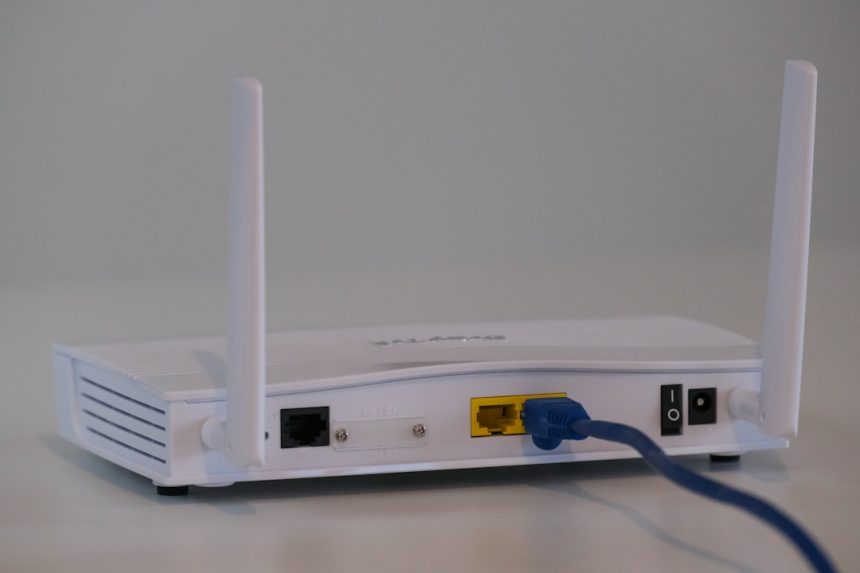
As homes and small offices rapidly fill with Internet of Things devices, from smart thermostats and voice assistants to connected cameras and TVs, network security has become a practical concern rather than a theoretical one. Many of these devices are designed for convenience and low cost, not for long-term security or frequent updates. One increasingly recommended approach is to isolate them by setting up a separate router dedicated entirely to IoT traffic. This guide explains why that matters, how to do it correctly, and what to consider before you begin.
TLDR: Using a separate router for IoT devices isolates less secure hardware from your main network and reduces the risk of data exposure. The setup does not require enterprise-level equipment and can be done with common consumer routers. Proper configuration, including strong passwords and limited permissions, is essential to gain real security benefits. When done correctly, this approach significantly improves both safety and network stability.
The fundamental problem with IoT devices is not that they are inherently malicious, but that they often lack robust security practices. Many run outdated operating systems, have limited processing power for encryption, and depend on infrequent vendor updates. Once compromised, an IoT device can become a foothold for attackers to access other devices on your network, including personal computers and phones with sensitive data.
Separating IoT traffic onto its own router creates a clear boundary between high-risk and high-trust devices. Even if a smart plug or camera is compromised, the attacker is effectively contained within a restricted network segment. This approach mirrors strategies long used in corporate environments, where guest Wi-Fi and production systems never share unrestricted access.
What a separate IoT router actually does
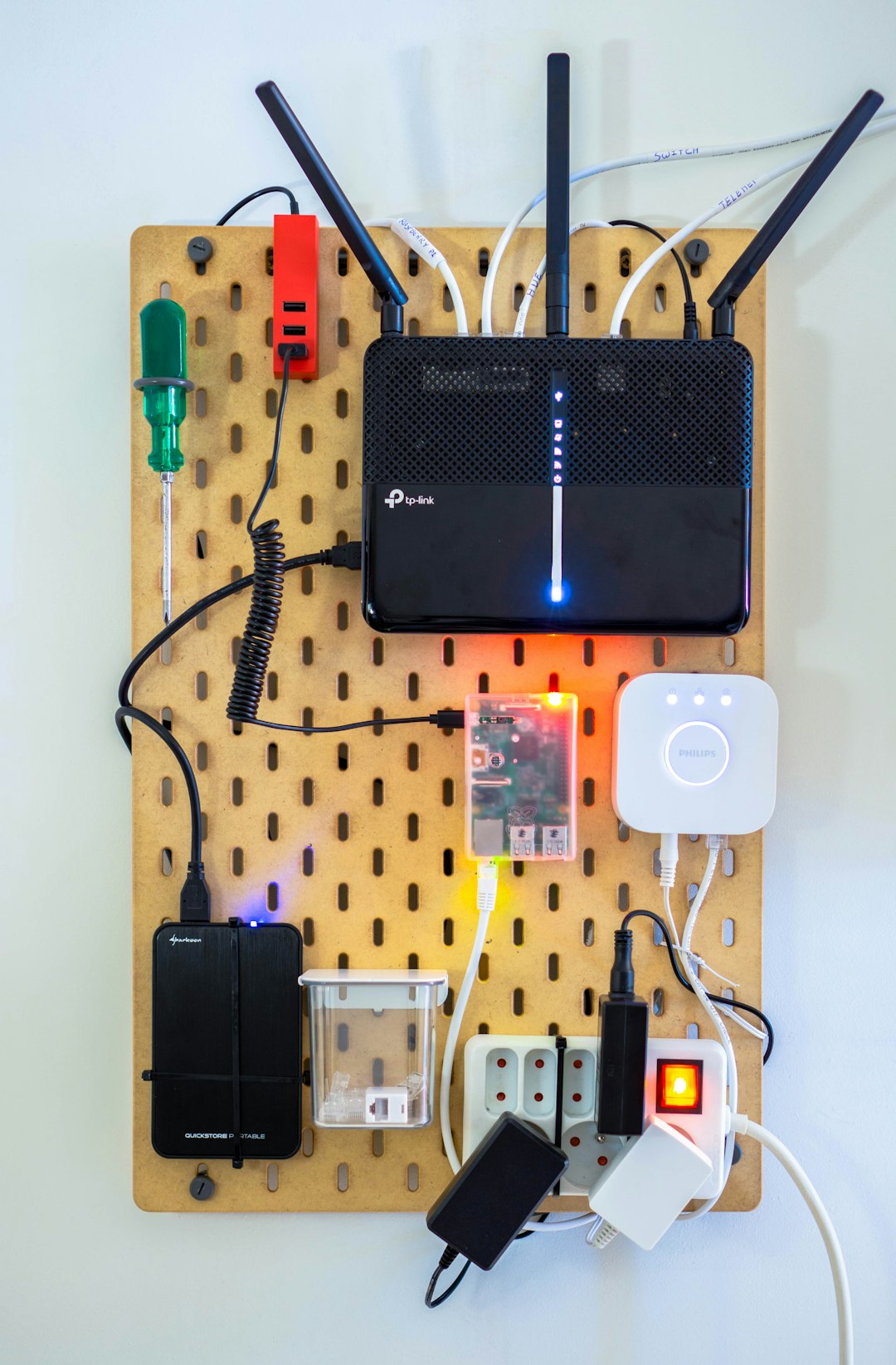
A dedicated IoT router is a physical or virtual network device that provides internet access only to designated smart devices. It connects upstream to your main router or modem, but downstream it serves a distinct wireless network with its own rules. Importantly, devices on this network cannot initiate connections to devices on your primary network unless you explicitly allow it.
This is different from simply creating a second Wi-Fi name on the same router. While guest networks can help, they often lack granular control and may still share hardware and routing tables internally. A separate router, by contrast, enforces isolation at a deeper network level.
Advantages of using a second router
- Improved security: Limits the attack surface by isolating vulnerable devices.
- Network stability: Prevents poorly behaving devices from affecting primary traffic.
- Clear management: Easier to monitor and control which devices connect where.
- Future flexibility: Simplifies upgrades or replacements of IoT hardware.
While there is additional hardware and configuration involved, the long-term benefits generally outweigh the modest upfront effort. Many households already have an older router that can be repurposed for this role.
Choosing the right hardware
You do not need an expensive or cutting-edge router for an IoT network. In fact, simplicity and reliability are often more important than raw performance. The key requirements are stable firmware support, the ability to disable unnecessary features, and properly functioning firewall rules.
- Use a router from a reputable manufacturer with known security practices.
- Ensure it supports modern encryption standards such as WPA2 or WPA3.
- Avoid routers that no longer receive firmware updates, if possible.
For wired-only IoT hubs, even a basic router can suffice. For Wi-Fi-heavy environments, ensure that the router can comfortably handle the number of devices expected without frequent disconnects.
Physical and logical setup
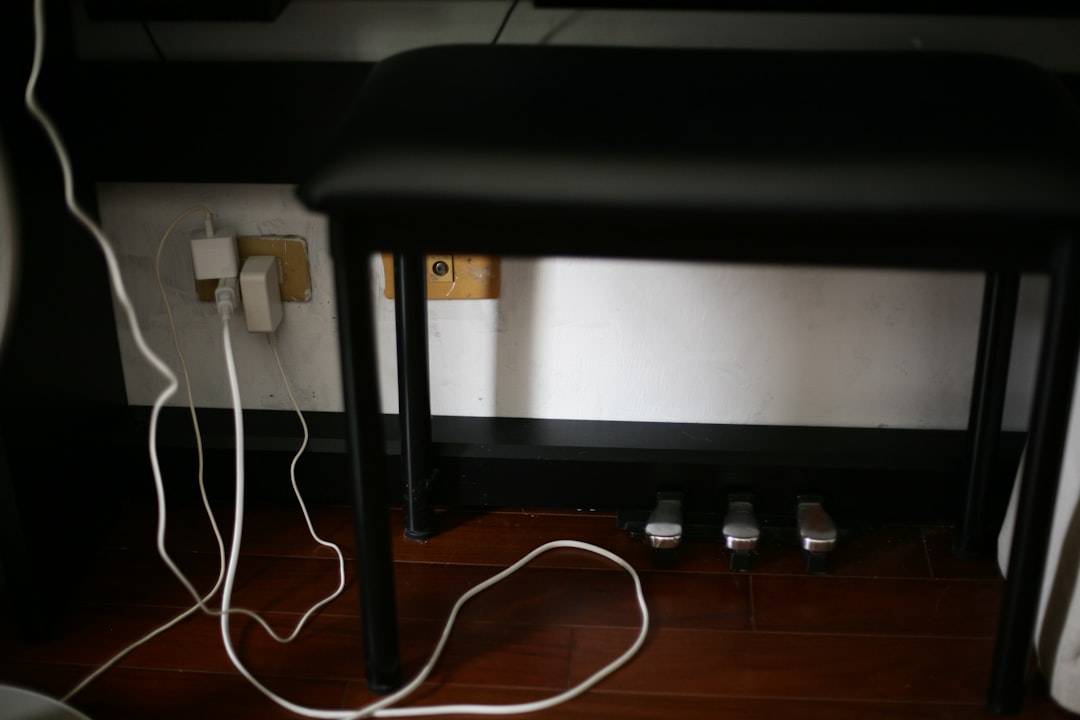
The physical connection is straightforward. The IoT router’s WAN port connects to a LAN port on your primary router. This creates a nested network, where the second router receives internet access but remains logically separated.
Once connected, configuration is where security is either gained or lost. Begin by logging into the IoT router’s administration interface and changing all default credentials immediately. Many compromises occur simply because default passwords are left in place.
Key configuration steps include:
- Change the administrator username and password.
- Disable remote management unless strictly necessary.
- Assign a unique SSID that clearly identifies the IoT network.
- Use strong Wi-Fi encryption and a long, random passphrase.
You should also ensure that the router’s firewall is enabled and that inbound connections from the internet are blocked by default. Most consumer routers have this configuration as standard, but it is worth confirming explicitly.
Controlling access between networks
A common question is whether phones or computers on the main network can still control IoT devices, such as smart lights or media players. In many cases, cloud-based control will continue to function without issue, as both networks can reach the internet independently.
For local-only control, more deliberate configuration may be required. Some routers allow you to define specific rules that permit limited communication from the main network to the IoT network, while still blocking the reverse direction. This preserves usability without sacrificing isolation.
It is generally advisable to avoid allowing IoT devices to initiate connections toward trusted devices. If such access is absolutely required, restrict it to specific IP addresses and ports rather than broad network access.

Maintaining the IoT router
Setting up the router is not a one-time task. Ongoing maintenance is essential to ensure that the security benefits remain intact. Schedule periodic checks for firmware updates and apply them promptly, even if the network appears to be functioning normally.
Review connected devices regularly and remove any that are no longer in use. Over time, old or forgotten devices can accumulate and become unmonitored risks. It is also wise to occasionally change the Wi-Fi password, particularly if guests or installers have been granted temporary access.
Common mistakes to avoid
- Assuming guest Wi-Fi is equivalent to true network isolation.
- Leaving default router settings unchanged.
- Allowing unrestricted traffic between networks for convenience.
- Neglecting firmware updates on secondary equipment.
Each of these mistakes weakens the purpose of having a separate router in the first place. A slightly more cautious approach during setup pays dividends in long-term security.
Is a separate router always necessary?
For small environments with only one or two well-supported IoT devices, a separate router may be excessive. However, as the number and variety of devices increases, so does the uncertainty around their security posture. In those cases, isolation becomes a measured and sensible response.
Advanced users may prefer alternatives such as VLANs or firewall segmentation on a single capable router. These methods can achieve similar results but typically require more technical expertise and careful configuration.
Conclusion
Setting up a separate router for IoT devices is a practical, proven way to reduce network risk without sacrificing convenience. By isolating less secure devices, you protect your primary systems and gain clearer visibility into your home or office network. With thoughtful hardware selection, careful configuration, and routine maintenance, this approach offers a strong balance between usability and security. For anyone serious about protecting their digital environment, it is a step well worth considering.