Pick Hiren’s BootCD PE if Windows is broken and you want a full repair toolbox. Pick Rescuezilla if you want to clone, back up, or restore a whole drive without drama. Hiren’s BootCD PE runs as a Windows 10 PE rescue system, according to its official site [source: Hiren’s BootCD].
TLDR: Hiren’s BootCD PE is the Swiss Army knife. Rescuezilla is the big red “save my drive” button. For example, if a 500 GB SSD upgrade goes wrong, Rescuezilla can restore the old disk image and get you back to normal. If Windows 11 refuses to boot, Hiren’s BootCD PE gives you file tools, password tools, partition tools, and scanners in one place.
What are these tools?
Hiren’s BootCD PE is a bootable rescue environment. You put it on a USB stick. Then you boot the broken PC from that stick. It loads a mini Windows desktop with many repair apps.
Rescuezilla is also bootable from USB. But it has a tighter job. It helps you back up, clone, and restore disks. It is friendly. It feels less scary than many old-school imaging tools.
Think of it like this:
- Hiren’s BootCD PE: “Let me fix this mess.”
- Rescuezilla: “Let me copy this whole mess before it gets worse.”

When Hiren’s BootCD PE makes more sense
Use Hiren’s BootCD PE when you need options. Lots of them. Maybe too many.
It can help with:
- Recovering files from a Windows PC that will not start.
- Checking a hard drive or SSD for errors.
- Editing partitions.
- Running antivirus scans outside Windows.
- Resetting or fixing Windows settings.
- Opening tools in a familiar Windows-like desktop.
This is great when the problem is unclear. Is the drive dying? Is Windows corrupt? Is there malware? Did an update wreck the boot system again? Hiren gives you room to test.
Honestly, it feels like a junk drawer at times. A useful one, yes. But still a drawer packed with tools. Expect to spend a few extra minutes just finding the right app.
If the PC still boots sometimes, try Windows 11 Safe Mode first. It is simpler. If Safe Mode fails, then bring out the boot USB.
When Rescuezilla is the better choice
Use Rescuezilla when the goal is clear: protect the whole disk.
It is best for:
- Before replacing a hard drive with an SSD.
- Before a risky Windows reinstall.
- Before testing weird repair steps.
- After setting up a perfect clean PC image.
- Restoring a drive after a failed upgrade.
Rescuezilla shines because it keeps things simple. Pick a source disk. Pick a place to save the image. Start the job. Later, restore the image if needed.
The catch is that Rescuezilla is not a full repair kit. It will not give you a buffet of Windows utilities. That is not its job. It is more like a snapshot machine for your drive.
Main differences in plain English
| Feature | Hiren’s BootCD PE | Rescuezilla |
|---|---|---|
| Main job | Fix and inspect PCs | Clone and restore disks |
| Best for | Windows repair | Full drive backup |
| Interface | Windows-like desktop | Simple guided screens |
| Skill level | Medium | Beginner friendly |
| Weak spot | Can feel cluttered | Limited repair tools |
Real-world example
Say your desktop has an 8 TB Seagate drive that suddenly stops showing files. Do not start clicking random repair buttons. That can make things worse.
First, use Rescuezilla if the drive is still readable. Make a full image to another large drive. Then work on the copy. If the drive is acting strange, these Seagate ST8000DM004 recovery steps are a smarter place to start.
Next, use Hiren’s BootCD PE to inspect partitions, check disk health, or copy key files. This two-step plan is safer. Backup first. Repair second.
What about personal files?
Both tools can help protect files, but in different ways.
Hiren’s BootCD PE is handy when you need to grab Documents, Photos, Desktop files, or browser exports from a dead Windows install.
Rescuezilla is better when you want the whole thing. Windows. Apps. Settings. Hidden partitions. Everything.
This is why I like using both. Rescuezilla makes the safety copy. Hiren helps with the cleanup.
And no, these tools are not for iPhone files. That is a different problem. If your issue is mobile data, use dedicated iPhone recovery programs instead.
Image not found in postmeta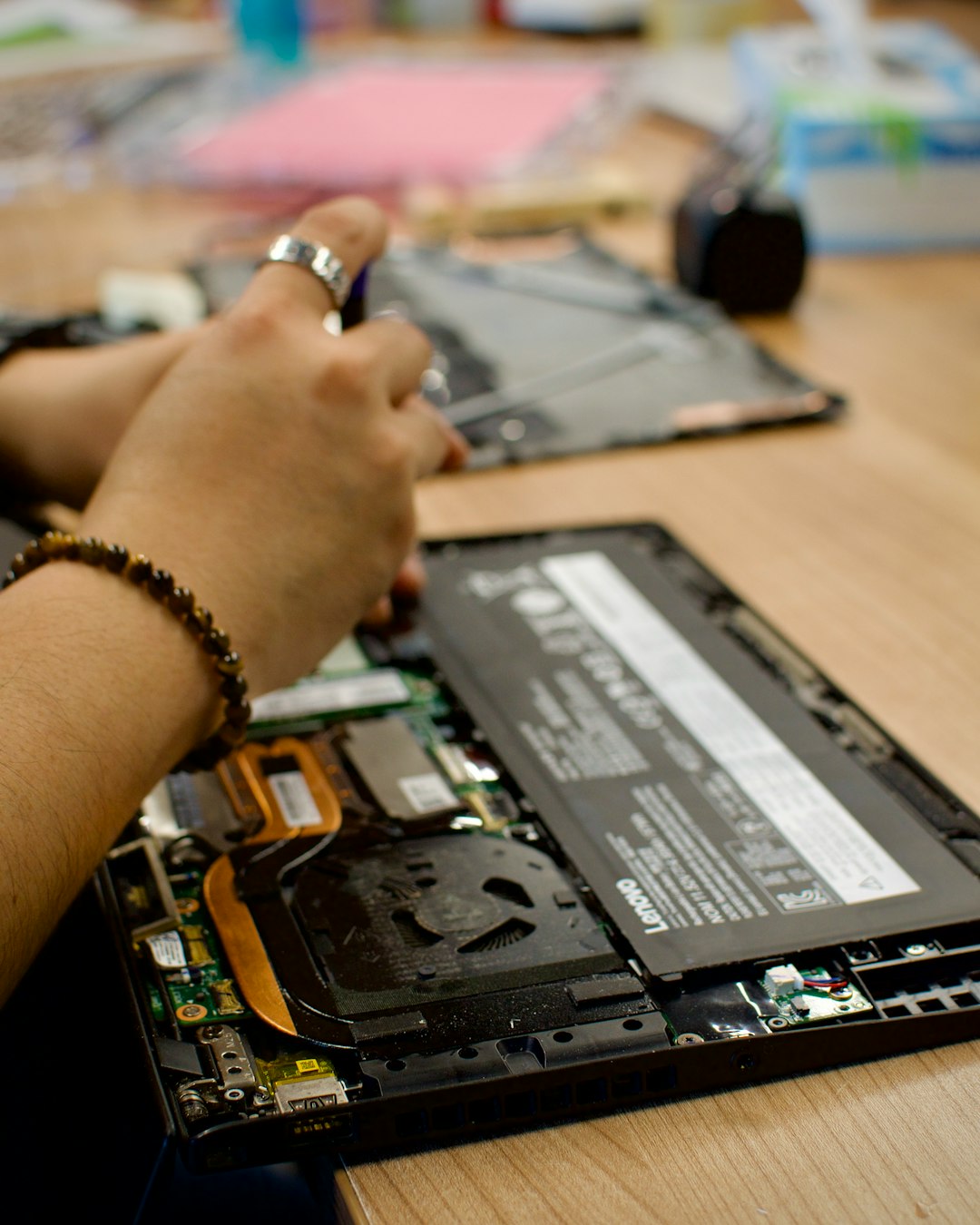
Which one should you keep on a USB?
Best answer: keep both if you can.
- Only one USB? Choose Hiren’s BootCD PE for general PC repair.
- Doing upgrades often? Choose Rescuezilla.
- Fixing family PCs? Hiren will be used more.
- Protecting work machines? Rescuezilla is the safer first step.
My simple rule is this: if data matters, image it first with Rescuezilla. Then use Hiren’s BootCD PE to poke around. That order saves headaches. It also saves you from the classic “I fixed Windows but lost the files” disaster.
Both tools are free. Both are useful. They just solve different problems. Hiren’s BootCD PE is the toolbox. Rescuezilla is the parachute. When your PC starts acting cursed, you will be glad you packed both.