Zelle is not gone for most users; it is still available through participating banks and credit unions, while the separate Zelle app has been wound down for payments for many users [source: Zelle]. That means a person who used Zelle inside Chase, Bank of America, Wells Fargo, Capital One, or another enrolled institution may still send money as usual. The confusion usually comes from the standalone app, bank outages, fraud blocks, or a recipient’s account issue.
TLDR: Zelle is not “dead,” but the standalone Zelle app is no longer the main way to use it. Most users must access Zelle inside their bank’s mobile app or online banking. For example, if a renter sends a roommate $750 through a bank app and the payment fails, the likely cause is a bank-side issue, a fraud review, or recipient enrollment problem rather than Zelle disappearing. Zelle has said more than 2,200 banks and credit unions support its network, so checking the bank first saves time.
Why people think Zelle is no longer available
The biggest reason is simple: Zelle used to feel like a separate payment app, but for most users it now works as a feature inside banking apps. That shift creates a lot of noise. People open the old app, see limited options, get an error, or cannot enroll. Then they assume the whole service is gone.
That is not usually true. Zelle’s value comes from bank integration. It moves money between enrolled bank accounts, often within minutes. If the bank supports Zelle, the feature may sit under labels such as Send Money with Zelle, Transfers, Payments, or Pay & Transfer.
Honestly, it feels like this should be clearer in every banking app. Some banks place Zelle three screens deep. A user may spend 45 seconds hunting for it, then assume it vanished after an app update.
How to check Zelle’s official service status
Zelle does not always provide a single public outage dashboard like some tech services. That makes status checks a bit annoying. Still, a person can get a reliable answer by checking the right places in the right order.
- Check the bank app first. If Zelle is built into a bank account, the bank controls access, login, account eligibility, and many fraud checks.
- Try the bank’s website. If the mobile app fails, online banking may still work. This can separate an app bug from a Zelle issue.
- Look for a bank outage notice. Many banks post alerts on their login screen, support page, or social media account.
- Visit Zelle’s support pages. These explain app changes, enrollment rules, and common error messages.
- Ask the recipient to check enrollment. A wrong email address, changed phone number, or closed account can stop a payment.
- Call the bank for pending or blocked transfers. Fraud systems can hold transfers without giving a clear reason in the app.
If the sender’s bank appears normal, the recipient’s bank may be the problem. Zelle depends on both sides. One weak link can break the transfer.
Common Zelle errors and what they usually mean
“Payment failed” often points to a bank-side block, an account restriction, or a temporary service problem. It does not always mean the recipient is at fault.
“Recipient not enrolled” means the phone number or email address may not be tied to an active Zelle profile. The recipient may need to enroll again through a bank app.
“Unable to process” is vague and frustrating. It can mean a risk review, app timeout, weak connection, or maintenance window. Waiting 10 to 30 minutes and trying once more may help, but repeated attempts can trigger more reviews.
“Limit exceeded” means the bank has capped the amount or frequency of payments. Zelle does not set one universal limit for everyone. Banks set their own limits.
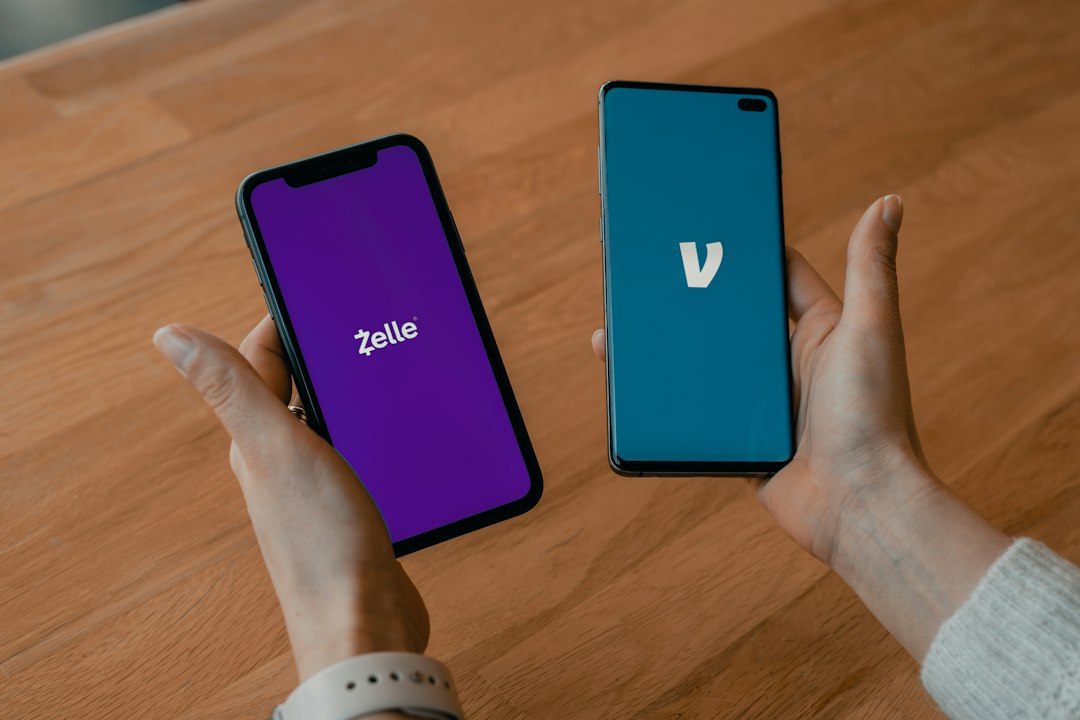
Zelle vs. Venmo vs. Cash App vs. PayPal
When Zelle is not available, the fastest backup depends on what the money is for. Rent, dinner, freelance work, and online purchases each have different risk levels.
| Service | Best for | Main strength | Main drawback |
|---|---|---|---|
| Zelle | Bank-to-bank transfers with trusted people | Fast transfers directly between bank accounts | Weak buyer protection for mistakes or scams |
| Venmo | Friends, roommates, shared bills | Easy social payments and payment notes | Instant cash-out may cost extra |
| Cash App | Quick peer payments and simple cash handling | Simple interface and Cash Card features | Support can feel slow when disputes get messy |
| PayPal | Online purchases, invoices, buyer protection | Strong merchant and purchase tools | Fees and holds can annoy sellers |
When Zelle is the better choice
Zelle is best when both people know each other and trust each other. It works well for a parent sending money to a child, a roommate paying utilities, or a friend reimbursing concert tickets. The money often arrives fast, and there is no need to keep a separate app balance.
The catch is that speed can hurt. If money goes to the wrong person, recovery may be difficult. A typo in a phone number can turn into a long support call. A scammer pretending to be a landlord or bank employee can cause real damage.
When Venmo may be better
Venmo works well for casual payments. Splitting brunch, paying a roommate, or covering a group gift feels easy. Users can add notes, emojis, and reminders. That makes it more social than Zelle.
Venmo also gives users a wallet balance unless they transfer funds to a bank. That can be useful, but it adds one more step. Standard transfers may take time. Instant transfers may include a fee.
When Cash App may be better
Cash App is built for speed and simplicity. It is popular with users who want a clean interface and a debit card tied to the app. It can be handy for small payments, allowances, tips, and informal services.
It is less ideal when a payment needs full purchase protection. A user buying goods from a stranger should be cautious. If the deal feels sketchy, it probably is.
When PayPal may be better
PayPal is often the safer pick for purchases, invoices, and online sellers. It supports goods and services payments, business accounts, recurring billing, and international usage in many cases.
That extra structure comes with fees, holds, and more rules. Sellers may dislike waiting for funds. Buyers may prefer the added protection anyway.
Best backup plan if Zelle is down
A smart backup plan is simple. For trusted personal payments, Venmo or Cash App may work. For purchases from strangers or businesses, PayPal is often safer. For urgent rent or bills, a bank transfer, debit card payment, wire transfer, or check may be more reliable than waiting for an app outage to clear.
A user should also avoid sending duplicate payments while troubleshooting. If the first transfer is pending, a second attempt may create a bigger mess. It is better to take a screenshot, check the bank account, and contact support.
FAQ
Is Zelle shut down?
No. Zelle still works through many participating banks and credit unions. The confusion is mainly tied to changes with the standalone Zelle app and occasional bank-level issues.
Why can’t someone find Zelle in a bank app?
The bank may have moved it after an app update. It may appear under Transfers, Payments, or Send Money. If it is missing, the account may not be eligible.
Does Zelle have an official outage page?
Zelle support pages provide official help, but many outages show up first through the user’s bank. The bank’s app, website, and support team are usually the best first checks.
Is Venmo safer than Zelle?
It depends on the payment. Venmo can be better for casual app-based payments. Zelle is better for direct bank transfers between trusted people. Neither should be used casually with strangers.
Which app is best if Zelle is not working?
For friends, Venmo or Cash App may be easiest. For online purchases or business payments, PayPal is often the better choice because it has stronger purchase tools.
Can a Zelle payment be canceled?
Only in limited cases. If the recipient is already enrolled, the payment may move within minutes. If the recipient is not enrolled, cancellation may be possible through the bank app.