A mobile app business should start with proof of demand, not code. The market is large, but crowded: consumers spent 5.1 trillion hours on mobile in 2023, according to data.ai [source: data.ai]. That means opportunity exists, but attention is expensive. A founder needs a sharp user problem, a small testable product, and a plan for growth before paying for full development.
TLDR: A strong mobile app business moves from problem research to MVP, then to testing, launch, and measured growth. For example, a fitness app team might test a landing page first, get 1,000 visitors, convert 8% to an email list, and only then build a paid workout planner. The goal is to reduce risk before spending $30,000 to $150,000 on development. The best teams track retention, acquisition cost, and revenue per user from day one.
1. Start With a Painful Problem
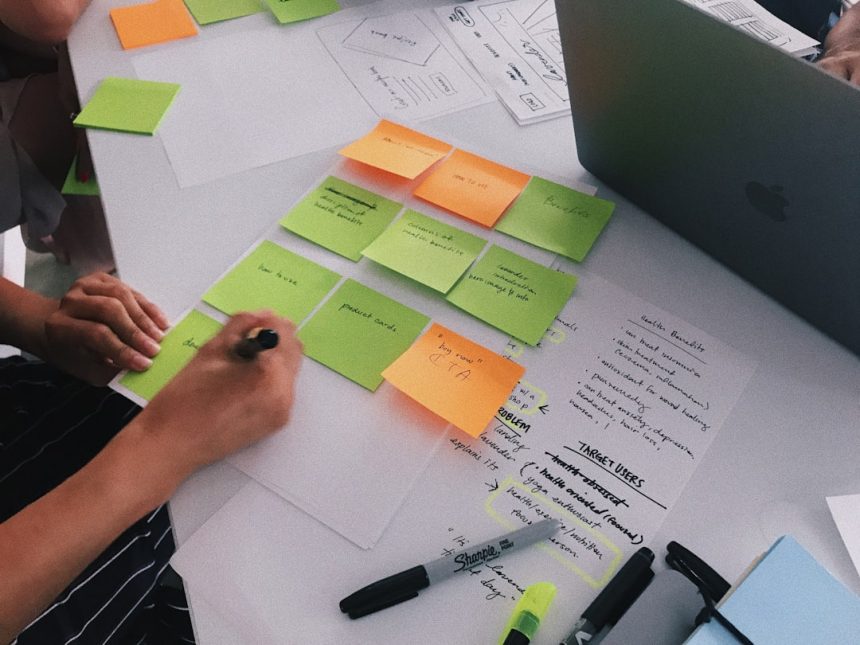
The best app ideas are not “cool.” They are useful. A founder should look for a problem that people already try to solve with messy spreadsheets, group chats, paper notes, or clunky software. That friction is where a business can begin.
A useful idea passes three tests:
- Frequency: Users face the problem often.
- Urgency: The problem costs time, money, comfort, or status.
- Budget: The user or business can pay for relief.
It drives many teams crazy that a weak idea can still get polite praise. Friends may say, “That sounds great,” but praise does not prove demand. Preorders, email signups, interviews, and repeated complaints are better signals.
2. Define the Target User
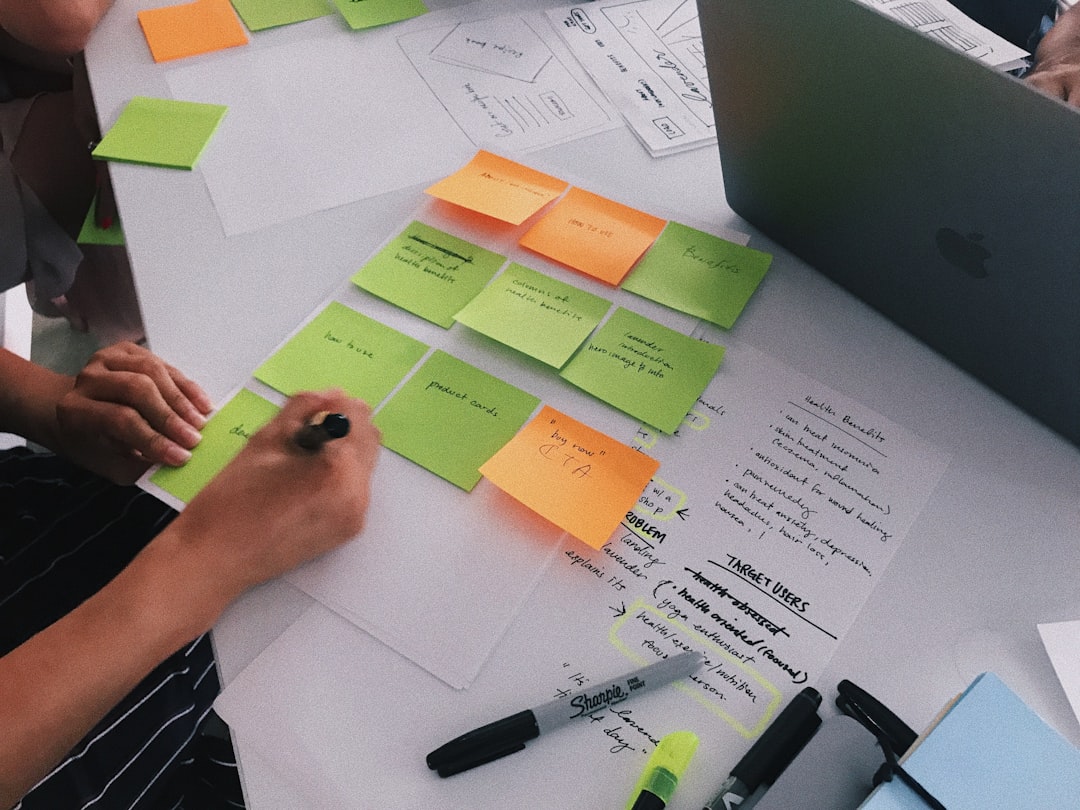
A mobile app should not be built for “everyone.” That usually means it is built for no one. The team should define one clear early user group.
For example, a budgeting app for “people who want to save money” is too broad. A better target is freelance designers in the United States who need to separate tax savings from monthly spending. That gives the team clearer feature choices, better ad copy, and stronger pricing tests.
A simple user profile should include:
- Age range and location
- Main job or daily routine
- Current solution
- Biggest frustration
- Reason to switch
- Willingness to pay
3. Research Competitors Without Copying Them
Competitor research should answer one question: why would a user switch? The founder should review app store ratings, Reddit threads, YouTube comments, and customer reviews. Low-star reviews are gold. They show what users hate.
Common gaps include slow onboarding, confusing pricing, missing integrations, poor design, weak support, or too many steps to finish basic tasks. If a calendar app takes 14 taps to create a shared event, while the new app does it in 4, that is a real edge.
The team should list competitors in a simple table:
- App name
- Main audience
- Pricing
- Best feature
- Most common complaint
- Possible opening
4. Choose a Business Model Early
A mobile app business needs revenue logic before launch. Waiting until later often creates awkward design choices. Honestly, it feels like many teams bolt on payments after building the app, then wonder why users refuse to pay.
Common models include:
- Freemium: Basic access is free, premium features cost money.
- Subscription: Users pay monthly or yearly.
- One-time purchase: Users pay once to download or unlock the app.
- In-app purchases: Users buy credits, content, templates, or upgrades.
- Marketplace fees: The app takes a percentage from transactions.
- B2B licensing: Companies pay for employee or customer access.
The model should fit usage. A meditation app may work well with subscriptions. A photo filter pack may fit one-time purchases. A food delivery app needs transaction fees and strong logistics.
5. Build a Lean MVP
An MVP is not a bad version of the full product. It is the smallest serious version that proves the main promise. It should solve one core problem well.
For a language learning app, the MVP might include one lesson path, streak reminders, progress tracking, and payment. It does not need forums, badges, AI tutors, ten languages, and teacher profiles on day one.
A founder should sort features into three groups:
- Must have: Needed to solve the main problem.
- Nice to have: Helpful, but not needed for launch.
- Later: Interesting, but risky or expensive.
6. Pick the Right Development Path
The team has four common options:
- No-code tools: Fast for prototypes and simple apps.
- Freelancers: Flexible, but quality varies.
- Agency: More structure, higher cost.
- In-house team: Best for long-term control, but expensive.
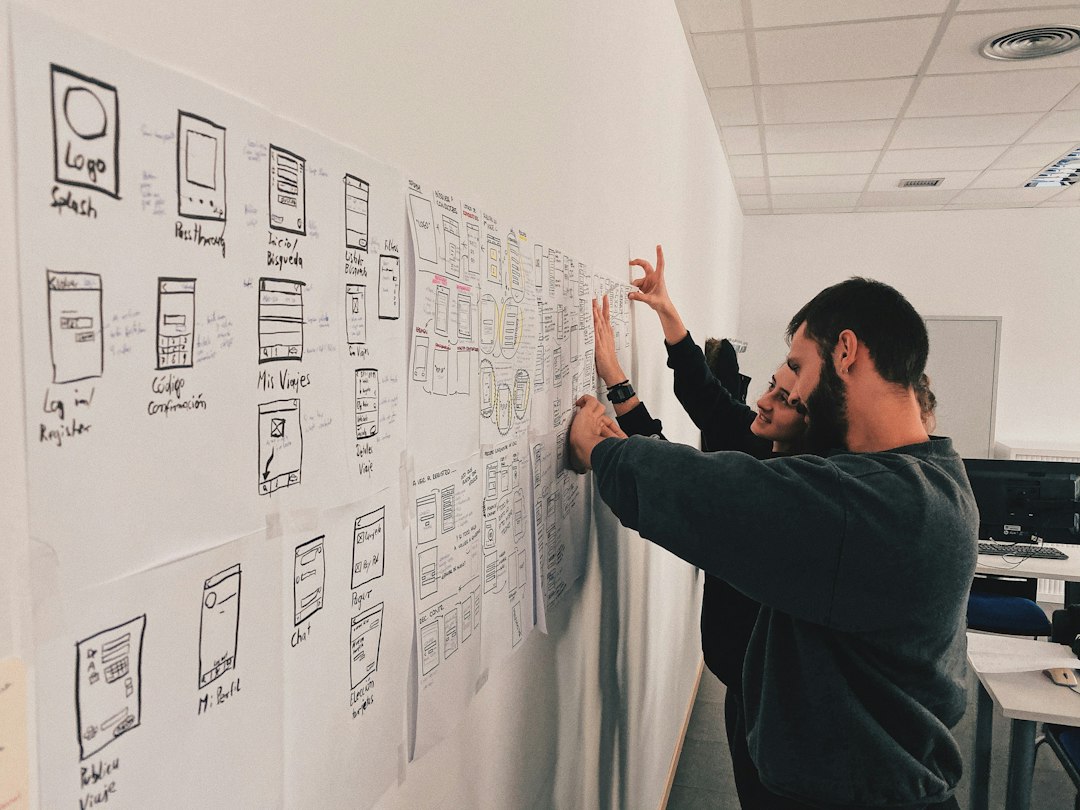
For many startups, a clickable prototype comes first. Then a no-code or lightweight MVP can test demand. Custom development makes more sense after the app proves usage and revenue potential.
The founder should also decide between native and cross-platform development. Native apps can offer strong performance on iOS or Android. Cross-platform tools can reduce cost and speed up release. The right answer depends on budget, performance needs, and team skill.
7. Design Onboarding, Not Just Screens
Good mobile design gets users to value fast. The first session matters. If users do not understand the app in 30 to 60 seconds, many leave.
Strong onboarding should:
- Ask for only needed permissions
- Show the main benefit quickly
- Use short screens and plain words
- Let users try the product before heavy setup
- Offer sample data if the app feels empty
Push notifications should be useful, not needy. A reminder that helps a user finish a goal is fine. Five generic alerts per day will cause uninstalls.
8. Test Before Public Launch
Before launch, the team should run closed testing with 50 to 200 users. These users should match the target group. Family members are rarely enough.
The team should measure:
- Activation rate: How many users reach the first key action?
- Day 1 retention: How many return the next day?
- Day 7 retention: How many return after a week?
- Crash rate: How often does the app fail?
- Conversion rate: How many users pay or start checkout?
If Day 7 retention is under 10%, the app may have a usefulness problem. If many users start signup but quit, onboarding may be too long. If users love the app but refuse to pay, the pricing or value claim needs work.
9. Prepare the App Store Launch
The app store page is a sales page. Screenshots, reviews, icon design, and the first two lines of copy matter a lot.
A strong launch checklist includes:
- Clear app name and subtitle
- Keyword research for app store search
- Benefit-led screenshots
- Short preview video if useful
- Privacy policy and terms
- Support email or help center
- Analytics setup
- Crash reporting
Expect to waste time on store review details. A tiny metadata issue can delay approval by days. Payment wording, permissions, and privacy labels should be checked before submission.
10. Grow With Measured Channels
After launch, the business should not chase every channel. It should test one or two at a time. Paid ads, search, influencer campaigns, content, partnerships, referral loops, and app store search can all work. Each has a cost.
The founder should know three numbers:
- CAC: Cost to acquire one user or customer.
- LTV: Total revenue expected from one customer.
- Payback period: Time needed to recover acquisition cost.
If a subscription app earns $48 per user per year and spends $60 to acquire that user, growth is broken unless retention improves. If the app earns $120 and acquisition costs $35, paid growth may work.
11. Improve After Launch
Launch is not the finish line. It is the first honest test. The team should study user behavior every week. Support tickets, churn reasons, session recordings, and reviews can show what to fix next.
The best updates usually remove friction. Fewer taps. Faster loading. Clearer pricing. Better empty states. Simpler setup. Small changes can lift revenue more than flashy new features.
FAQ
-
How much does it cost to build a mobile app business?
A simple MVP may cost $10,000 to $50,000. A more complex custom app can cost $75,000 to $250,000+, not counting marketing, support, and maintenance. -
Should a founder build for iOS or Android first?
The answer depends on the target audience. If early users are mostly in markets with high iPhone usage, iOS may come first. If the audience is global and cost-sensitive, Android may be the better first bet. -
Does every app need outside funding?
No. Many apps can start with a small MVP, subscriptions, services, or preorders. Funding helps when growth, data, licensing, or infrastructure costs are high. -
What is the biggest reason mobile apps fail?
Many fail because they solve a weak problem or cannot retain users. Downloads mean little if users leave after one session. -
When should the app launch?
It should launch when the core feature works, analytics are installed, payment or signup flows are tested, and early users can get real value without hand-holding.