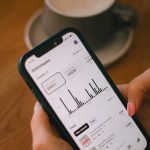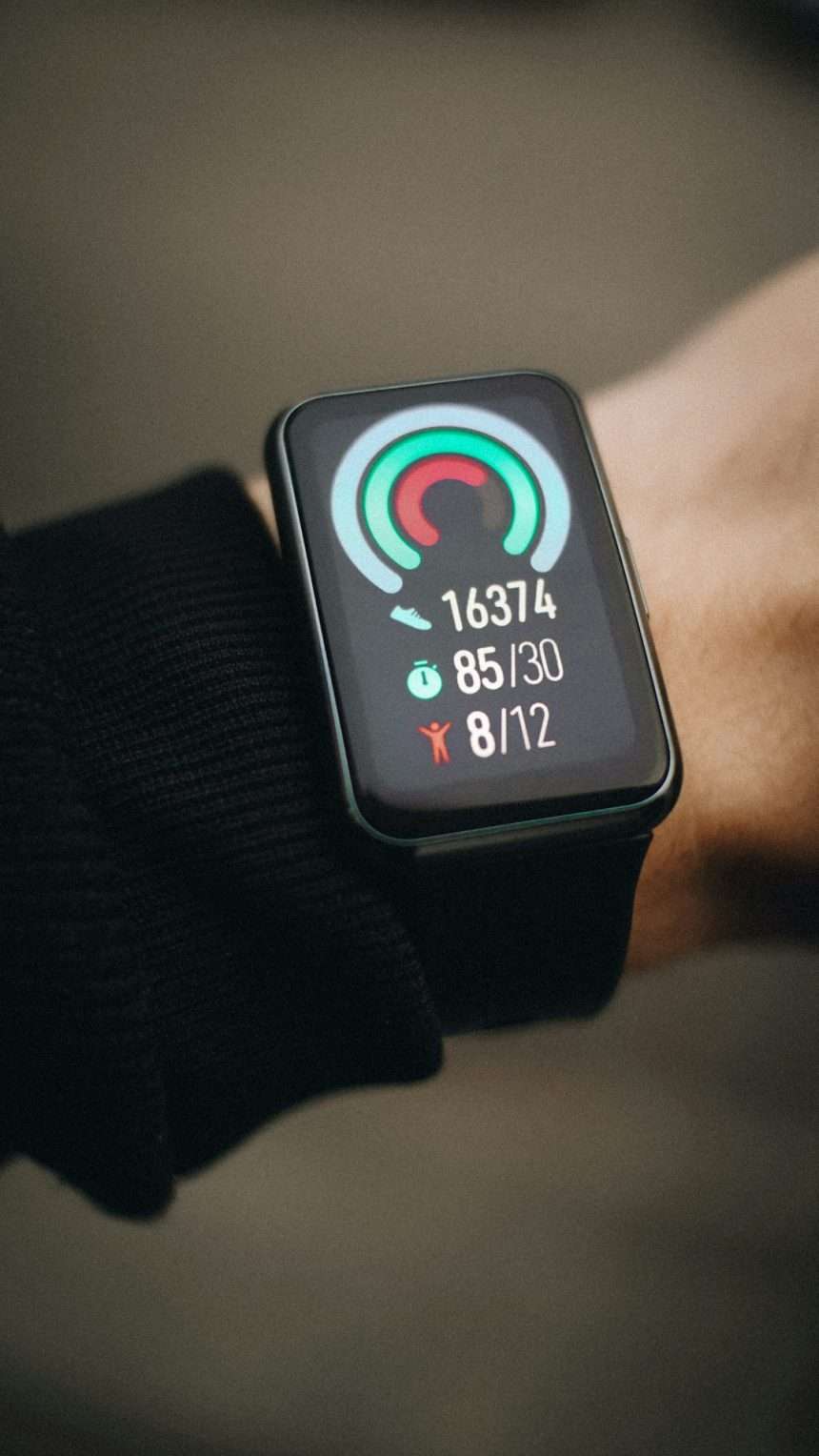
Smartwatches have become small personal data hubs, carrying health records, location history, payment credentials, messages, contacts, and account notifications. Because they sit on the wrist all day and often connect to phones, apps, cloud services, and wireless networks, their security features matter more than many owners realize.
TLDR: Modern smartwatches protect privacy through features such as screen locks, encryption, secure payments, app permissions, and remote wipe tools. The strongest protection comes from combining built-in security settings with careful user habits. A smartwatch owner should keep software updated, limit unnecessary permissions, and use recovery tools in case the device is lost or stolen.
1. Passcodes, PINs, and Biometric Locks
One of the most basic but important security features on a smartwatch is a device lock. A passcode, PIN, pattern, or biometric prompt prevents strangers from opening the watch and reading private notifications, health statistics, messages, or payment apps.
Many smartwatches automatically lock when removed from the wrist. This is especially useful because a watch is easier to misplace than a phone. If the device detects that it is no longer being worn, it can require authentication before showing sensitive information again.
Why it matters: even a short delay between losing a watch and noticing it is gone can expose text messages, calendar events, and contact details. A lock screen creates the first barrier against quick access.

2. Data Encryption
Encryption converts readable data into protected code that cannot be easily understood without the correct key. On smartwatches, encryption can protect stored data such as app details, activity records, synced messages, and account information.
This feature is especially important because smartwatches regularly exchange data with paired smartphones and cloud services. When properly implemented, encryption helps protect information both on the device and during transmission between the watch, phone, and servers.
For health-focused watches, encryption is even more valuable. Heart rate trends, sleep patterns, menstrual cycle tracking, workout routes, and other wellness data can be deeply personal. Strong encryption helps keep that data from becoming easy prey if the device or account is compromised.
3. Secure Pairing With Smartphones
A smartwatch usually depends on a paired phone for setup, app management, notifications, and internet access. Because of this, secure pairing is a key privacy feature. During pairing, the watch and phone verify each other so that unauthorized devices cannot easily connect.
Secure pairing often uses codes, confirmation prompts, Bluetooth protection, and account verification. These safeguards reduce the risk of a nearby attacker pretending to be the owner’s phone or attempting to intercept information during setup.
Owners should avoid pairing a smartwatch in crowded public areas if unnecessary, and they should remove old or unknown paired devices from Bluetooth settings. A clean device list makes it easier to spot suspicious connections.
4. App Permission Controls
Smartwatch apps can request access to sensors, location, contacts, microphone, notifications, and health data. Permission controls allow owners to decide which apps can access specific information.
This matters because not every app needs every type of data. A weather app may need approximate location, but it may not need contact access. A fitness app may need motion and heart rate information, but it may not need microphone access.
- Location permission controls whether an app can track routes or nearby places.
- Health data permission controls access to activity, sleep, and biometric details.
- Notification permission controls which alerts appear on the watch.
- Microphone permission limits apps that can capture voice input.
Privacy-conscious owners regularly review app permissions and remove apps they no longer use. This reduces the amount of data exposed to third-party services.
5. Secure Mobile Payments
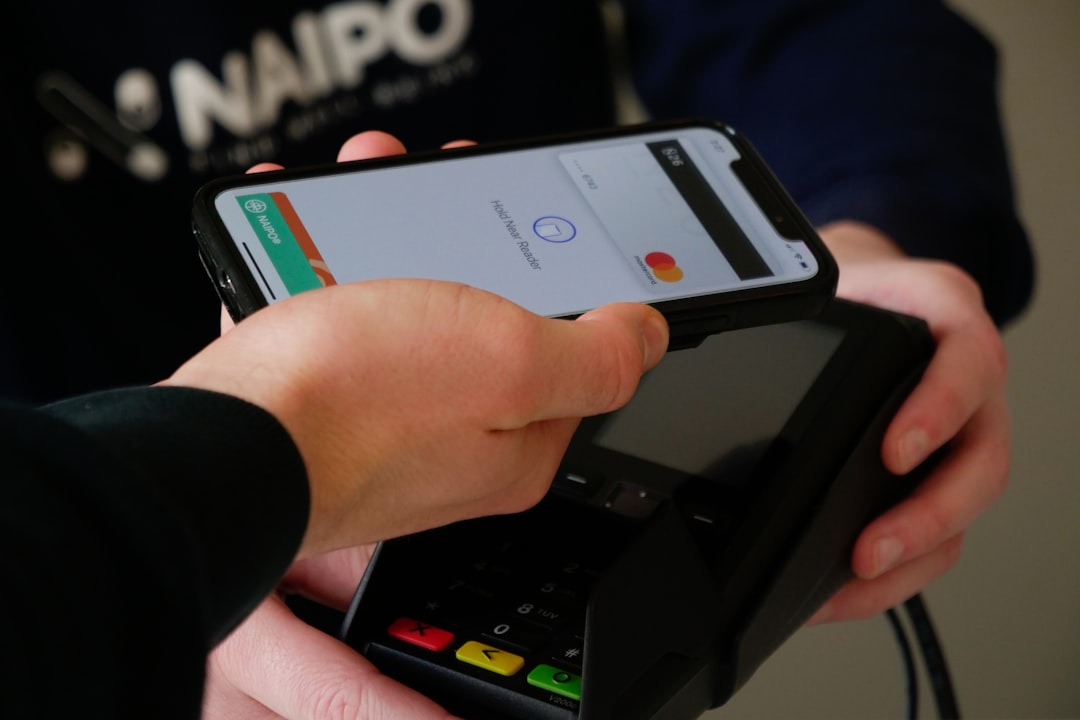
Many smartwatches support contactless payments, which can be convenient but must be carefully protected. The best systems use tokenization, meaning the actual card number is not shared with merchants. Instead, the system creates a limited digital token for transactions.
Payment features typically require a passcode and may stop working when the watch is removed from the wrist. This design helps prevent someone from using a stolen watch to make purchases.
Why it matters: secure payment systems protect financial data while still allowing fast transactions. Owners should only add cards through official wallet apps and should immediately remove payment cards from a lost device using account management tools.
6. Remote Lock, Find, and Wipe
A smartwatch can be lost at a gym, office, hotel, airport, or public transit station. Remote security tools help reduce damage when the device is missing.
Common remote protection features include:
- Find device: shows the watch’s last known location or makes it play a sound.
- Remote lock: prevents access until the correct account or passcode is entered.
- Remote wipe: deletes personal data if recovery seems unlikely.
These tools are most effective when enabled before the watch is lost. The owner should also make sure the watch is linked to the correct account and that recovery options, such as backup email addresses or phone numbers, are current.
7. Software Updates and Security Patches
Like phones and computers, smartwatches need regular updates. Manufacturers release security patches to fix weaknesses that could be exploited by attackers. Updates may also improve Bluetooth protection, app behavior, payment security, and health data handling.
Ignoring updates can leave a device exposed to known vulnerabilities. In many cases, criminals do not need to invent new attacks; they simply look for devices that have not been patched.
A smartwatch owner should enable automatic updates when available or check for updates regularly through the companion phone app. Keeping both the watch and the paired smartphone updated creates a stronger overall security chain.
8. Privacy Settings for Health, Location, and Notifications
Smartwatches collect information that can reveal routines, habits, and personal conditions. Privacy settings help control how much of that information is stored, shared, or displayed.
For example, location tracking may be useful during runs or cycling sessions, but constant background location access may not be necessary. Notification previews may be convenient, but they can also expose private messages to anyone nearby. Health sharing features may help families or doctors, but they should be configured carefully.
Important privacy settings often include:
- Notification previews: hides message content until the watch is unlocked.
- Workout route controls: limits sharing of maps and frequent locations.
- Health data sharing: manages which apps and contacts can view wellness records.
- Voice assistant history: controls storage of voice commands and recordings.
These settings give owners more control over their digital footprint. The goal is not to disable every useful feature, but to share only what is necessary.
Smart Habits That Strengthen Watch Security
Built-in tools work best when paired with careful habits. A smartwatch owner should use a strong passcode, avoid installing unknown apps, review privacy settings after system updates, and be cautious when connecting to unfamiliar networks or services.
It is also wise to buy smartwatches from reputable manufacturers that provide long-term software support. A cheap device with weak update policies may cost less at first but can create greater privacy risks over time.
Smartwatch security is not a single setting. It is a combination of authentication, encryption, permission control, update discipline, and recovery planning. When these pieces work together, the device becomes far safer for daily use.
FAQ
Are smartwatches easy to hack?
Smartwatches are not automatically easy to hack, but they can be vulnerable if they use outdated software, weak passwords, unsafe apps, or poor Bluetooth security. Regular updates and careful settings greatly reduce the risk.
Can a stolen smartwatch expose personal data?
Yes, especially if it has no passcode or still shows notification previews. However, wrist detection, device locks, encryption, and remote wipe tools can protect the owner’s information after loss or theft.
Should smartwatch owners allow apps to access health data?
They should allow access only when the app genuinely needs it and comes from a trusted developer. Health data is sensitive, so unnecessary access should be denied or removed.
Are smartwatch payments safer than carrying a card?
They can be very safe because many systems use tokenization and require the watch to be unlocked. If the watch is lost, the owner should immediately lock it or remove payment cards remotely.
How often should smartwatch privacy settings be checked?
Privacy settings should be reviewed after installing new apps, after major software updates, and whenever the owner changes how the watch is used. A quick review every few months is also a good habit.