
Typesetting is where raw text becomes a polished reading experience. Whether you are preparing a novel, textbook, annual report, academic journal, magazine, brochure, or ebook, the way text is arranged affects readability, professionalism, and even production cost. Understanding how typesetting is priced helps you compare quotes, avoid hidden fees, and build a realistic budget before your project moves into design or print.
TLDR: Typesetting prices vary based on project complexity, page count, formatting requirements, file condition, and output formats. Simple books may be priced per page, while complex educational, technical, or illustrated projects often require hourly or custom quotes. Expect costs to rise when there are tables, footnotes, equations, images, indexes, multiple revisions, or ebook conversion. The best way to control your budget is to provide clean files, a clear brief, and a realistic production schedule.
What Typesetting Actually Includes
At its simplest, typesetting means arranging text on a page so that it is readable, consistent, and visually balanced. In professional publishing, however, it usually involves much more than dropping words into a template. A typesetter may apply paragraph styles, set margins, adjust line spacing, control hyphenation, place images, format headings, create running headers, manage footnotes, and prepare files for print or digital distribution.
For books and long documents, good typesetting creates a rhythm. Page numbers sit where readers expect them. Chapters begin consistently. Widows and orphans are corrected. Tables align. Captions are styled properly. The document feels calm and intentional rather than improvised.
Because the work can range from straightforward to highly technical, prices are not always easy to compare. A 200 page novel and a 200 page medical textbook may have the same page count but completely different production demands.
Main Typesetting Cost Models
Typesetters and publishing service providers typically use one of several pricing models. Each model has advantages depending on the type of project.
1. Per Page Pricing
Per page pricing is one of the most common models for books, reports, manuals, and other predictable layouts. The provider charges a fixed amount for each finished page.
- Simple text layout: often used for novels, memoirs, essays, and straightforward nonfiction.
- Moderate layout: includes headings, images, tables, callouts, or occasional footnotes.
- Complex layout: includes heavy formatting, many figures, equations, charts, sidebars, or academic references.
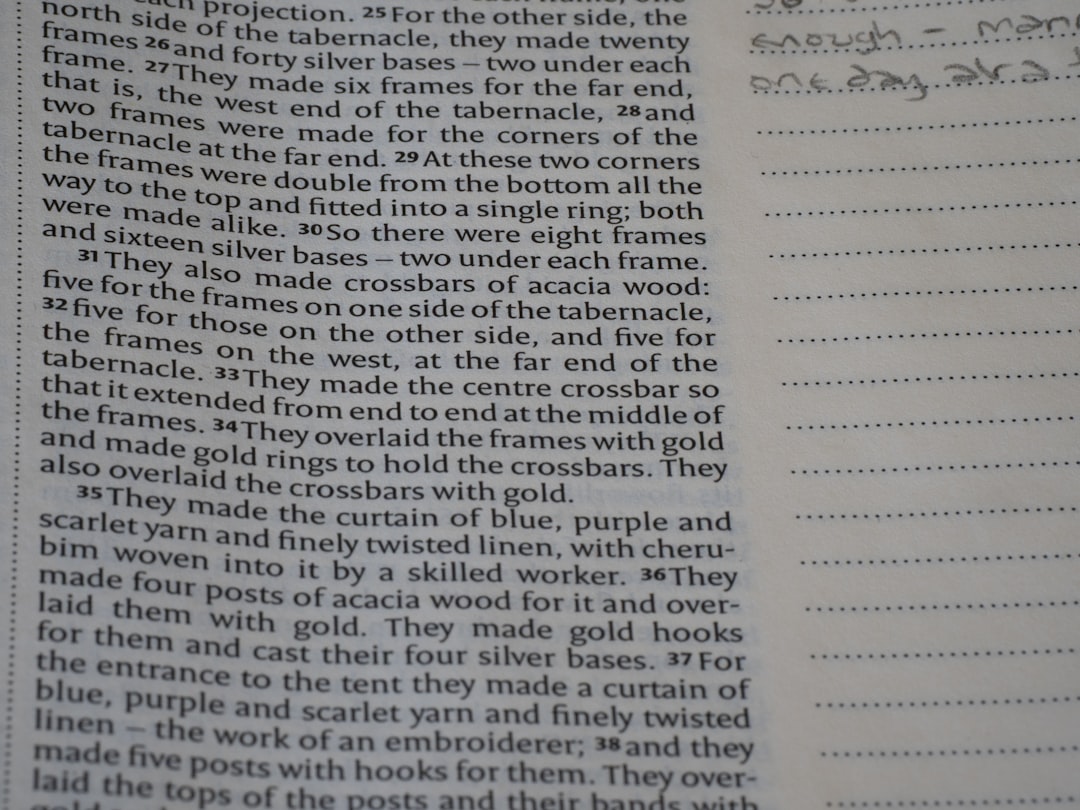
Per page rates are attractive because they are easy to estimate. If your book is expected to be 250 pages and the rate is fixed, budgeting becomes simple. However, the provider may still charge extra for complicated tables, image correction, redraws, indexing, or excessive revisions.
2. Hourly Pricing
Hourly pricing is often used when the scope is uncertain. This may apply to messy manuscripts, experimental layouts, academic files with heavy references, or projects that need design development before final pages can be produced.
Hourly rates vary widely based on location, experience, and specialization. A junior production designer may charge less, while a senior typesetter with expertise in math, multilingual publishing, or complex editorial workflows may charge more. Hourly pricing works best when there is trust, good communication, and a cap or estimate in place.
3. Fixed Project Pricing
With fixed project pricing, the typesetter reviews your files and gives a single quote for the entire job. This model is common for publishers, businesses, and authors who want budget certainty.
A fixed quote usually includes a defined scope, such as:
- Interior layout for a specific page size
- One or two design samples
- Print ready PDF export
- A limited number of correction rounds
- Basic image placement and caption styling
The key word is defined. If the scope changes, the quote may change too. For example, adding 60 images after layout has already begun can affect both timeline and price.
4. Per Word or Per 1,000 Words
Some providers price long-form content by word count, especially when the final page count is not yet known. This can work for manuscripts, ebooks, and documents that will be flowed into a standard template. However, word-based pricing becomes less reliable when pages contain many illustrations, tables, or design-heavy elements.
5. Package Pricing
Many self-publishing and editorial service companies offer packages. These may bundle typesetting with cover design, ebook formatting, proofreading, ISBN setup, or print upload support. Packages are convenient, but it is important to understand exactly what is included. A low-cost package may cover only a basic interior layout, while a premium package may include custom design, multiple formats, and more revision rounds.
Typical Typesetting Rates
Rates differ by market, but the following ranges can help you build a starting budget. These are general estimates rather than guaranteed prices.
- Simple fiction or memoir: approximately $2 to $6 per finished page.
- General nonfiction: approximately $4 to $10 per finished page.
- Business books and reports: approximately $6 to $15 per finished page.
- Textbooks or educational materials: approximately $10 to $30 or more per finished page.
- Academic or technical books: approximately $12 to $40 or more per finished page.
- Hourly professional typesetting: commonly $35 to $100 or more per hour.
At the lower end, you are usually paying for template-based formatting and limited customization. At the higher end, you are paying for specialized judgment, complex page composition, production knowledge, and problem solving.
What Makes a Project More Expensive?
The biggest mistake in budgeting is assuming that all pages cost the same. In typesetting, a plain page of prose is quick. A page with a chart, image, caption, sidebar, endnote, and cross-reference may take much longer.
Common price drivers include:
- Tables: especially large, multi-page, or data-heavy tables.
- Images and illustrations: including placement, sizing, captions, and quality checks.
- Footnotes and endnotes: particularly in academic or legal texts.
- Equations and formulas: common in scientific, technical, and mathematical books.
- Indexes: either created manually or formatted from provided entries.
- Multiple languages: especially right to left scripts or languages requiring special typography.
- Color pages: which may require extra print production planning.
- Ebook conversion: because print layouts do not automatically become clean reflowable ebooks.
Print Typesetting vs Ebook Formatting
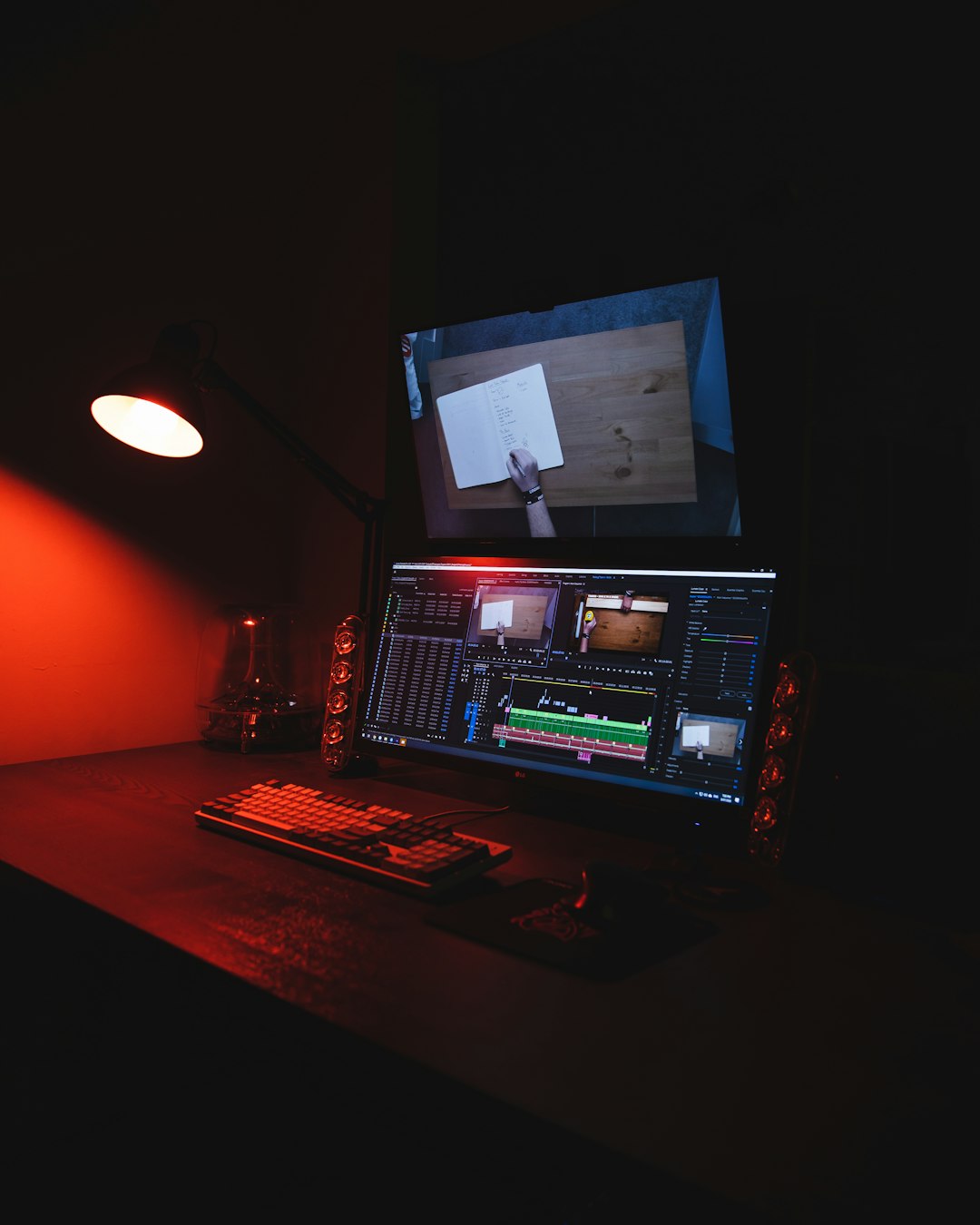
Print and ebook formatting are related, but they are not the same. A print book has fixed pages. The designer controls margins, page numbers, line endings, and image positions. An ebook, especially a reflowable ebook, must adapt to different screens, font sizes, and reading apps.
For that reason, many projects require two deliverables: a print ready PDF and an ebook file, such as EPUB. Some designers include ebook formatting as an add-on. Others quote it separately because it requires extra testing and cleanup.
If your book contains only simple text, ebook conversion may be inexpensive. If it contains complex tables, sidebars, poems, image spreads, or special typography, the ebook version may require careful restructuring.
How Revisions Affect the Budget
Revisions are a normal part of publishing, but they can become expensive when they are not managed well. Most typesetting quotes include a limited number of correction rounds. For example, the first round may fix layout issues and author corrections, while the second round may catch final typos.
Costs rise when major editorial changes happen after layout begins. Adding paragraphs, deleting sections, changing chapter order, or rewriting captions can cause text to reflow across many pages. That may require the typesetter to adjust page breaks, image positions, contents pages, running heads, and index references.
To save money, complete as much editing and proofreading as possible before typesetting starts. Treat the typeset proof as a final correction stage, not as another drafting stage.
How to Create a Typesetting Budget
A practical budget starts with a clear description of the project. Before asking for quotes, gather the information a typesetter needs to estimate accurately.
- Final word count: or current page count if the manuscript is already formatted.
- Trim size: such as 5 x 8 inches, 6 x 9 inches, A4, or letter size.
- Genre or document type: novel, report, workbook, journal, manual, or catalog.
- Number of images, tables, and charts: with examples if possible.
- Special elements: footnotes, references, equations, sidebars, pull quotes, or indexes.
- Output needs: print PDF, EPUB, accessible PDF, source files, or printer specifications.
- Schedule: including desired proof dates and final delivery deadline.
Once you have this information, request quotes from two or three providers. Avoid choosing purely on price. A very cheap quote may not include revisions, print preparation, ebook testing, or support if the printer rejects the file.
Sample Budget Scenarios
Here are three simplified examples to show how costs can vary.
Scenario A: 80,000 Word Novel
A straightforward novel with chapter openings, page numbers, and no images might finish at around 280 pages. At $3 to $5 per page, interior typesetting could cost roughly $840 to $1,400. Ebook formatting might add another $100 to $300, depending on the provider.
Scenario B: Business Book with Charts
A 50,000 word business book with 40 charts, callout boxes, and a more polished layout may be closer to 220 pages. At $8 to $15 per page, the cost could fall between $1,760 and $3,300. If charts need redesigning rather than simple placement, the cost may increase.
Scenario C: Academic Textbook
A 300 page textbook with tables, references, diagrams, exercises, and footnotes may cost $15 to $35 per page or more. That creates a range of $4,500 to $10,500 plus possible fees for indexing, permissions cleanup, or ebook adaptation.

Questions to Ask Before Hiring a Typesetter
Before approving a quote, ask direct questions. Good professionals will be clear about scope, timeline, and deliverables.
- How many sample pages or design concepts are included?
- How many revision rounds are included in the price?
- What counts as an extra charge?
- Will I receive print ready files that meet printer specifications?
- Is ebook formatting included or separate?
- Do you check image resolution and color settings?
- Will I receive editable source files, and is there an additional fee?
- What happens if the printer or platform requests file changes?
Tips for Reducing Typesetting Costs
You do not need to cut quality to control your budget. The easiest savings come from preparation.
- Submit clean text: remove duplicate spaces, inconsistent headings, and unnecessary manual formatting.
- Finalize editing first: avoid rewriting after layout begins.
- Provide organized assets: label images clearly and match captions to file names.
- Use a style guide: even a simple guide helps maintain consistency.
- Be realistic with deadlines: rush fees can be significant.
- Clarify deliverables: decide up front whether you need print, ebook, or both.
Final Thoughts
Typesetting prices reflect time, complexity, and expertise. A simple manuscript can often be formatted affordably, while a technical or design-heavy project requires a larger investment. The best approach is to treat typesetting as part of the publishing strategy rather than a last-minute production task.
When you provide clean files, define your output needs, and understand the pricing model, you are much more likely to receive accurate quotes and avoid surprises. Most importantly, professional typesetting improves how readers experience your work. It turns content into a finished product that feels credible, comfortable, and ready for the world.