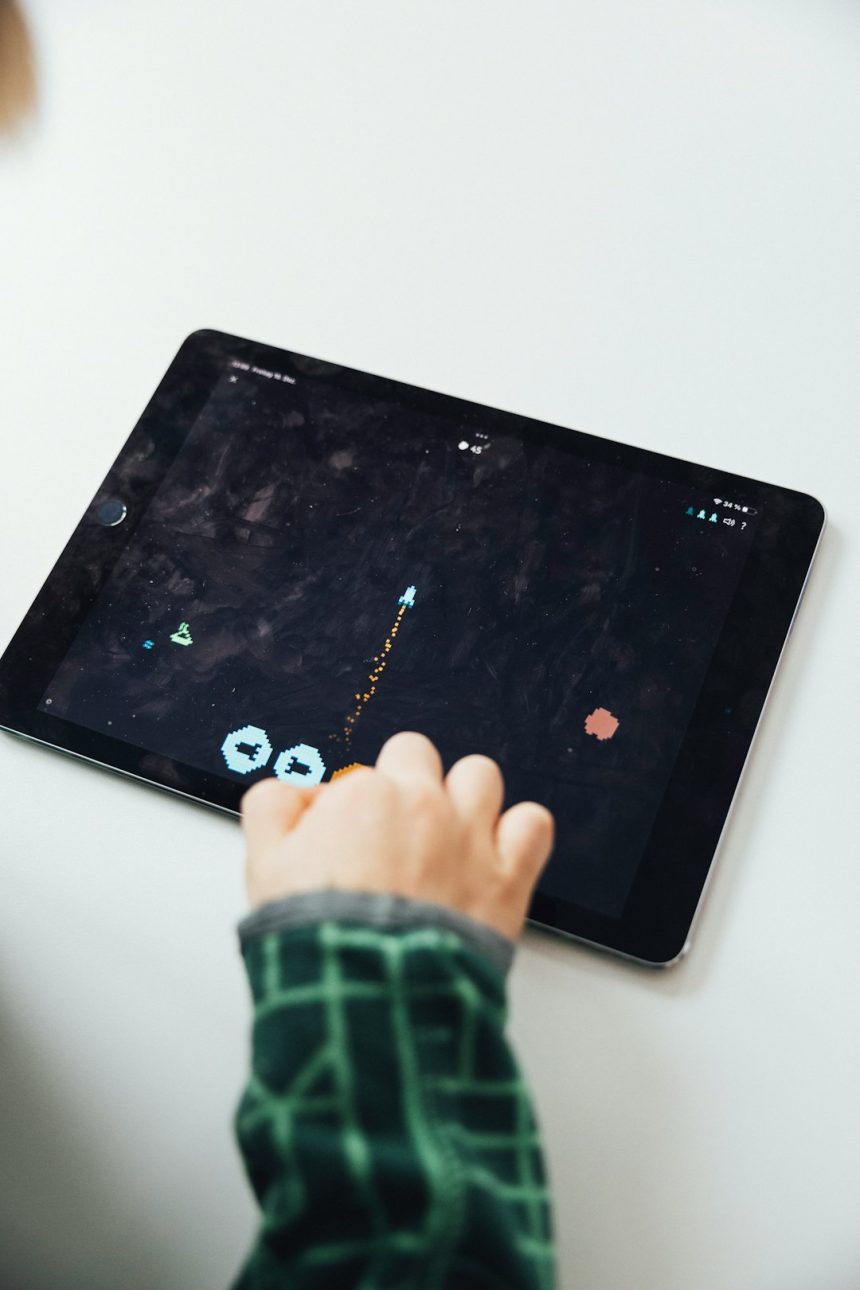
In many classrooms, game-based learning has moved beyond the occasional quiz competition or end-of-unit review. Teachers are now using AI game makers to help students build, customize, test, and play educational games connected directly to classroom goals. Instead of spending weeks learning complex coding tools, students can describe an idea, generate characters or challenges, adjust rules, and quickly turn curriculum concepts into interactive experiences.
TLDR: Teachers are using AI game makers to create engaging, curriculum-aligned learning activities faster than ever before. These tools help students design games, practice problem-solving, build digital skills, and demonstrate knowledge in creative ways. When used thoughtfully, AI game makers can support collaboration, differentiation, and deeper learning without replacing the teacher’s role.
What Is an AI Game Maker?
An AI game maker is a digital tool that uses artificial intelligence to help users create games with less technical effort. In a classroom setting, this might mean a student types, “Make a platform game about the water cycle”, and the tool suggests levels, obstacles, characters, questions, rewards, or story elements. Some tools generate code, while others provide drag and drop controls supported by AI suggestions.
For teachers, the appeal is clear: game creation becomes more accessible. Students who have never coded before can still design a playable experience. Advanced students can go further by editing logic, balancing game difficulty, or refining the mechanics. This makes AI game makers useful across grade levels, subjects, and ability ranges.
These tools are not just about entertainment. They can help students practice critical thinking, creativity, communication, collaboration, and digital literacy. A well-designed classroom game project asks students to understand content deeply enough to teach it through play.
Why Teachers Are Bringing AI Game Makers Into Class
Many teachers are looking for ways to make learning more active. Traditional worksheets and lectures can still have value, but they do not always capture students’ attention or encourage exploration. AI game makers offer a way to turn lessons into challenges, simulations, quests, and puzzles.
For example, a history teacher might ask students to create a decision-based game set during the American Revolution. A science class might build a game where players identify ecosystems and survive by making correct environmental choices. A math teacher might have students design escape room puzzles that require solving equations to advance.
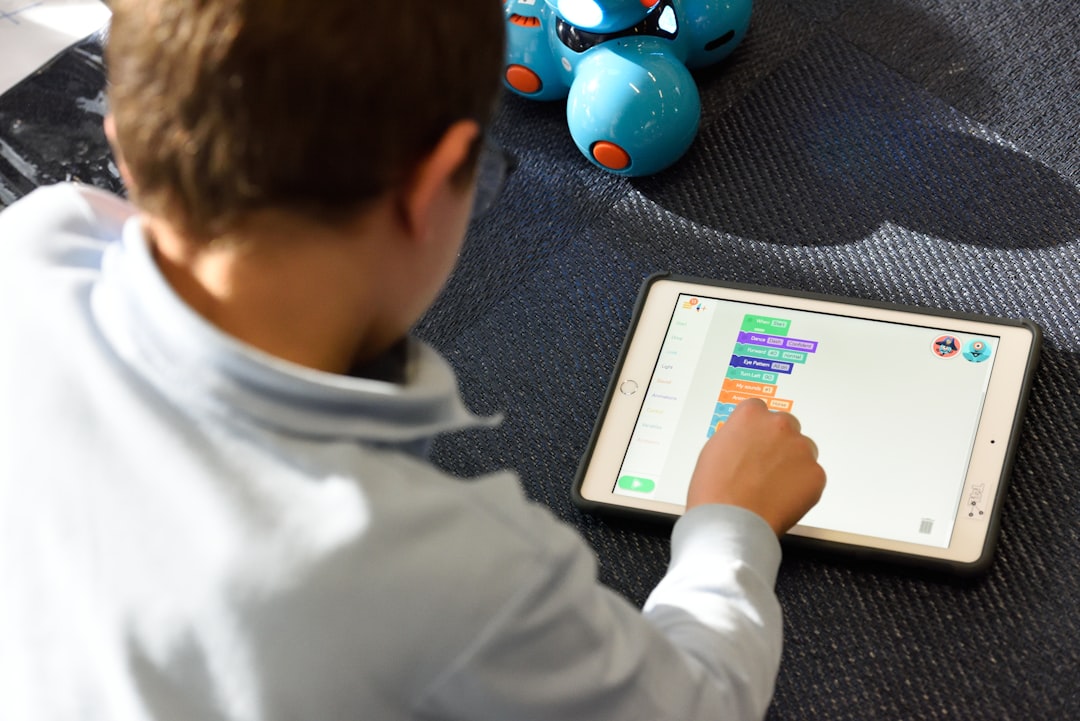
The teacher does not need to become a professional game developer. Instead, the teacher becomes a guide and learning designer, helping students connect game elements to academic goals. The AI assists with technical tasks, while students focus on content, structure, storytelling, and testing.
Turning Students From Players Into Creators
One of the biggest shifts is that students are no longer only playing educational games made by someone else. They are becoming creators. This changes the learning experience in important ways.
When students create a game, they must make decisions such as:
- What should the player learn?
- What choices should the player make?
- How will the game show progress or mastery?
- What happens when the player makes a mistake?
- How can the game stay fun while still being educational?
These questions push students to think beyond memorization. To create a useful game about fractions, for example, a student needs to understand fractions well enough to design fair challenges, predict common mistakes, and provide meaningful feedback. The act of building the game becomes a form of learning.
Supporting Different Subjects
AI game makers can be used across the curriculum, not just in technology classes. Teachers are experimenting with them in language arts, science, math, social studies, world languages, art, and even physical education.
In English and language arts, students can design interactive stories where players make choices that affect the plot. This helps reinforce narrative structure, character motivation, setting, conflict, and theme. Students can also create vocabulary games or grammar challenges with story-based rewards.
In science, AI game makers can support simulations. Students might build games about food chains, forces and motion, cell biology, weather patterns, or space exploration. A game about ecosystems, for instance, can help players see how one change affects an entire environment.
In math, students can create puzzle games that require calculations, logic, pattern recognition, or measurement. Instead of solving a list of problems, they create a system in which math is necessary to move forward.
In social studies, games can become historical simulations. Students can create role-playing games that explore trade routes, ancient civilizations, civic decision-making, or global geography. This encourages perspective-taking and cause-and-effect reasoning.
Helping Teachers Differentiate Instruction
Differentiation is one of the most practical reasons teachers are adopting AI game makers. In a classroom with many learning levels, students can work on the same broad objective while creating different kinds of games.
For example, during a unit on renewable energy, one student might create a simple matching game about energy sources, while another designs a more complex resource management game about powering a city. Both students engage with the topic, but at a level appropriate to their skills.
AI can also help by suggesting alternative explanations, simpler instructions, or more advanced challenges. A teacher might use the tool to quickly generate:
- Vocabulary support for English language learners
- Extra challenge levels for advanced students
- Step-by-step planning templates for students who need structure
- Feedback prompts for peer review
- Rubric categories for evaluating the final project
This does not eliminate the need for teacher judgment. In fact, it makes teacher judgment even more important. The AI may produce ideas quickly, but the teacher decides what is accurate, age-appropriate, and aligned with the learning target.
Building Collaboration and Communication Skills
Game creation naturally works well as a group project. Students can take on roles similar to those used in real game development teams. One student might focus on story, another on artwork, another on mechanics, and another on testing. Even in younger grades, these roles can be simplified into planner, builder, designer, and reviewer.
Collaboration becomes meaningful because students need one another to create a polished result. They must explain ideas clearly, listen to feedback, compromise, and solve problems together. A game that is confusing, too easy, or too difficult will not work well, so students quickly learn the value of revision.
Teachers often use playtesting as a key part of the lesson. After students build a first version of their game, classmates play it and provide feedback. They might comment on whether the instructions are clear, whether the content is accurate, and whether the game actually teaches what it is supposed to teach.
Encouraging Computational Thinking Without Heavy Coding
Not every classroom has time for a full programming course, but AI game makers can introduce computational thinking in a manageable way. Students learn that games are built from systems: rules, conditions, actions, rewards, and consequences.
Even when the AI helps generate the technical parts, students still think through logical relationships. They may decide, “If the player answers correctly, they earn a key”, or “If the character touches pollution, the health score drops.” This kind of thinking supports later coding and problem-solving skills.
Students also encounter debugging. A game may not behave as expected, or the challenge may not feel fair. They must identify the problem, test a solution, and try again. This process teaches persistence and analytical thinking in a way that feels purposeful.
Making Assessment More Creative
Teachers are also using AI game makers as an alternative to traditional assessments. Instead of asking students to write a report or take a quiz, a teacher might ask them to create a game that demonstrates understanding of a concept.
For instance, students studying the human body could create a game where players travel through different body systems. To move forward, the player must answer questions, solve problems, or make choices based on accurate scientific information. The teacher can assess both the final game and the planning behind it.
A strong assessment might look at:
- Content accuracy: Does the game teach correct information?
- Purpose: Is the learning goal clear?
- Game design: Are the rules understandable and engaging?
- Creativity: Does the game use original ideas or thoughtful design?
- Reflection: Can students explain their choices and revisions?
This kind of assessment gives students more ways to show what they know. It can be especially helpful for learners who struggle with traditional tests but thrive when asked to create, explain, and demonstrate.
Teaching Responsible AI Use
AI game makers also create a valuable opportunity to teach responsible technology use. Students need to understand that AI is a tool, not a replacement for their own thinking. Teachers can set clear expectations about how AI should be used in the project.
For example, a teacher might allow students to use AI to brainstorm game ideas or generate starter code, but require them to verify facts, revise content, and explain how the game works. Students can compare AI-generated suggestions with their own research and decide what to keep, change, or reject.
Class discussions might include questions such as:
- How do we know if AI-generated information is accurate?
- What parts of the game should reflect our own original thinking?
- How can we give credit for sources, ideas, or assets?
- What makes a game fair, inclusive, and respectful?
These conversations help students become more thoughtful digital citizens. They learn to use AI critically rather than passively accepting everything it produces.
Challenges Teachers Need to Consider
While AI game makers offer exciting possibilities, they also come with challenges. Access is one concern. Not every classroom has enough devices, reliable internet, or approved software. Teachers may need to plan group projects or offline planning activities to make participation more equitable.
Another challenge is time. Game creation can expand quickly if students become absorbed in details such as characters, colors, and sound effects. To keep projects focused, teachers often provide a clear timeline, simple requirements, and checkpoints along the way.
Accuracy is also important. AI can generate incorrect facts or misleading explanations. Teachers should build in research, review, and revision so students learn to confirm information before including it in their games.
Finally, privacy and safety matter. Schools should review any AI platform before classroom use, especially if students are creating accounts, uploading work, or interacting online. Teachers should follow district policies and choose tools that protect student data.
Practical Ways to Start Small
Teachers do not need to redesign an entire course to begin using an AI game maker. A small, focused activity is often the best starting point.
Here are a few simple entry points:
- Review game: Students create a short quiz game for a chapter or unit.
- Vocabulary quest: Students design a game where players unlock levels by using key terms correctly.
- Interactive story: Students build a branching narrative based on a book, historical event, or science concept.
- Simulation challenge: Students model a system, such as a food web or city government.
- Peer teaching game: Students create games for younger students or classmates to play.
A clear structure helps. Teachers can provide a planning sheet that asks students to identify the learning goal, target audience, rules, win condition, and feedback system. This keeps the focus on learning rather than simply making something flashy.
The Teacher’s Role Is Still Essential
The most successful classroom uses of AI game makers are not hands-off. Teachers still design the learning experience, set expectations, ask guiding questions, and help students reflect on their work.
AI can speed up the process, but it cannot replace the human understanding a teacher brings to the classroom. A teacher knows which students need encouragement, which groups need structure, and which content connections matter most. The AI may generate a game idea, but the teacher helps turn that idea into meaningful learning.
In many ways, AI game makers give teachers a new creative medium. They make it easier for students to experiment, revise, and share knowledge through interactive design. When used thoughtfully, these tools can turn classrooms into studios where students learn not only by answering questions, but by building experiences that ask meaningful questions of others.
Looking Ahead
As AI tools become more common, game creation may become a regular part of project-based learning. Students might build games to explain novels, model scientific systems, explore ethical dilemmas, or practice real-world decision-making. The technology will likely become easier to use, more visual, and more connected to classroom platforms.
The goal, however, should remain educational rather than purely technological. The best classroom games are not necessarily the most advanced; they are the ones that help students think, create, test, explain, and improve. For teachers, an AI game maker is not just a shortcut to making games. It is a doorway into more active, student-centered learning.