
After completing a full 3D project from concept to export using SelfCAD, several clear strengths and practical limitations come into focus. While many CAD platforms promise simplicity and power, few manage to balance the two in a browser-based environment. By building an entire project—from sketching and modeling to sculpting, rendering, and preparing files for 3D printing—valuable insights emerge about what SelfCAD truly offers and who it serves best.
TLDR: SelfCAD stands out for being an accessible, browser-based 3D modeling platform that combines ease of use with surprisingly robust features. Its integrated toolset eliminates the need to jump between multiple programs, making full-project workflows seamless. While advanced users may find certain high-end functions limited compared to industry giants, creators, hobbyists, and educators will appreciate its balance of power and simplicity. Completing a full 3D project inside SelfCAD highlights its efficiency, intuitive design, and strong value proposition.
1. The Browser-Based Workflow Is Surprisingly Powerful
One of the most significant takeaways is how well SelfCAD performs entirely in the browser. Unlike traditional CAD software that requires heavy installations and hardware optimization, SelfCAD runs smoothly for most modeling tasks without demanding high-end systems.
Throughout the full project workflow, the platform handled:
- Sketch-based modeling
- Boolean operations
- Sculpting adjustments
- Rendering previews
- 3D print file preparation
This browser-native approach removes friction during setup and makes it easy to work across multiple devices. For students, educators, and creators without powerful workstations, this is a major benefit.
However, working in a browser does place some limits on rendering intensity and ultra-large assemblies. For extremely complex industrial projects, professionals may still prefer desktop-based CAD systems.
2. The All-in-One Toolset Eliminates Workflow Gaps
A key strength discovered during the project is SelfCAD’s integrated environment. Many 3D designers use separate programs for modeling, sculpting, and slicing. SelfCAD combines these into one platform.
Core tools used during the project included:
- Sketching tools for base geometry
- Extrusion and revolution tools
- Boolean union, subtract, and intersect
- Freehand sculpting brushes
- Built-in slicer for 3D printing
This integration saves time. Instead of exporting files between multiple apps (and potentially creating compatibility issues), everything remains in one continuous workflow.
For example, once the base model was constructed with parametric-style tools, organic curves were added using sculpting brushes. Adjustments could be made instantly without switching programs. That cohesion significantly accelerated iteration cycles.
3. The Learning Curve Is Friendly but Still Deep
Another important takeaway is how accessible SelfCAD feels at first glance. The interface is intuitive, with clearly labeled tools and interactive tutorials embedded directly into the workspace.
Beginners can start creating simple objects within minutes. However, as the project progressed into more refined detailing and complex transformations, it became clear that SelfCAD also supports deeper functionality.
Notable usability strengths:
- Interactive tutorials built into the platform
- Visual tool icons that reduce guesswork
- Drag-and-drop primitive shapes
- Real-time transformations
Yet, like all CAD software, mastery requires patience. Precision alignment, detailed sculpting, and advanced Boolean operations still demand practice. The platform strikes a balance: simple enough for beginners, yet capable enough to remain relevant as skills grow.
4. Sculpting and Artistic Tools Add Creative Flexibility
One standout discovery during the project was the strength of SelfCAD’s sculpting environment. Many browser-based CAD tools focus strictly on geometric modeling. SelfCAD blending parametric control with sculpting options creates a hybrid workflow ideal for creative projects.
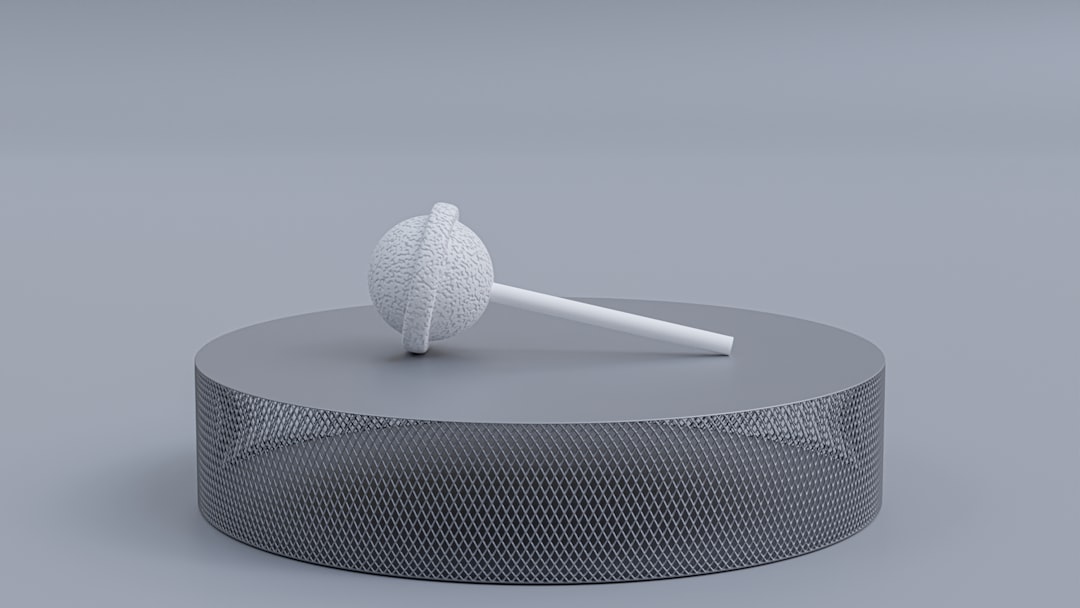
The sculpting brushes allow designers to:
- Add organic surface details
- Smooth transitions
- Create custom textures
- Modify mesh topology visually
This was particularly useful when refining edges and adding ergonomic features to the model. Instead of rebuilding geometry from scratch, surface-level artistic adjustments brought the project to a polished state.
However, compared to dedicated sculpting software like ZBrush or Blender, advanced mesh manipulation remains somewhat limited. Highly detailed character modeling may push the platform beyond its comfort zone.
5. Built-In 3D Printing Tools Simplify Production
Completing the project included preparing the model for 3D printing, and this is where SelfCAD demonstrated one of its strongest advantages.
The built-in slicer includes:
- Layer height configuration
- Infill density settings
- Support structure generation
- Preview of print layers
Instead of exporting to third-party software like Cura, the model could be sliced and analyzed directly within SelfCAD. This dramatically shortens the production pipeline.
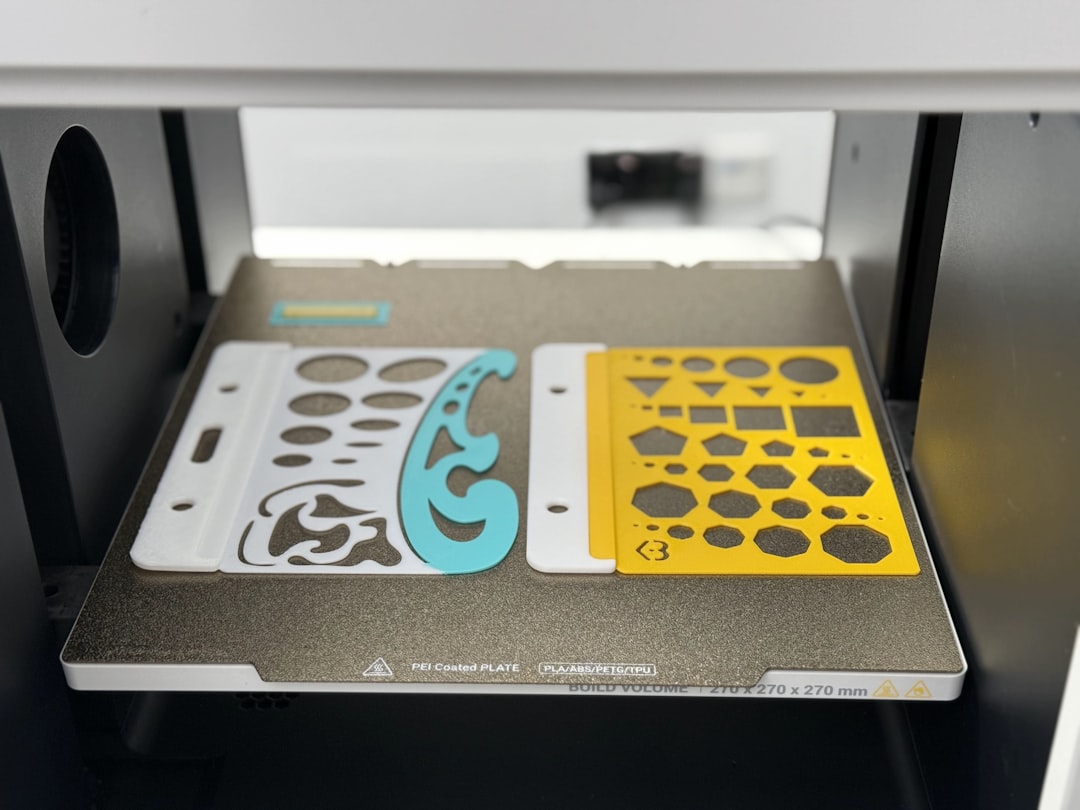
For hobbyists and makers, this integrated feature is invaluable. It lowers the barrier to entry by consolidating modeling and printing prep into one space.
That said, industrial users who require advanced slicing customization might still rely on specialized external slicers.
6. Performance and Value Make It Ideal for Specific Audiences
After completing the full 3D project, the final takeaway revolves around positioning. SelfCAD may not compete directly with enterprise-level CAD systems like SolidWorks or Fusion for complex mechanical assemblies. But that isn’t its primary goal.
SelfCAD shines for:
- Educators teaching 3D design
- Hobbyists and makers
- Small businesses prototyping products
- Students learning CAD fundamentals
Its subscription pricing, browser accessibility, and comprehensive toolset make it highly attractive for users who want a capable system without a steep financial or technical barrier.
Tool Comparison Chart
| Feature | SelfCAD | Fusion 360 | Blender |
|---|---|---|---|
| Browser Based | Yes | No | No |
| Integrated Slicer | Yes | Limited | No |
| Parametric Modeling | Basic to Moderate | Advanced | Limited |
| Sculpting Tools | Integrated | Limited | Advanced |
| Beginner Friendly | High | Moderate | Moderate |
| Best For | Makers and Education | Engineering Professionals | Artists and Animators |
Final Thoughts After Completing a Full Project
Building an entire project inside SelfCAD reveals that the platform is more than a beginner’s toy. It provides a legitimate, end-to-end 3D creation environment capable of supporting ideation, refinement, and production.
Its strongest advantages are:
- Unified workflow
- Accessible interface
- Built-in slicing
- Cross-device usability
Its primary limitations lie in advanced engineering features and ultra-high-detail sculpting. But for its target audience, those trade-offs are reasonable.
Ultimately, SelfCAD positions itself as a bridge between simplicity and functionality. After completing a full project, it becomes clear that the software empowers creators to move from idea to tangible object without unnecessary complexity.
Frequently Asked Questions (FAQ)
1. Is SelfCAD suitable for professional engineers?
SelfCAD can handle moderately complex designs, but professional engineers working on mechanical assemblies or simulation-heavy projects may prefer more advanced parametric CAD software like Fusion 360 or SolidWorks.
2. Can complete beginners learn SelfCAD easily?
Yes. SelfCAD includes interactive tutorials and intuitive tools, making it highly accessible for beginners with no prior 3D modeling experience.
3. Does SelfCAD require installation?
No. SelfCAD is browser-based, meaning users can access it online without downloading or installing heavy software packages.
4. Is the built-in slicer good enough for 3D printing?
For most hobbyist and small business needs, the built-in slicer is more than sufficient. Advanced users with complex printer requirements may still choose dedicated slicing software.
5. How does SelfCAD compare to Blender?
SelfCAD focuses more on practical modeling and 3D printing workflows, while Blender excels in animation, rendering, and advanced sculpting. The choice depends on project goals.
6. Is SelfCAD worth the subscription price?
For educators, students, and makers seeking an all-in-one modeling platform with integrated slicing, SelfCAD offers strong value for the cost.