

For teams that spend a meaningful part of the day in email, small improvements in visibility and follow-up discipline can have an outsized effect on productivity. Sidekick by HubSpot, later folded into HubSpot’s broader sales productivity tools, was designed around that idea: help users understand when prospects engage with emails, reduce manual data entry, and make outreach more consistent. This review examines the practical productivity benefits of Sidekick, as well as the limitations that serious users should consider before relying on it as a core sales or communication tool.
TLDR: Sidekick by HubSpot can improve productivity by adding email tracking, contact insights, scheduling assistance, and CRM-connected workflows to everyday communication. Its greatest value is for salespeople, founders, recruiters, and client-facing teams that need timely follow-ups and clearer visibility into email engagement. However, it is not a complete productivity platform, and its usefulness depends heavily on email volume, CRM adoption, data quality, and appropriate expectations around tracking accuracy and privacy.
What Sidekick by HubSpot Was Built to Do
Sidekick was created to sit close to the user’s inbox and provide actionable information at the moment it mattered. Rather than requiring users to constantly switch between email, spreadsheets, and customer relationship management software, it aimed to bring key sales productivity features into the flow of communication.
At its core, Sidekick focused on several practical tasks:
- Email tracking: notifying users when a recipient opened an email or clicked a link.
- Contact intelligence: showing available details about recipients and companies.
- CRM integration: helping users log emails and contacts into HubSpot.
- Scheduling support: reducing the back-and-forth involved in booking meetings.
- Templates and follow-up tools: improving consistency in repeated outreach.
This positioning made Sidekick especially attractive to sales professionals who spend much of their time trying to understand whether an email was ignored, missed, opened, or worth following up on. In that context, even a small signal can influence timing and prioritization.
Productivity Benefit: Better Visibility Into Email Engagement
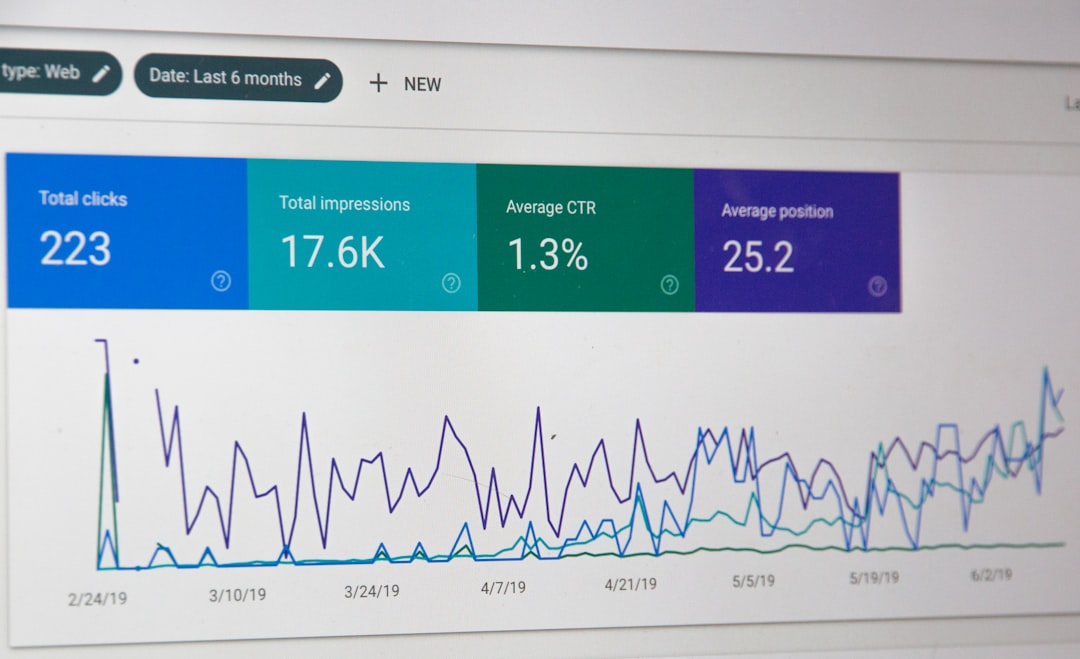
The most obvious benefit of Sidekick is its ability to show when recipients interact with an email. For sales teams, this can change the way follow-ups are handled. Instead of guessing whether a prospect has seen a message, a user may receive a notification that the email has been opened. If the recipient opens it multiple times or clicks an important link, that can indicate interest or internal discussion.
This visibility can improve productivity in three ways. First, it helps users prioritize. A salesperson with fifty potential follow-ups can focus on people who have recently engaged rather than treating every contact equally. Second, it helps with timing. A follow-up sent shortly after meaningful engagement may feel more relevant than a generic message sent days later. Third, it reduces uncertainty. Even when an open does not guarantee interest, it gives users more information than a standard inbox provides.
That said, email tracking should be interpreted carefully. Opens can be triggered by preview panes, security tools, or automated systems. Some recipients block tracking pixels entirely. A tracked open is useful as a signal, not as proof of intent. Serious teams should use it as one input among several, rather than as a definitive measure of buyer interest.
Productivity Benefit: Less Manual CRM Work
One of the most common productivity drains in sales organizations is manual data entry. Sales representatives often know they should log emails, update contact records, and record activity, but these tasks can feel secondary to the actual work of selling. Over time, incomplete records make forecasting, handoffs, and reporting less reliable.
Sidekick’s connection to HubSpot helped reduce this friction by allowing users to log email activity and associate communications with contacts or companies. This matters because productivity is not only about moving faster; it is also about preserving context so future work is easier. When correspondence is captured accurately, team members can understand the history of a relationship without searching through scattered inboxes or asking colleagues for updates.
For managers, this can improve operational clarity. For individual contributors, it can reduce repetitive administrative work. However, the benefit depends on disciplined use. If users ignore logging options, duplicate contacts, or fail to maintain clean records, the system can still become cluttered. Automation helps, but it does not replace good CRM hygiene.
Productivity Benefit: Faster Follow-Ups and More Consistent Outreach
Many professionals lose time rewriting similar emails. Introductory messages, meeting confirmations, proposal follow-ups, renewal reminders, and post-call summaries often follow predictable patterns. Sidekick’s template capabilities helped users avoid starting from a blank screen every time.
Email templates can improve productivity by making outreach faster and more consistent. They also help teams maintain quality control, especially when new employees are learning how to communicate with prospects. A well-written template can reflect the company’s preferred tone, include important information, and avoid omissions that commonly occur in rushed messages.
However, templates also introduce a risk: communication can become impersonal. If users rely too heavily on generic language, recipients may recognize the message as automated or low effort. The strongest approach is to use templates as a foundation, then personalize the opening, context, and call to action. Sidekick’s value is highest when it saves time without encouraging careless mass outreach.

Productivity Benefit: Improved Meeting Scheduling
Scheduling meetings is another area where small inefficiencies accumulate. A simple meeting can require several emails: suggesting times, checking availability, clarifying time zones, and confirming details. Sidekick’s scheduling functionality helped reduce this back-and-forth by allowing recipients to choose from available time slots.
For customer-facing roles, this can save significant time. It also improves the experience for the recipient, who does not need to manually compare calendars through multiple messages. In sales, reducing scheduling friction can be important because interest may decline if the process feels slow or inconvenient.
The limitation is that scheduling tools are only as good as the calendar settings behind them. If availability is inaccurate, buffer times are missing, or meeting types are configured poorly, the tool can create confusion. Users still need to manage their calendars thoughtfully and ensure that automated links reflect realistic availability.
Where Sidekick Fits Best
Sidekick is most useful for professionals whose productivity depends on timely communication and relationship management. This includes sales representatives, account managers, business development teams, recruiters, consultants, and founders. These users often need to know who is engaging, when to follow up, and what has already been discussed.
For a high-volume salesperson, email tracking and templates can be genuinely valuable. For a consultant managing a smaller number of important client relationships, the CRM context may be more useful than notifications. For a founder doing early customer development, Sidekick can provide just enough structure to avoid losing track of promising conversations.
On the other hand, users who send only occasional business emails may not see a dramatic productivity gain. If a professional’s communication is mostly internal, confidential, or not tied to a sales process, tracking and CRM features may be unnecessary or even inappropriate.
Limitations: Tracking Is Imperfect
The biggest practical limitation of Sidekick is the same limitation shared by most email tracking tools: tracking data is imperfect. An email open does not necessarily mean a person has read the message carefully. A lack of an open does not necessarily mean the email was ignored. Privacy settings, corporate firewalls, email clients, and image-blocking features can all affect results.
This matters because overconfidence in tracking data can lead to poor decisions. A salesperson might follow up too aggressively because a message was opened several times, when in reality the activity came from a security scanner. Conversely, a promising prospect may appear inactive because tracking was blocked.
The responsible way to use Sidekick is to treat engagement data as directional. It can help prioritize follow-ups, but it should not replace judgment, relationship context, or direct communication.
Limitations: Privacy and Recipient Expectations
Email tracking raises legitimate privacy questions. Some recipients are comfortable with tracking in a business context; others consider it intrusive, especially if they are unaware that opens and clicks may be monitored. Organizations using tools like Sidekick should think carefully about legal requirements, industry norms, and internal policies.
In regions with stricter privacy regulations, companies may need to review whether tracking practices align with consent and disclosure obligations. Even when legally permissible, there is also a trust issue. If a recipient feels monitored rather than respected, the tool can damage the relationship it was meant to support.
A serious implementation should include clear guidance for employees. Teams should know when tracking is appropriate, when it should be disabled, and how to avoid using engagement signals in a way that feels manipulative.
Limitations: It Is Not a Complete Productivity System
Sidekick can improve email productivity, but it should not be confused with a comprehensive productivity platform. It does not replace project management, strategic planning, pipeline management discipline, or thoughtful sales process design. It is a tactical tool, not a full operating system for work.
Teams that expect Sidekick to solve deeper productivity problems may be disappointed. If sales messaging is weak, tracking will only show that recipients are not responding. If the CRM is poorly configured, logging emails will not automatically create reliable reporting. If follow-up strategy is inconsistent, notifications alone will not create a mature sales motion.
In other words, Sidekick works best when it supports an already sensible process. It can reduce friction, reveal useful signals, and save time, but it cannot compensate for unclear positioning, poor targeting, or lack of discipline.
Ease of Use and Adoption
One reason Sidekick gained attention was that it was relatively easy to understand. The value proposition was simple: send emails, see engagement, and follow up more intelligently. Tools that live inside or near the inbox usually have an adoption advantage because users do not need to radically change their workflow.
However, adoption still depends on training and expectations. Users must understand what notifications mean, how to log activity correctly, and how to apply templates without sounding robotic. Teams also need to avoid notification fatigue. If every open produces an alert, users may eventually ignore the very signals that were supposed to help them focus.
Managers should define best practices rather than leaving each user to invent their own approach. For example, teams can agree on when to follow up after link clicks, how to personalize templates, and how to interpret repeated opens. This turns Sidekick from a novelty into a more reliable productivity aid.
Overall Assessment
Sidekick by HubSpot offered a practical set of features for improving email-based productivity, particularly in sales and business development environments. Its strongest benefits were visibility, speed, and context. Users could see engagement signals, reduce repetitive writing, simplify scheduling, and connect communication more closely with CRM records.
Its limitations are equally important. Email tracking is not perfectly reliable, privacy expectations must be handled seriously, and the tool is not a substitute for a strong sales process. Teams that treat Sidekick as a decision-support tool are likely to benefit more than teams that treat it as a source of absolute truth.
Final verdict: Sidekick by HubSpot is best understood as a useful productivity layer for email-centric professionals. It can help users work faster and follow up more intelligently, but it requires sound judgment, clean CRM practices, and careful attention to recipient trust. For organizations already committed to structured sales communication, it can be a valuable addition; for users looking for a complete productivity solution, it will feel limited.







