


Use a Bing Search API when you need stable, compliant, repeatable search data; use SERP scraping only when you truly need the full visual search results page that an API cannot provide. That is the practical answer. APIs are cleaner and easier to maintain. Scraping gives richer page detail, but it brings breakage, blocking, legal review, and a lot of operational noise.
TLDR: For most teams, Bing Search APIs or third-party SERP data providers are safer than building a scraper from scratch. A retailer tracking 5,000 keywords across 10 regions may spend 30% less engineering time with an API-based workflow than with HTML scraping, based on typical maintenance patterns. Scraping Bing directly can capture ads, snippets, local packs, and ranking layout, but the scraper may fail after small interface changes. If you only need titles, URLs, snippets, and rank positions, start with an API.
Bing Search API vs SERP scraping: the core difference
Bing Search APIs return structured search data through an official interface. You send a query. You receive a predictable response, usually in JSON. Results may include titles, URLs, snippets, display links, and metadata, depending on the endpoint and plan.
SERP scraping means collecting Bing results by requesting the search results page and parsing the HTML. This tries to imitate what a user sees in the browser. It can capture organic listings, ads, knowledge panels, related searches, image blocks, video blocks, map packs, and other page features.
The tradeoff is simple. APIs give order and reliability. Scraping gives page realism. The catch is that realism has a maintenance bill attached to it.
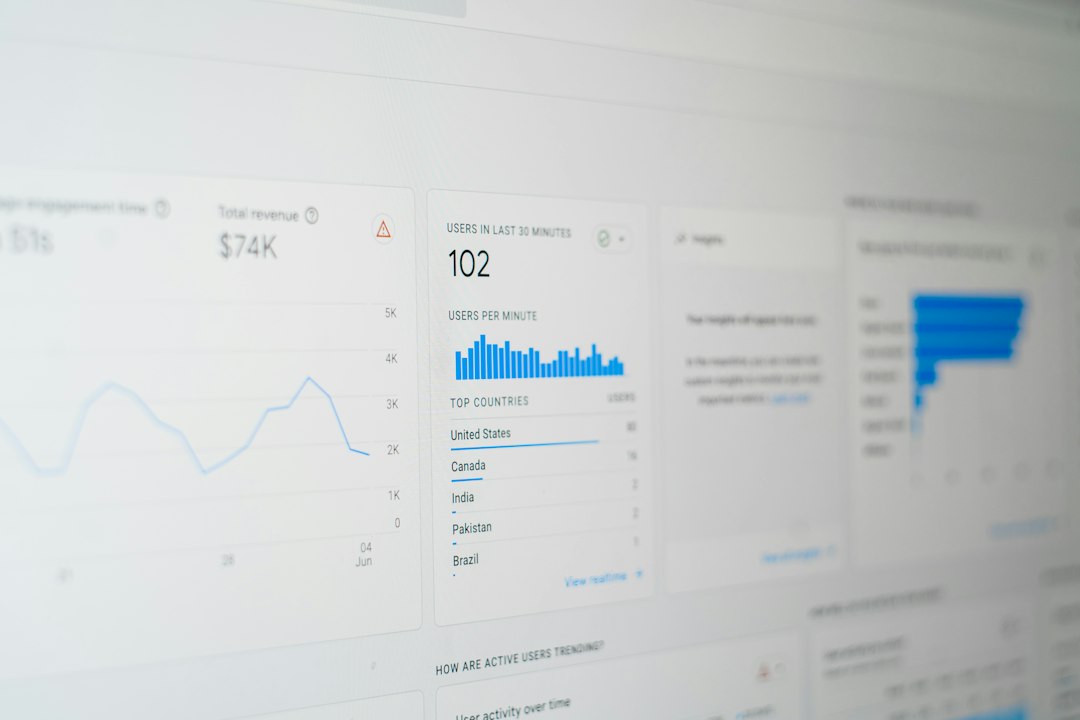
When Bing Search APIs make sense
APIs are usually the better first option for companies that need search data at scale. They are easier to monitor, document, and hand over to another developer. They also fit better into regulated teams where legal and procurement reviews matter.
Use an API when you need:
- Keyword rank tracking for known terms.
- Competitor URL discovery across markets.
- Content research based on returned search results.
- Brand monitoring for company names, products, and executives.
- Search result sampling for analytics, not pixel-perfect SERP copies.
API responses are easier to store in a database. They can be normalized without scraping selectors, browser rendering, or CAPTCHA handling. That alone saves time. It drives me crazy that some teams build browser farms before checking whether a clean API already covers 80% of the job.
Where APIs fall short
Official APIs may not show the same result mix that a real user sees on Bing.com. They may omit ads, visual modules, local features, or certain rich elements. Personalization, device type, and location can also be limited.
There is another issue: product terms and availability can change. Microsoft has adjusted search API offerings over time, including access models, pricing, and product names. Any team using Bing Search APIs should check current Azure documentation, usage rights, quotas, and retirement notices before building a long-term system.
Common API limitations include:
- Less detail about paid ads and shopping units.
- Limited control over exact browser, device, or city-level behavior.
- Result sets that differ from the public Bing interface.
- Costs that rise fast with high query volume.
- Possible restrictions on storage, display, or resale of returned data.
When SERP scraping is considered
SERP scraping is usually chosen when teams need the page as it appears to users. SEO platforms, ad intelligence tools, price comparison systems, and reputation monitoring products may need that detail.
Scraping may be useful when you need:
- Exact organic rank positions on the visible page.
- Ad placement and paid result monitoring.
- Local pack presence by city or postal code.
- Pixel-level layout checks for search features.
- Detection of SERP features such as videos, images, news, and related queries.
Still, scraping is not just “send request, parse page, done.” Bing can change markup. Results can vary by region, user agent, language, cookies, device, and timing. A parser that works Monday can return garbage by Friday.
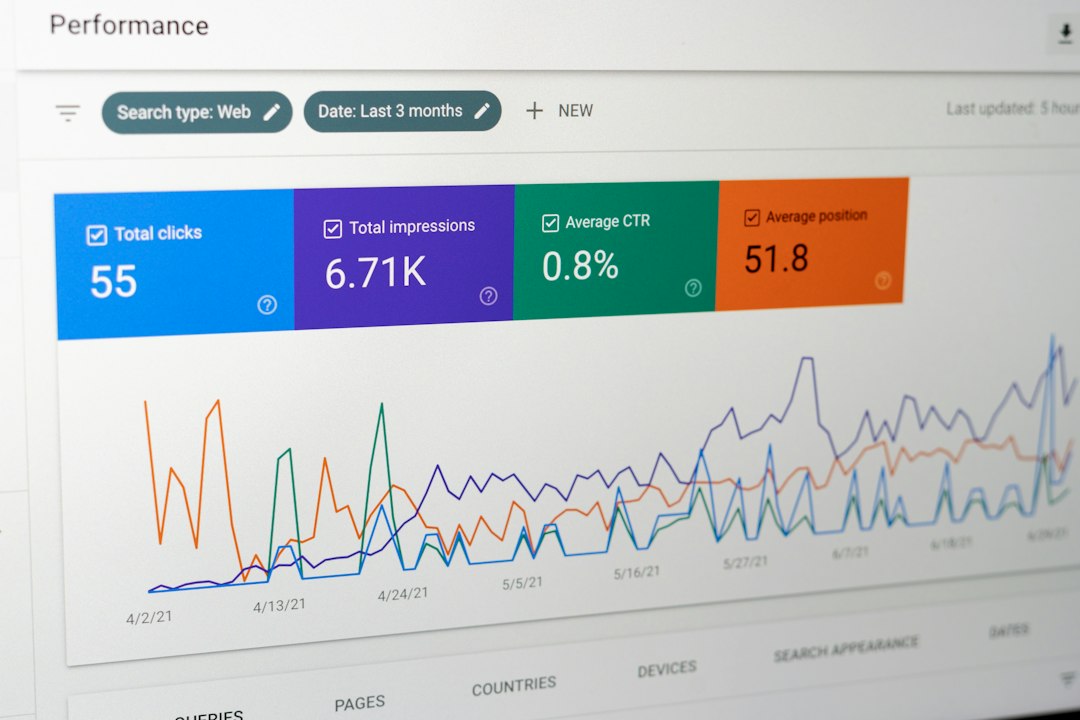
The real cost of scraping Bing
The largest scraping cost is rarely servers. It is maintenance. Expect to waste time on blocked requests, broken selectors, proxy tuning, and strange differences between rendered pages and raw HTML.
A basic scraper may work for a few hundred requests. At larger scale, the system often needs:
- Proxy rotation with geographic targeting.
- Browser automation for JavaScript-rendered elements.
- CAPTCHA and bot detection handling.
- Retry logic and quality checks.
- Data validation against known benchmarks.
- Logs that explain why a result changed.
Even a small delay hurts. If browser rendering adds 4 seconds per query, then 10,000 daily queries create more than 11 extra processing hours unless parallelized. Parallelization then adds cost and more failure points.
Legal and compliance concerns
Search scraping sits in a sensitive zone. Laws vary by country, and contract terms matter. A public page is not automatically free to collect, store, or resell. Bing’s terms, robots instructions, privacy rules, and data protection laws may all be relevant.
Businesses should speak with legal counsel before scraping at scale. This is even more serious when the data includes personal names, user-generated content, ads, or location-specific results. A compliance review may feel slow, but it is cheaper than rebuilding a product after a cease-and-desist letter or vendor ban.
Basic risk controls include:
- Collect only the fields you need.
- Avoid personal data unless there is a clear lawful basis.
- Respect applicable terms and access restrictions.
- Rate-limit requests to reduce strain.
- Keep audit logs for data source, time, and purpose.
Search data alternatives worth considering
You do not always need to scrape Bing or use a Microsoft API. Several alternatives can provide cleaner data with less engineering work.
- Third-party SERP APIs: Providers such as SerpApi, DataForSEO, and similar vendors collect and structure search results for you. They often support location, device, language, and SERP feature parsing.
- SEO platforms: Tools like Semrush, Ahrefs, Sistrix, and Similarweb can provide keyword visibility, competitor rankings, and trend data. They are less flexible but quick to use.
- Bing Webmaster Tools: Good for your own site. It can show queries, impressions, clicks, indexing issues, and crawl data.
- Microsoft Advertising reports: Useful for paid search performance, auction insights, and campaign data.
- Clickstream and panel data: Helpful for market-level search behavior, though it is modeled and sampled.
- Site analytics: GA4, server logs, and internal search data can answer many business questions without collecting SERPs.

How to choose the right approach
Start with the business question. Do not start with the extraction method. If your team needs weekly visibility reports, an API or SEO platform is likely enough. If your product sells real-time SERP intelligence, a specialized SERP provider may be a better fit than building scrapers in house.
A practical decision model:
- Need clean search results at scale? Use Bing Search APIs if the terms allow your use case.
- Need exact page layout? Consider a SERP API vendor before building your own scraper.
- Need data about your own site? Use Bing Webmaster Tools first.
- Need paid search data? Use Microsoft Advertising reporting.
- Need broad market trends? Use SEO platforms or panel data.
Recommended approach
For most serious teams, the best path is a layered one. Start with official APIs and first-party tools. Add a trusted SERP data provider when visual result detail matters. Build direct Bing scraping only when the business value clearly outweighs maintenance, legal review, and operational risk.
Direct scraping should be treated as a specialized system, not a weekend script. It needs monitoring, quality scoring, change detection, cost controls, and clear compliance rules. If those pieces are missing, the data will become unreliable at the exact moment people begin to trust it.
The safest answer is not always the most exciting one. Use APIs where they fit. Buy structured SERP data where accuracy and coverage matter. Scrape only when there is no better route, and know the cost before you start.







