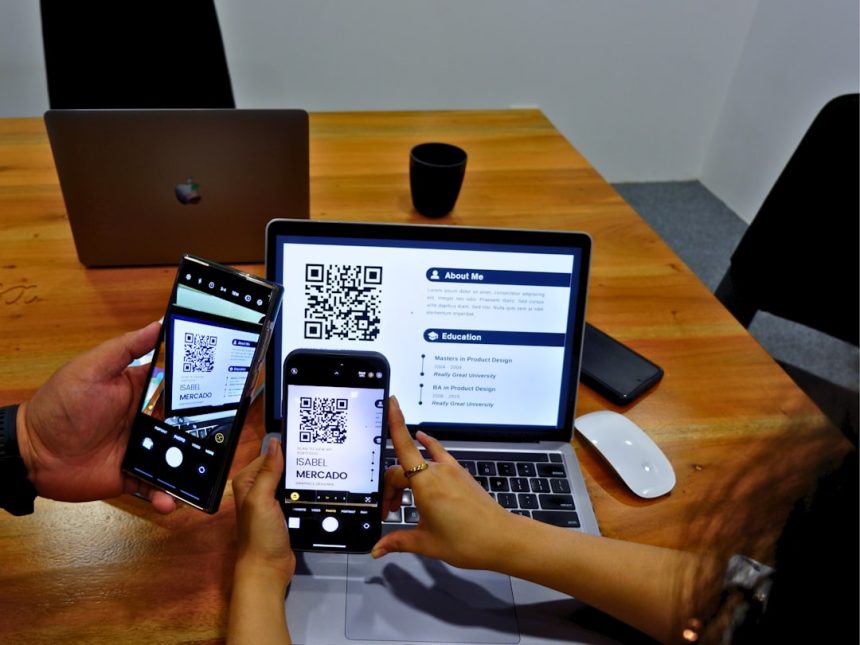
QR code ordering has moved from a temporary convenience to a standard part of modern restaurant operations. Restaurants, cafés, food halls, bars, hotels, and entertainment venues now use QR ordering software to reduce wait times, improve order accuracy, increase average ticket size, and manage labor more efficiently.
TLDR: The best QR code ordering platform depends on the business model, point of sale setup, budget, and service style. Small cafés may prefer simple, low-cost tools, while full-service restaurants often need deep POS integration, table management, and payment flexibility. Multi-location brands should prioritize centralized menu control, reporting, loyalty, and scalability. The right platform is the one that improves guest experience without adding operational complexity.
What QR Code Ordering Software Does
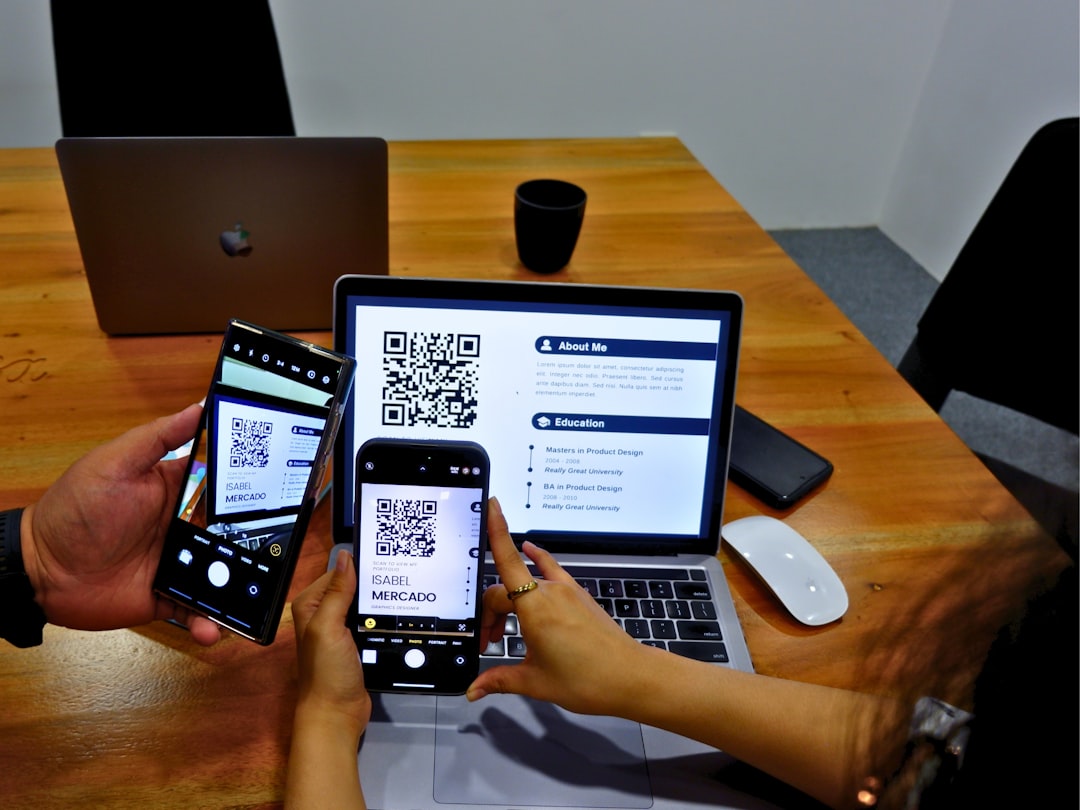
QR code ordering software allows guests to scan a code with a smartphone, browse a digital menu, place an order, and sometimes pay without waiting for a server. In quick-service environments, the order may go directly to the kitchen or pickup counter. In full-service restaurants, it may be linked to a table number so staff can deliver food and drinks accurately.
The strongest platforms do more than display a menu. They support real-time menu updates, item modifiers, upsells, taxes, tips, payment processing, kitchen routing, receipts, and reporting. Some also include loyalty programs, marketing tools, delivery ordering, reservations, and customer data features.
Key Factors Restaurants Should Compare
Before choosing a QR ordering system, operators should compare platforms based on how they fit daily operations. A visually attractive digital menu may not be enough if it cannot communicate properly with the kitchen, process payments reliably, or sync with the restaurant’s POS.
- POS integration: The platform should connect with the existing point of sale if the restaurant wants orders, payments, and reporting in one system.
- Menu flexibility: Restaurants need control over modifiers, availability, pricing, images, allergens, and scheduled menus.
- Guest experience: The ordering flow should be fast, mobile-friendly, and easy for non-technical customers.
- Payment options: Some restaurants want guests to pay at the table, while others prefer staff-controlled checkout.
- Fees: Costs may include monthly subscriptions, setup fees, payment processing, commission, hardware, or support charges.
- Support and reliability: Downtime during lunch or dinner service can be expensive, so responsive support matters.
Platform Type 1: POS-Native QR Ordering
POS-native QR ordering is offered by companies that already provide restaurant point of sale systems. Examples in this category include platforms such as Toast, Square, Lightspeed, SpotOn, and Clover, depending on the market and available features.
The biggest advantage is integration. Orders can flow directly from the guest’s phone to the POS, kitchen display system, printer, and reporting dashboard. Staff do not need to manually re-enter orders, which reduces mistakes and saves time. Inventory, sales analytics, tax settings, and menu changes are also easier to manage from one central system.
This option is usually best for restaurants that already use the provider’s POS or are willing to switch systems. It is especially useful for busy restaurants, bars, food trucks with high volume, and full-service venues that need table-based ordering.
The main drawback is that the restaurant may become dependent on one ecosystem. If a POS provider’s QR ordering features are limited, the business may have fewer customization options than it would with a specialized ordering platform. Pricing can also be higher when hardware, payment processing, and software subscriptions are combined.
Platform Type 2: Standalone QR Ordering Systems
Standalone QR ordering platforms focus specifically on digital menus, online ordering, and scan-to-order experiences. These systems are often easier to launch because they do not always require a full POS change. Some support POS integrations, while others operate separately through a tablet, dashboard, or printer.
Standalone options can be attractive for independent restaurants that want speed and flexibility. They may allow operators to build branded menus, upload photos, add modifiers, create promotions, and accept orders quickly. Some charge a monthly fee, while others use transaction fees or commission-based pricing.
This category works well for cafés, casual dining restaurants, ghost kitchens, pop-ups, hotel room service, breweries, and venues that want quick installation. The downside is that if the system does not integrate with the POS, staff may need to monitor another device or manually reconcile sales data. That can create friction during peak hours.
Platform Type 3: Commission-Based Online Ordering Marketplaces
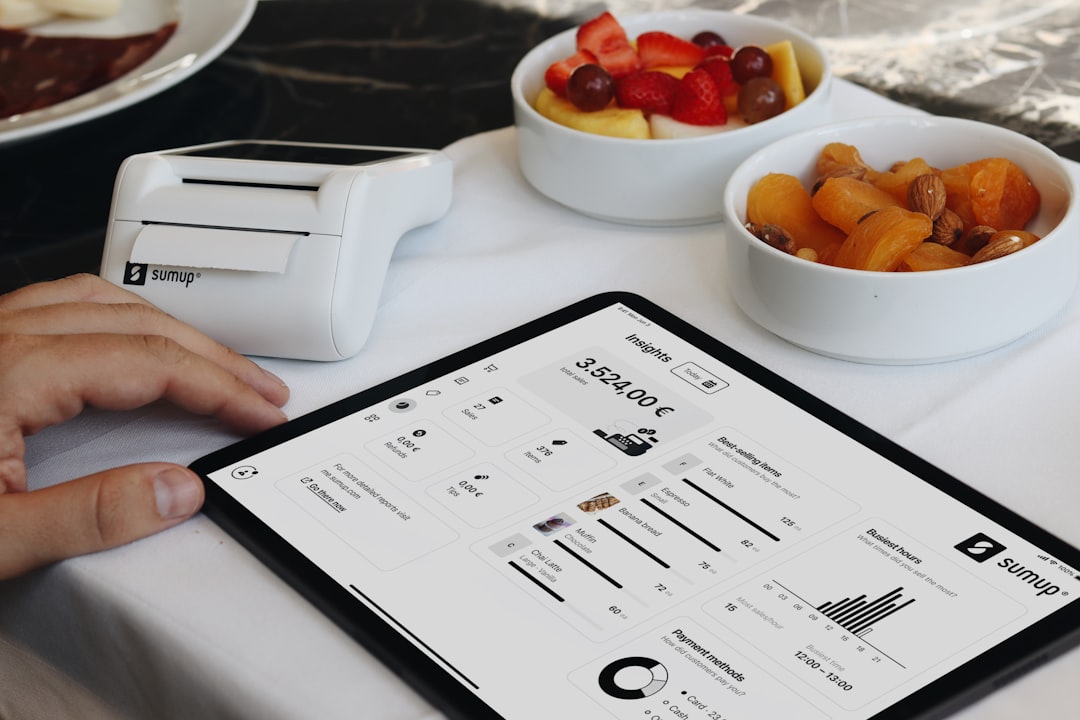
Some QR ordering solutions are connected to broader online ordering or marketplace services. These platforms may offer pickup, delivery, QR ordering, marketing exposure, and customer acquisition tools. They can be useful when a restaurant wants to reach new customers or avoid building a digital ordering system from scratch.
The benefit is convenience. The provider may handle ordering infrastructure, payment processing, customer notifications, and delivery logistics. For small restaurants with limited technical resources, this can be appealing.
However, commission fees can reduce margins. Restaurants should look closely at whether each order carries a percentage fee, a flat fee, or both. For QR code ordering inside the restaurant, paying high commissions may not make sense if the customer is already seated at the table. In that case, a subscription-based or POS-integrated solution may be more cost-effective.
Platform Type 4: Enterprise and Multi-Location Solutions
Restaurant groups, franchises, hotels, stadiums, and entertainment venues often need more than basic QR ordering. Enterprise platforms may include centralized menu management, location-level permissions, loyalty integration, customer segmentation, advanced analytics, and API access.
For multi-location brands, consistency is essential. A head office may need to update menu items across dozens of locations while still allowing local managers to adjust availability. Reporting should show performance by store, region, item, daypart, and campaign. Payment and tax handling must also support different jurisdictions.
Enterprise-grade systems are typically more expensive and may take longer to implement. They are best suited for businesses that need scalability, security, custom integrations, and dedicated support.
Feature Comparison at a Glance
| Platform Type | Best For | Main Strength | Potential Drawback |
|---|---|---|---|
| POS-Native | Restaurants already using a compatible POS | Seamless order and payment flow | May require commitment to one ecosystem |
| Standalone | Independent restaurants and cafés | Fast setup and flexible features | May require manual workflows if not integrated |
| Marketplace-Based | Restaurants seeking online visibility | Built-in ordering and delivery infrastructure | Fees can reduce profit margins |
| Enterprise | Chains, hotels, venues, and franchises | Scalability and centralized control | Higher cost and longer implementation |
Which Platform Is Right for Each Business?
A small coffee shop with a limited menu may not need a complex enterprise system. A lightweight QR menu with ordering and payment may be enough, especially if staff can handle orders from a tablet or simple dashboard. The priority should be affordability, ease of editing, and a smooth customer experience.
A busy full-service restaurant should prioritize POS integration and table mapping. If guests order from their seats, the kitchen and service team must know exactly where each item is going. The platform should support coursing, modifiers, tips, split payments if needed, and staff oversight.
A bar, brewery, or food hall may benefit from QR ordering because guests often move around, order in rounds, or prefer fast payment. In this case, open tabs, drink modifiers, age-related controls, and high-volume performance are important.
A hotel or resort should consider guest convenience across multiple areas, such as room service, poolside dining, lobby bars, and event spaces. The platform may need ordering zones, delivery instructions, multilingual menus, and integration with property management or payment systems.
A franchise or chain should focus on governance. Centralized brand control, menu consistency, reporting, training, permissions, and security should matter more than the lowest monthly cost.
Pricing Considerations
QR code ordering software can be priced in several ways. Some providers charge a fixed monthly subscription. Others charge per location, per order, or as a percentage of sales. Payment processing fees are usually separate, and some platforms add onboarding, customization, or support fees.
Restaurants should calculate the true cost per order, not just the advertised monthly price. A platform with no monthly fee but high transaction costs may become expensive at scale. On the other hand, a higher monthly fee may be worthwhile if it eliminates manual labor, improves upselling, or reduces ordering errors.
Implementation Tips
Successful QR ordering depends on more than software selection. Restaurants should design the guest experience carefully. QR codes must be placed where guests naturally look, such as table tents, counter signs, receipts, hotel room cards, or bar tops. Instructions should be simple and visible.
The menu should be optimized for mobile screens. Item names, descriptions, prices, modifiers, photos, allergens, and availability should be clear. Operators should avoid overwhelming guests with too many choices on one screen.

Staff training is also important. Servers should know how to explain the system, assist guests who prefer traditional ordering, monitor incoming orders, and handle exceptions. A hybrid approach often works best: QR ordering improves convenience, while staff remain available for hospitality and problem-solving.
Common Mistakes to Avoid
- Choosing based only on price: The cheapest tool may create extra work if it does not integrate with operations.
- Ignoring older or less technical guests: Restaurants should still offer assistance or alternative ordering methods.
- Using poor menu design: Long descriptions, missing modifiers, or unclear photos can reduce conversion.
- Forgetting about Wi-Fi and connectivity: QR ordering depends on reliable internet access for guests and staff.
- Skipping testing: Every order path should be tested before launch, including modifiers, taxes, tips, refunds, and sold-out items.
Final Verdict
There is no single best QR code ordering platform for every business. A POS-native solution is often the strongest choice for restaurants that need operational efficiency and integrated reporting. A standalone platform can be ideal for independent operators that want quick deployment and flexible branding. Marketplace-based tools may help with exposure but should be evaluated carefully for fees. Enterprise solutions are best for organizations that need scale, control, and advanced integrations.
The right decision comes from matching software capabilities to the restaurant’s service model. When QR ordering is implemented thoughtfully, it can speed up service, improve accuracy, increase sales, and give guests more control over the dining experience.
FAQ
What is QR code ordering software?
QR code ordering software lets guests scan a code, view a digital menu, place orders, and sometimes pay from a smartphone. Orders may be sent directly to the kitchen, POS, or staff dashboard.
Is QR ordering only for fast-food restaurants?
No. It is used by cafés, full-service restaurants, bars, hotels, food halls, stadiums, breweries, and delivery-focused kitchens. The best setup depends on the service style.
Does a restaurant need POS integration?
POS integration is not always required, but it is highly valuable for busy restaurants. It reduces manual entry, improves reporting, and helps orders move smoothly to the kitchen.
Can guests still order from staff?
Yes. Many restaurants use QR ordering as an additional option rather than a replacement for staff. A hybrid model often provides the best guest experience.
How much does QR code ordering software cost?
Costs vary widely. Some platforms charge monthly subscriptions, while others charge transaction fees, commissions, setup fees, or payment processing fees. Restaurants should compare the total cost per order.
What features matter most?
The most important features usually include mobile-friendly menus, POS integration, secure payments, modifier support, real-time updates, table identification, reporting, and reliable support.
Which QR ordering platform is best for small restaurants?
Small restaurants often benefit from a simple standalone or POS-native system with affordable pricing, easy menu editing, and minimal setup requirements.
Which platform is best for multi-location brands?
Multi-location brands should look for enterprise-level features such as centralized menu control, permissions, location-based reporting, loyalty integration, and strong technical support.