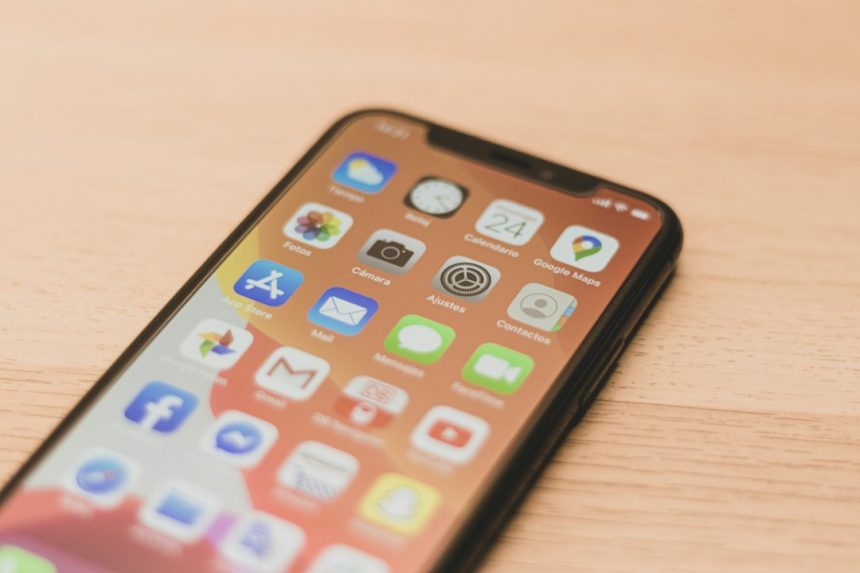
If Find My location is not updating, fix Apple’s location, network, and sharing settings before blaming the app. Most stale locations come from low battery, disabled Location Services, weak signal, or a device that has been turned off. Apple Find My is excellent for finding iPhones, AirPods, Macs, AirTags, and shared family locations, but it is not built like a full-time GPS tracking platform. If you need constant trip history, alerts, or cross-platform tracking, you may need a different tool.
TLDR: Start by checking Location Services, Find My iPhone, internet access, battery level, and whether the person still shares their location with you. In a common family case, a parent may see a teen’s iPhone stuck “30 minutes ago” simply because the phone entered Low Power Mode and lost cellular signal at school. If basic fixes do not work after 10 to 15 minutes, restart the device and refresh iCloud sign-in. For live route sharing or repeated location alerts, apps like Google Maps Location Sharing, Life360, or dedicated GPS trackers may be more reliable.
Why Find My stops updating
Apple Find My depends on several moving parts. The device needs power. It needs Location Services. It needs some kind of connection, such as Wi-Fi, cellular, or the Find My network. The person you are tracking also needs to keep sharing enabled.
That sounds simple. It often is not. Honestly, it feels like one tiny setting can break the whole thing and leave you staring at an old blue dot like it owes you money.
Common reasons include:
- The iPhone is off or dead. Find My may show the last known location instead of a live one.
- Location Services are disabled. No location service means no fresh location.
- Find My iPhone is off. The device may still work normally, but tracking will fail.
- No internet connection. A phone with no Wi-Fi or cellular data cannot update its position in real time.
- Low Power Mode is active. Apple may limit background activity to save battery.
- The user stopped sharing. If someone removed you, the map may stop refreshing.
- Apple system issues. Rare, but iCloud outages can affect Find My.
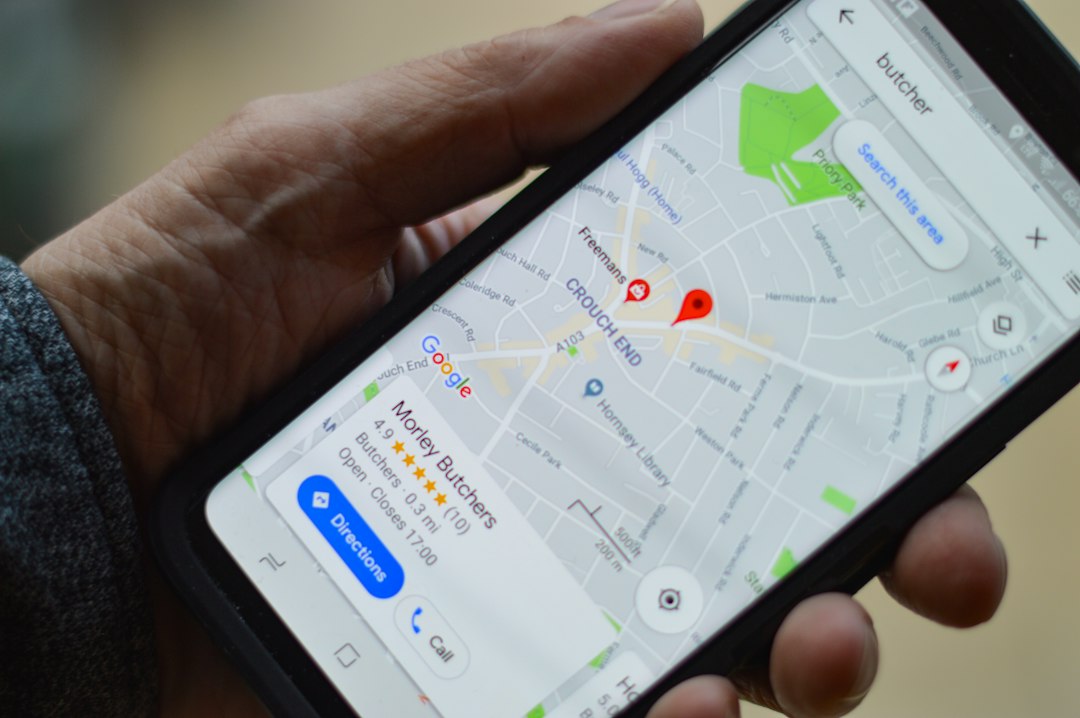
Quick fixes for Apple Find My
Start with the basics. They solve more problems than most people expect.
- Check Apple’s System Status page. If iCloud or Find My is having issues, waiting may be the only fix.
- Confirm Location Services are on. Go to Settings > Privacy & Security > Location Services.
- Check Find My settings. Go to Settings > [your name] > Find My. Turn on Find My iPhone, Find My network, and Send Last Location.
- Make sure the device has internet. Open Safari or another app and test the connection.
- Restart the iPhone. It sounds boring, but it often resets stuck background services.
- Disable and re-enable location sharing. In Find My, stop sharing with the contact, then share again.
- Update iOS. Bugs in older versions can cause syncing issues.
- Sign out of iCloud only if needed. This is more annoying, so save it for last.
Expect to waste time on small checks if the other person is not nearby. You may need them to confirm settings from their own phone. If you are trying to locate your own lost device, you will have fewer options.
What “No Location Found” really means
“No Location Found” does not always mean someone blocked you. It usually means the device cannot report where it is. The phone may be dead, offline, in Airplane Mode, or unable to reach Apple’s servers.
“Location Not Available” can mean sharing is paused, permissions changed, or the device cannot fetch a fresh reading. If the timestamp says “1 hour ago”, Apple is showing the last known position. That is useful, but it is not live tracking.
For AirTags, the rules are different. AirTags do not contain GPS. They rely on nearby Apple devices to report location through the Find My network. In a busy city, updates may arrive often. In a rural area, an AirTag can sit for hours without a refreshed location.
When Apple Find My is the best choice
Find My works best when everyone uses Apple devices and only needs basic location sharing. It is clean, free, built into iOS, and easy to manage with Family Sharing. For many people, that is enough.
It is especially useful for:
- Finding a misplaced iPhone at home, work, or school.
- Tracking Apple devices linked to your Apple ID.
- Sharing family locations between iPhone users.
- Locating AirPods, Apple Watch, Macs, and AirTags.
- Seeing a last known location when a battery dies.
The privacy controls are also strong. People can stop sharing. Devices warn users about unknown AirTags traveling with them. That can be frustrating for tracking, but it is good for safety.
Where Find My falls short
Find My is not a professional tracking system. It does not offer rich location history for every user. It does not give detailed driving reports. It is limited outside the Apple ecosystem. Android users cannot fully join the same experience.
The refresh rate can also feel inconsistent. Sometimes the location updates in seconds. Other times it sits frozen for 20 minutes. That delay matters if you are coordinating pickups, checking a courier route, or trying to confirm someone arrived safely.
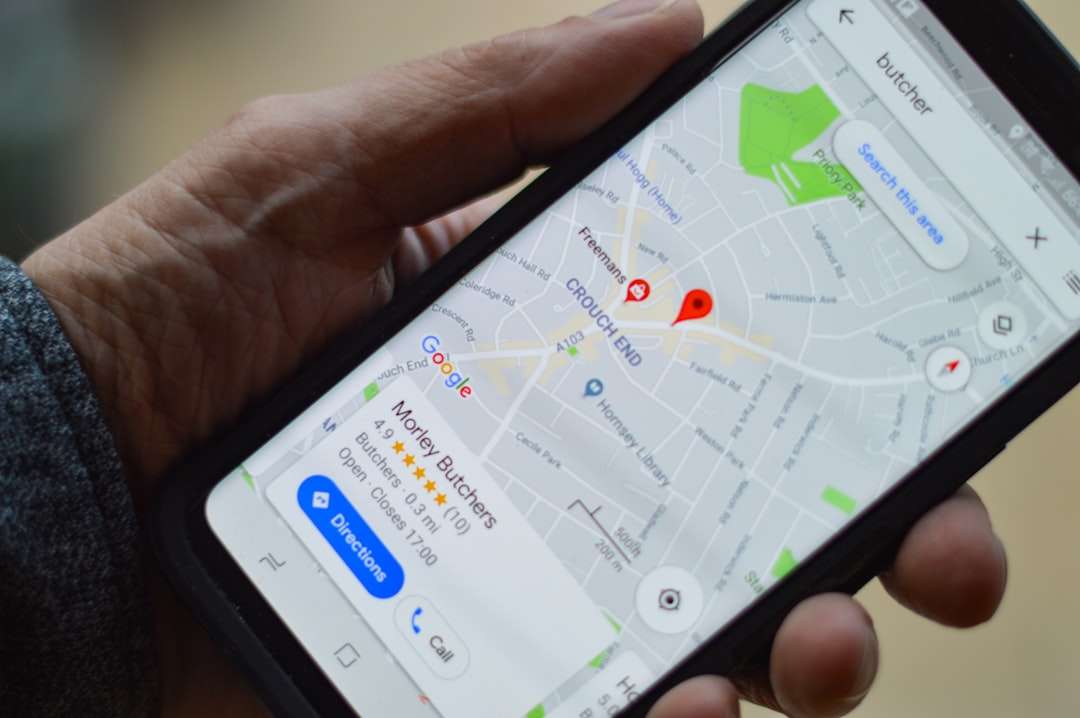
Location tracking alternatives worth considering
If Find My keeps failing, choose an alternative based on what you actually need. Do not install tracking apps secretly. Get clear consent unless you are tracking your own device, your child where legally allowed, or a company asset under a written policy.
- Google Maps Location Sharing: Good for mixed iPhone and Android households. It supports live sharing and is easy to start from the Google Maps app.
- Life360: Better for families that want place alerts, crash detection features, battery status, and location history. The tradeoff is more notifications and paid plans for advanced tools.
- WhatsApp Live Location: Useful for short sessions, such as sharing a trip for 15 minutes, 1 hour, or 8 hours. It is not a permanent family tracking hub.
- Carrier family location services: Some mobile providers offer family tracking with parental controls. These can be useful, but pricing and accuracy vary.
- Dedicated GPS trackers: Devices from brands such as Jiobit, Garmin, or similar tracker makers can help with pets, bags, vehicles, or children. Many require a subscription because they use cellular networks.
Apple Find My vs alternatives
| Option | Best for | Main drawback |
|---|---|---|
| Apple Find My | Apple devices, AirTags, family sharing | Limited for Android users and detailed history |
| Google Maps | Mixed iPhone and Android users | Less device recovery support |
| Life360 | Families needing alerts and history | Some useful features cost money |
| Temporary live trip sharing | Not built for ongoing tracking | |
| GPS tracker | Pets, vehicles, bags, child safety | Extra device and subscription fees |
How to pick the right solution
Use Find My if you want simple Apple location sharing with no extra app. Use Google Maps if your group has both iPhones and Android phones. Use Life360 if you want alerts when someone arrives at school, home, or work. Use WhatsApp when you only need a temporary live location during a trip.
Choose a dedicated GPS tracker when the item does not have a phone attached. A dog, suitcase, bike, or work vehicle may need hardware with its own battery and cellular connection. An AirTag can help, but it is not the same as a live GPS unit.
Final checklist before switching apps
- Confirm the phone is powered on and not in Airplane Mode.
- Check Settings > Privacy & Security > Location Services.
- Check Settings > [name] > Find My.
- Turn on Find My network and Send Last Location.
- Test Wi-Fi and cellular data.
- Restart the device.
- Update iOS.
- Ask the person to confirm they are still sharing with you.
If location still does not update, the issue may be signal, battery behavior, account sync, or the limits of Apple’s system. Find My is great for Apple users who need simple location help. For constant live tracking, trip logs, or mixed-device families, a dedicated alternative may save you from staring at a frozen map again.