A strong montage works when every cut moves the story forward, lands on the right beat, and gives the viewer just enough time to understand the image. The editor should treat pacing, music, shot choice, transitions, and visual story as one system. If one part feels off, the whole sequence can feel flat, rushed, or confusing. A montage is not just a pile of pretty shots. It is compressed storytelling.
TLDR: A good montage starts with a clear emotional goal, then uses music, rhythm, and shot order to build toward it. For example, a 45-second training montage might open with failure, show 6 to 8 progress shots, then end on one clean success moment. In many social video edits, retention can drop by 30% or more in the first 10 seconds if the opening shots feel weak or repetitive. The editor should cut anything that repeats the same idea without adding emotion, movement, or context.
Start With the Point of the Montage
Before any cutting starts, the editor needs to know what the montage must prove. Is the character getting stronger? Is time passing? Is a relationship falling apart? Is a team building something under pressure?
That single idea controls every choice. A montage about progress should feel different from one about chaos. A romantic memory montage may need soft cuts, warm color, and slower timing. A crime planning montage may need sharp cuts, hard sound hits, and tight close-ups.
The editor should write one sentence before editing starts. For example:
- “She goes from uncertain to confident.”
- “The city becomes more dangerous each night.”
- “The team turns messy ideas into a finished product.”
If a shot does not support that sentence, it probably does not belong.
Build Pacing Before Adding Fancy Tricks
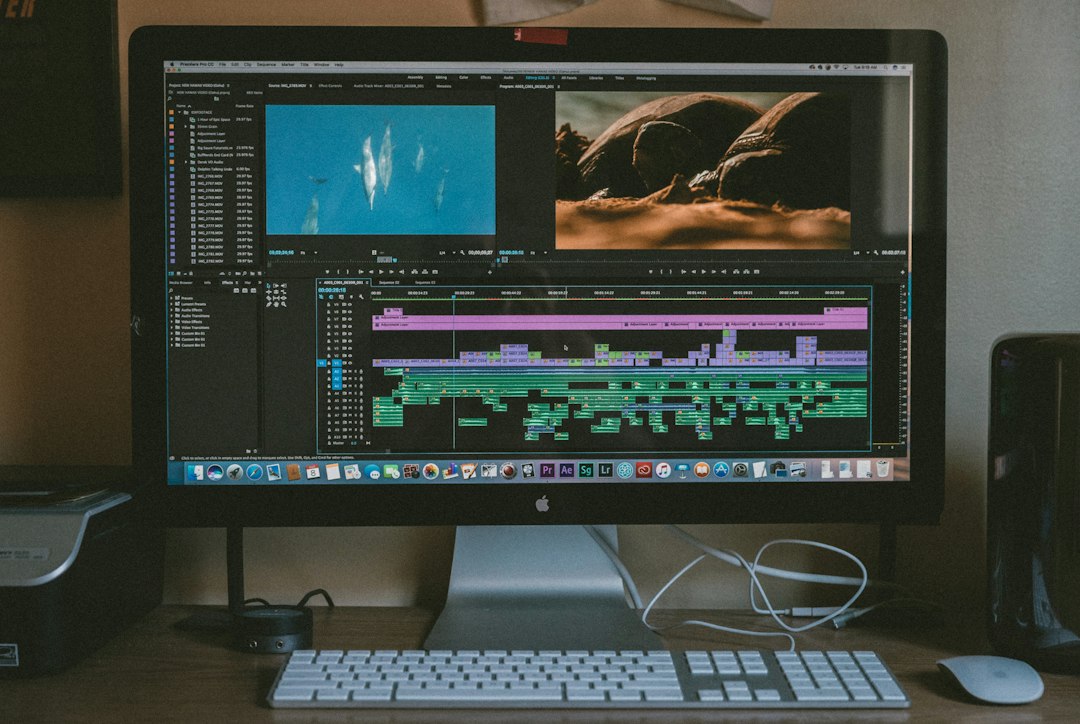
Pacing is the backbone. It decides whether the montage feels exciting, emotional, funny, or exhausting. The editor should first create a rough cut with simple cuts only. No glow effects. No flashy wipes. No speed ramps yet.
This first pass answers the real question: Does the sequence work without decoration?
A useful pacing method is to cut in waves:
- Start clear: Give the viewer a shot that explains the situation.
- Build rhythm: Shorten shot length as energy rises.
- Vary the pattern: Insert one longer shot to let the moment breathe.
- Peak: Use the strongest image near the end.
- Release: End with a shot that confirms the change.
Not every montage needs fast cuts. Some of the best ones are calm. The key is control. A two-second shot can feel slow if it repeats old information. A six-second shot can feel gripping if the character is changing inside the frame.
Use Music as Structure, Not Wallpaper
Music should guide the edit. It should not sit under the footage like a random blanket. The editor should listen to the track several times before cutting. The best edit points often sit on beats, lyric changes, drum fills, pauses, or shifts in intensity.
The editor can mark:
- Downbeats for major visual changes.
- Snare hits for quick actions or impact moments.
- Breaks for reaction shots or dramatic pauses.
- Builds for rising action.
- Final hits for the payoff image.
Cutting every shot exactly on the beat can feel robotic. Honestly, it can make a montage feel like a canned template. Strong editors cut with the music, then occasionally cut against it for surprise. A cut slightly before a beat can create force. A cut after a beat can create tension.
If dialogue or natural sound matters, music should make room for it. Lowering music by 3 to 6 dB during a key breath, laugh, punch, door slam, or line can make the montage feel more alive.
Choose Shots for Meaning, Not Just Beauty
Shot selection decides whether the montage tells a story or just shows motion. Beautiful footage is not enough. The editor should pick clips that show change, contrast, and cause.
A strong montage usually mixes several shot types:
- Wide shots to show place, scale, or isolation.
- Medium shots to show body language and action.
- Close-ups to show strain, joy, fear, detail, or effort.
- Insert shots to show tools, hands, clocks, screens, notes, or objects.
- Reaction shots to show emotional cost.
It drives some editors crazy when a sequence has five shots in a row that basically say the same thing. A person running, then running again, then running from another angle, then another. Unless the emotion changes, the montage is wasting time.
Good shot order often follows a simple pattern: setup, effort, problem, adjustment, result. That pattern gives even a short montage a clean story arc.
Make Transitions Serve the Cut
Transitions should help the viewer move through time, space, or emotion. They should not scream for attention unless the style calls for it.
The clean cut is still the most useful transition. It is invisible, fast, and honest. Dissolves can show time passing or memory. Match cuts can connect ideas. Whip pans can add speed. Smash cuts can create shock or comedy.
Common transition choices include:
- Hard cut: Best for energy, clarity, and rhythm.
- Dissolve: Best for memory, time passage, or softness.
- Match cut: Best for visual links, such as a hand gesture becoming another hand gesture.
- J cut: Audio from the next shot starts before the image changes.
- L cut: Audio from the current shot continues into the next image.
Expect to waste time on transition packs if the story is weak. A flashy glitch effect will not fix poor shot order. It may even draw attention to the problem.
Use Visual Storytelling to Show Progress
A montage becomes memorable when the viewer can feel progress without being told. The editor can show this through visual patterns.
For example, in a cooking montage, the first shots might show messy counters, slow chopping, and mistakes. Later shots can show cleaner movement, better timing, and finished plates. No voiceover is needed. The images carry the meaning.
Visual storytelling tools include:
- Repetition with variation: The same action looks better, worse, faster, or more desperate each time.
- Color shifts: Cold tones can become warmer as hope grows.
- Frame size changes: Wide shots can move into close-ups as emotion becomes personal.
- Movement direction: Left-to-right motion can suggest progress, while blocked movement can suggest friction.
- Props: A cracked phone, worn shoes, or full notebook can show time and effort.
The editor should keep an eye on screen direction and eye lines. If a subject moves right in one shot and left in the next without reason, the action may feel messy. Breaking the rule is fine when confusion is the goal. If not, continuity helps the viewer stay locked in.
Shape the Montage With Sound Design
Music does a lot, but sound effects add texture. Footsteps, camera shutters, typing, breathing, engines, pencil scratches, crowd noise, and room tone can make cuts feel physical.
Sound can also hide edits. A whoosh can support a fast camera move. A rising tone can build pressure. A sudden drop to silence can make one image hit harder than a loud chorus.
The editor should avoid stacking too many effects. If every cut has a whoosh, none of them matter. Sound should point attention, not clutter the track.
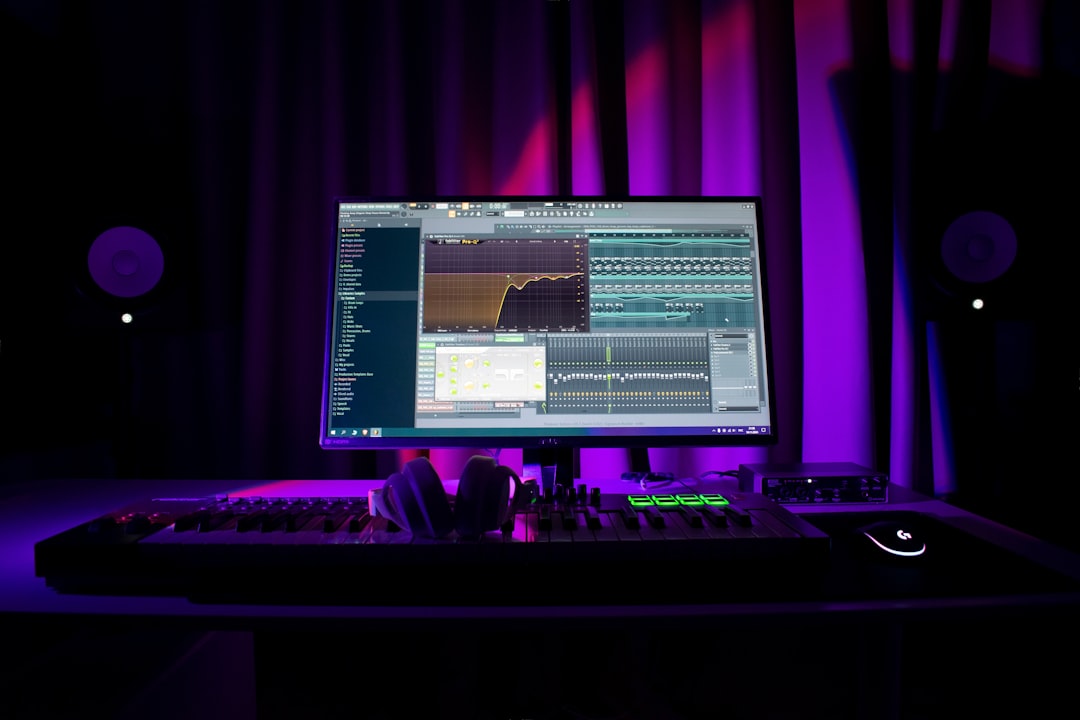
Polish the Rhythm and Remove Dead Weight
Once the montage works, the editor should trim frames. Small changes matter. Cutting 8 frames earlier can make an action feel sharper. Holding 12 frames longer can make a reaction land.
A useful review method is to watch the montage three ways:
- With sound on: Check rhythm, music, and emotional flow.
- Muted: Check if the visuals still tell the story.
- Without looking at the timeline: Check if the sequence feels smooth as a viewer would see it.
If the montage feels slow, the editor should not always cut faster. The better fix may be stronger contrast. A still shot after rapid motion can feel powerful. A quiet detail after a loud sequence can reset attention.
FAQ
How long should a montage be?
Most montages work best between 20 seconds and 2 minutes. The right length depends on story value. If the montage stops adding new information, it should end.
Should every cut land on the beat?
No. Cutting only on the beat can feel stiff. The editor should use beats as guide points, then cut early or late when emotion calls for it.
What makes a montage feel boring?
Repetition is the usual cause. If several shots show the same action with no change in emotion, scale, or stakes, the sequence loses energy.
Are transitions necessary in a montage?
No. Clean cuts often work best. Transitions should only be used when they clarify time, connect ideas, or support the style.
How can an editor make a montage more emotional?
The editor should include reaction shots, pauses, imperfect moments, and clear contrast between the start and end. Emotion comes from visible change, not just music.