
Duplicate photos are the quiet clutter of modern devices. A few burst shots, several WhatsApp downloads, edited copies, screenshots, and cloud sync duplicates can quickly turn a neat gallery into a storage-hungry mess. Duplicate Photos Fixer Pro is designed to solve that problem by scanning your photo library, finding exact and similar images, and helping you remove unnecessary copies without manually comparing hundreds or thousands of files.
TL;DR: Duplicate Photos Fixer Pro is a practical duplicate photo cleaner for users who want a simple, guided way to reclaim storage and organize messy photo folders. For example, if your laptop has 18,000 images and even 12% are duplicates or near-duplicates, removing them could clear several gigabytes in one session. It is especially useful for casual users, photographers, bloggers, and families who often import images from multiple devices. The main drawback is that pricing and platform features can vary, so it is worth checking your specific version before buying.
What Is Duplicate Photos Fixer Pro?
Duplicate Photos Fixer Pro is a photo-cleaning utility that detects duplicate and similar images across local folders, external drives, and supported photo libraries, depending on the platform. It is available for major operating systems such as Windows, macOS, Android, and iOS, though features may differ slightly between versions.
The software is aimed at users who do not want to inspect every image manually. Instead, it scans selected locations, groups matching photos, and lets you review them before deletion. This makes it more controlled than simply running a storage cleaner that removes files automatically.
Key Features
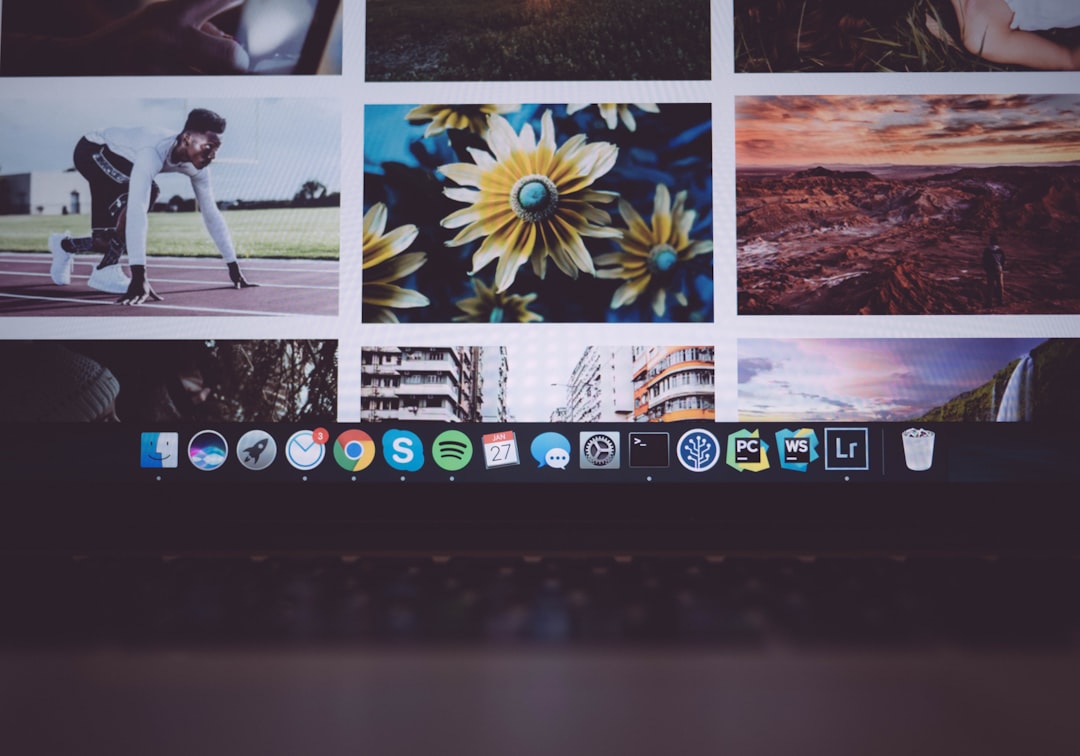
The strongest appeal of Duplicate Photos Fixer Pro is its combination of simplicity and useful comparison options. It does not overwhelm you with technical settings, but it still gives enough control to avoid deleting the wrong files.
- Duplicate and Similar Photo Detection: The tool can find exact duplicates as well as visually similar images. This is helpful for burst shots, resized copies, filtered edits, and repeated imports.
- Custom Scan Locations: You can choose specific folders, drives, or image collections instead of scanning your entire computer. This saves time and reduces irrelevant results.
- Preview Before Deleting: Results are usually displayed in groups, letting you compare images before choosing what to remove.
- Auto Marking: The app can automatically select duplicates based on rules, such as keeping one copy and marking extras for deletion.
- Adjustable Matching Options: Some versions allow you to change matching levels, which is useful when you want either strict duplicate detection or broader similar-image results.
- External Drive Support: Users with photo backups on USB drives or external hard disks can scan those locations too.
- Cross-Platform Availability: The availability on desktop and mobile makes it suitable for people who store photos across several devices.
Ease of Use
Duplicate Photos Fixer Pro is built for convenience. The workflow is usually straightforward: select the photo folders, start scanning, review the results, then delete or move unwanted duplicates. The interface is not particularly glamorous, but it is clear enough for non-technical users.
One helpful detail is the preview-based result screen. Rather than showing only file names, the software lets you visually compare images. This matters because file names like IMG_2048.jpg and IMG_2048 copy.jpg rarely tell you enough. Seeing the images side by side lowers the chance of deleting a favorite shot.
Performance and Accuracy
Performance depends on the size of your library, your storage speed, and your device. A folder with a few thousand images may scan fairly quickly, while a large archive stored on an external hard drive can take longer. Exact duplicate detection is generally easier and more reliable, while similar-photo detection requires more judgment.
In practice, the app is most useful when you combine automation with manual review. You can use Auto Mark to speed up the process, but you should still inspect the selected items before confirming deletion. This is especially important for photographers who may have multiple versions of the same scene with slightly different focus, lighting, or composition.
Pricing
Duplicate Photos Fixer Pro pricing varies by platform, region, and promotional offers. Desktop versions are commonly sold as a paid license, while mobile versions may use app-store pricing, in-app purchases, or premium upgrades. The price can also differ depending on whether you are buying a single-device license or a bundle.
As a general expectation, users should look for the following before purchasing:
- Number of devices covered: Some licenses may apply to one computer only.
- Subscription vs. one-time payment: Confirm whether the payment renews automatically.
- Refund policy: Check whether there is a trial, demo, or money-back guarantee.
- Platform limitations: The Windows version may not behave exactly like the iOS or Android version.
If you only need to clean a single small folder, a free alternative may be enough. However, if you manage a large library or want a guided interface, the paid version can be worth the convenience.
Pros
- Beginner-friendly interface: The scan-review-delete process is easy to understand.
- Finds both exact and similar photos: This is more useful than tools that only look for identical file hashes.
- Good for reclaiming storage: Duplicate photo libraries can waste many gigabytes, especially on laptops and phones.
- Preview and grouping: Seeing duplicates together makes decision-making faster.
- Useful for external drives and backups: It can help clean imported camera archives and old backup folders.
Cons
- Not fully automatic: You still need to review results to avoid deleting valuable variations.
- Pricing can be confusing: Costs and license terms may vary between platforms and stores.
- Similar-photo matching is not perfect: It may group images that are not true duplicates, especially from photoshoots or events.
- Limited appeal beyond photos: If you need to find duplicate videos, documents, music, and archives, a broader duplicate file finder may be better.
- Large scans can take time: Big libraries on external drives may require patience.
Who Should Use It?
Duplicate Photos Fixer Pro is best for people who regularly import, download, edit, or sync images from multiple places. If you use a phone, DSLR, cloud storage, messaging apps, and a laptop, duplicates are almost guaranteed. The app is also helpful for users preparing to migrate to a new computer or back up photos to a smaller SSD.
It is less necessary if your photo library is already well organized or if you only have a few hundred pictures. Power users who want deep file-management controls may prefer a more advanced duplicate file finder.
Best Alternatives
If Duplicate Photos Fixer Pro does not match your budget or workflow, several alternatives are worth considering:
- dupeGuru: A free, open-source duplicate finder that supports pictures, music, and standard files. It is powerful, though less polished.
- VisiPics: An older Windows tool focused on similar image detection. It is useful, but the interface feels dated.
- Awesome Duplicate Photo Finder: A lightweight Windows option for finding duplicate and similar images with a simple layout.
- Gemini 2: A polished macOS duplicate finder that handles more than photos, including documents and other file types.
- CCleaner Duplicate Finder: Useful if you already use CCleaner, though it is more general-purpose and less focused on visual photo comparison.
- PhotoSweeper: A strong Mac-focused choice for photographers and Apple Photos users who need advanced comparison controls.
Final Verdict
Duplicate Photos Fixer Pro is a solid, accessible tool for anyone dealing with a messy image library. Its biggest strengths are ease of use, visual comparison, similar-photo detection, and the ability to clean selected folders without too much technical effort. It is not flawless, and users should not rely on one-click deletion without checking results, but it can save a lot of time compared with manual cleanup.
If your main problem is duplicate and near-duplicate photos, this software is worth considering. If you need a broader file-cleaning solution or want a free tool, alternatives like dupeGuru or Awesome Duplicate Photo Finder may be better starting points. For most everyday users, however, Duplicate Photos Fixer Pro offers a clean balance of convenience, control, and practical storage savings.