Walking into Lowe’s can feel like entering a giant toy store for grown-ups. Paint, lumber, plants, power tools, tiny screws with mysterious names. But then comes the big question at checkout. Can you tap your iPhone and go?
TLDR: Yes, Lowe’s accepts Apple Pay at checkout in many stores, including regular registers and self-checkout lanes where contactless payment is available. You can use an iPhone or Apple Watch to tap and pay. For online orders, Apple Pay may appear as an option on eligible devices and browsers, but it is not always shown for every order. When in doubt, look for the Apple Pay or contactless payment symbol.
So, Does Lowe’s Accept Apple Pay?
Yes. Lowe’s accepts Apple Pay at many in-store checkout terminals. That means you can pay without pulling out your physical card. Just use your iPhone or Apple Watch.
This is great news if your hands are full of mulch, light bulbs, or one very dramatic houseplant.
Apple Pay works through NFC. That stands for “near field communication.” Fancy name. Simple idea. You hold your device near the card reader. The payment goes through like magic. Well, secure magic.
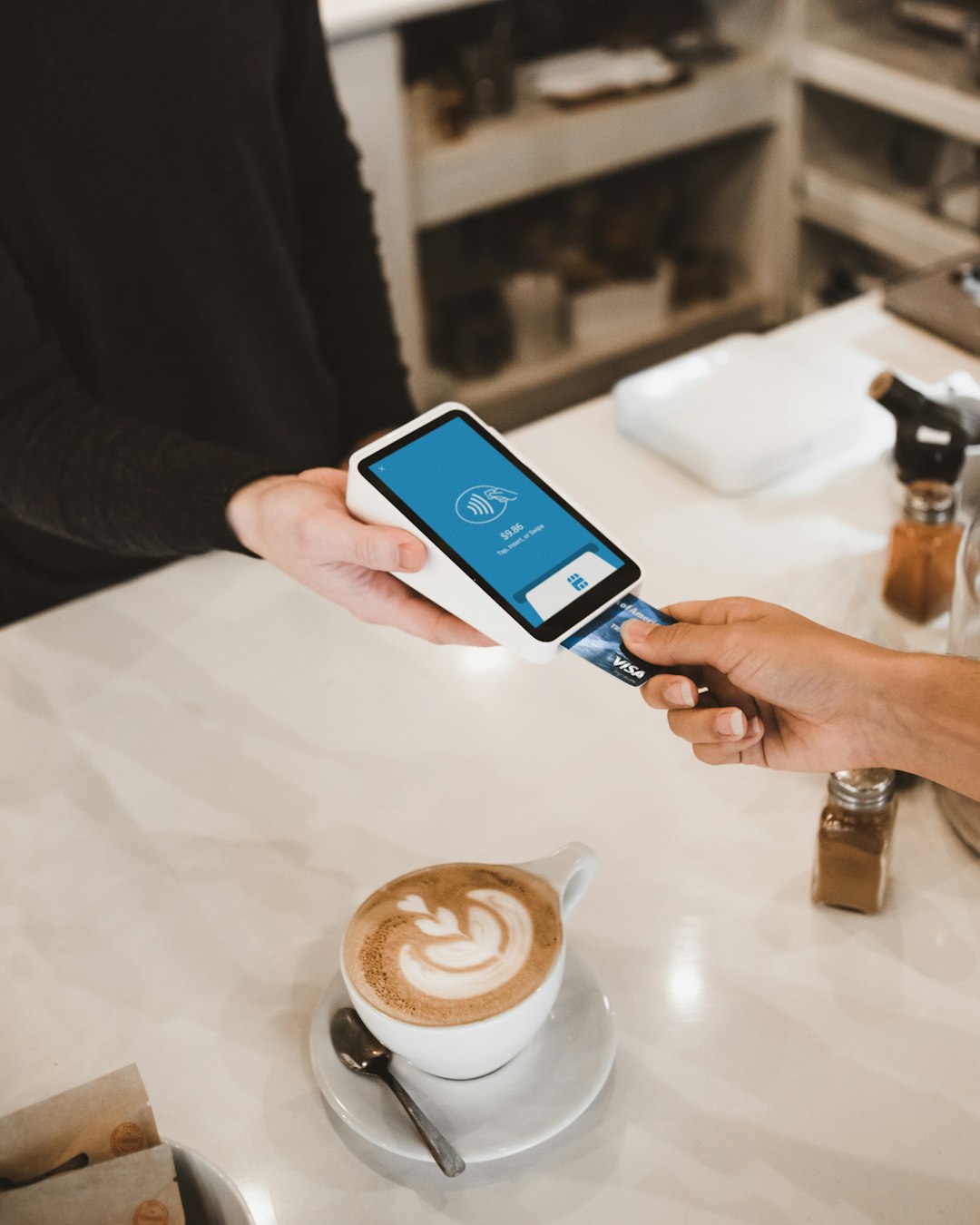
If the checkout terminal has the contactless symbol, you are probably good to go. The symbol looks like sideways Wi-Fi waves.
Can You Use Apple Pay at Lowe’s Self-Checkout?
Yes, usually. If the self-checkout machine has a contactless card reader, Apple Pay should work there too.
Self-checkout can be especially handy for smaller trips. Maybe you grabbed batteries, a tape measure, and one random snack near the register. Tap your phone. Done.
Here is the basic process:
- Scan your items.
- Choose card payment.
- Double-click the side button on your iPhone.
- Use Face ID, Touch ID, or your passcode.
- Hold your phone near the reader.
- Wait for the checkmark.
If you use an Apple Watch, double-click the side button on the watch. Then hold it near the reader. Try not to feel too futuristic.
Can You Use Apple Pay on Lowes.com?
This part is a little less simple.
Apple Pay may be available online for some Lowe’s purchases. It depends on your device, browser, and checkout setup. For example, Apple Pay is most likely to show up when you shop on an Apple device, such as an iPhone, iPad, or Mac. It also works best in Safari.
If Apple Pay is available, you will see the Apple Pay button during checkout. If you do not see it, you will need to choose another payment method.
Online checkout can vary based on:
- The item you are buying.
- Delivery or pickup options.
- Your device.
- Your browser.
- Your saved payment settings.
So the simple rule is this: if the Apple Pay button appears, you can use it. If it does not appear, use another card or payment option.
Can You Use Apple Pay in the Lowe’s App?
Apple Pay may also appear in the Lowe’s app for eligible orders. Again, it is not guaranteed for every customer or every purchase.
The best move is to add your items to the cart and go to checkout. Look for the Apple Pay button. If it is there, tap it. If not, pick another payment method and keep moving.
Not glamorous. But effective.
How to Use Apple Pay at Lowe’s
Using Apple Pay at Lowe’s is easy. You do not need to open a special Lowe’s menu. You do not need to chant “2 by 4” three times. You just need Apple Pay set up on your device.
Before you go, make sure:
- Your card is added to the Apple Wallet.
- Your iPhone or Apple Watch has enough battery.
- Your card is active and not expired.
- You know your passcode, just in case Face ID gets shy.
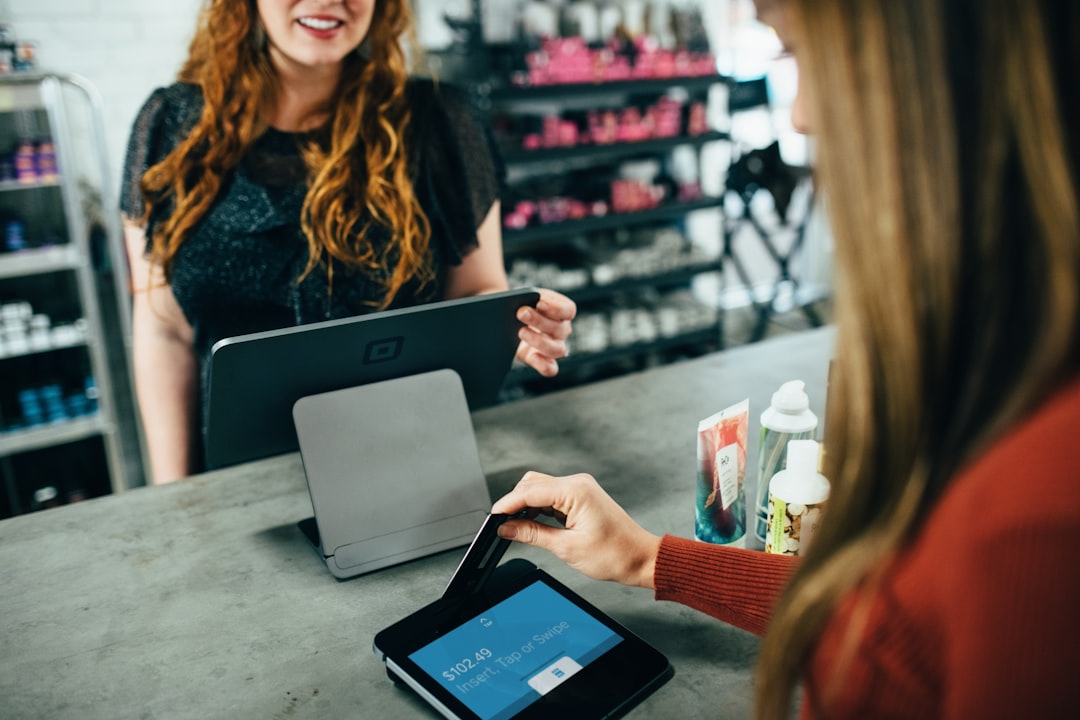
At checkout, tell the cashier you are paying by card. Then activate Apple Pay and hold your device near the terminal. Wait for the vibration, beep, or checkmark.
That is it. You have now purchased a faucet, fertilizer, or emergency toilet flapper with your phone. What a time to be alive.
Why Use Apple Pay at Lowe’s?
Apple Pay is popular because it is fast. It is also secure. Your actual card number is not shared with the store during the transaction. Instead, Apple Pay uses a device-specific number and a unique transaction code.
In plain English: your card details stay better protected.
Here are the big perks:
- Speed: Tap and go.
- Security: Your card number is not handed over.
- Convenience: No wallet digging.
- Cleanliness: Less touching of keypads.
- Rewards: You can still earn rewards from the card linked to Apple Pay.
That last part is important. If your credit card earns cash back, points, or miles, you can usually still earn them when using that card through Apple Pay.
What If Apple Pay Does Not Work?
Sometimes tech has a little tantrum. It happens.
If Apple Pay does not work at Lowe’s, try these quick fixes:
- Move your phone closer to the reader.
- Hold it still for a few seconds.
- Make sure you selected the correct card.
- Try Face ID or your passcode again.
- Ask the cashier if contactless payments are working.
- Use a physical card as backup.
Some terminals can be picky. Some may need a reset. Some may simply be having a Monday.
It is smart to bring a backup payment method. Especially if you are buying something important. Like a new water heater. Or the exact screw that holds your weekend project together.
What Other Payment Methods Does Lowe’s Accept?
Lowe’s accepts many common payment methods. These can include:
- Major credit cards.
- Debit cards.
- Lowe’s gift cards.
- Lowe’s credit cards.
- Cash in stores.
- PayPal online, when available.
- Other digital wallets, where supported.
Payment options can change by store, location, and checkout type. So it is always a good idea to check the screen at checkout.
Does Lowe’s Accept Apple Pay for Returns?
If you paid with Apple Pay, returns usually work like a normal card return. The refund goes back to the card you used through Apple Pay.
You may need your receipt. You may also need the same device or card used for the purchase. Keep your digital receipt if you have one. Receipts are boring until you need them. Then they become treasure maps.
Final Answer
Yes, Lowe’s accepts Apple Pay at checkout in many stores. You can usually use it at regular registers and self-checkout lanes with contactless readers. Just look for the tap-to-pay symbol.
For online shopping or the Lowe’s app, Apple Pay may be available if you are using a compatible Apple device and the option appears at checkout. If you do not see the button, use another payment method.
The best plan is simple. Set up Apple Pay before you shop. Bring a backup card. Then tap, pay, and get back to your project. Your shelves are not going to install themselves.