Designers today are spoiled for choice when it comes to creative tools. From world-renowned programs like Adobe Photoshop and Figma to niche productivity tools, their digital toolbox is extensive. However, buried beneath the giants are several lesser-known design apps that power the weekly workflows of seasoned creatives. These underrated gems are often the unsung heroes behind crisp interfaces, compelling branding, and efficient project management.
TLDR (Too Long, Didn’t Read):
If you’re a designer seeking to improve your workflow, discover new creative abilities, or experiment with lesser-explored tools, this article uncovers 7 underrated design apps. While not household names, these apps provide powerful features, intuitive interfaces, and unique capabilities that can benefit designers across disciplines. From vector tools to browser-based interfaces and collaboration aids, this list will refresh your design toolbox. Give them a try and see how they elevate your weekly routine.
1. Lunacy – A High-Performance, Offline Design Tool
One of the most underrated tools in UI and UX design is Lunacy by Icons8. Unlike Figma, which requires internet connectivity, Lunacy offers powerful design capabilities that work offline. It supports Sketch file formats, making it especially useful for teams transitioning from Apple to Windows environments.
- Top Feature: Full compatibility with Sketch files for seamless collaboration.
- Bonus: It incorporates built-in UI kits, avatars, and icons free of charge.

Designers frequently appreciate its speed, absence of lag, and equal performance whether online or offline. It’s perfect for travel, remote work spots, or simply reducing distractions caused by connectivity issues.
2. Amadine – Vector Graphic Editor for Enthusiasts and Pros
Amadine is a hidden gem in the realm of vector illustration, ideal for designers who appreciate clean interfaces and need professional-level tools without the software heft of Adobe Illustrator. Though currently Mac and iOS exclusive, it caters perfectly to branding design, infographics, and logo creation.
- Top Feature: Smart shapes and precise vector editing tools.
- Bonus: Affordable one-time purchase with no subscriptions.
Its simplicity makes it a fantastic learning tool for beginners, yet its depth ensures professionals also find value in regular use.
3. Gravit Designer – Cross-Platform Vector Design Software
Gravit Designer is often forgotten amid the buzz around Canva and Adobe Express, but its elegant balance between vector design capabilities and platform versatility makes it a favorite among niche design circles. It works flawlessly across web, desktop, and mobile.
- Top Feature: Cloud-based design with offline support for paid users.
- Bonus: Responsive design previews built-in, which is ideal for web designers.
It provides a fluid and intuitive way to design interfaces, infographics, and scalable assets without needing expensive licenses.
4. Iconscout Plugins – Enhanced Asset Exploration in Your Workflow
While not a standalone design app, the Iconscout plugin revolutionizes how designers insert icons, illustrations, and 3D assets into ongoing projects. Compatible with apps like Sketch, Figma, and Adobe XD, this extension integrates directly, eliminating the need for constant downloading and uploading.
- Top Feature: One-click insertion of assets into design files.
- Bonus: Regularly updated library of free and premium assets.
Its meaningful utility becomes apparent in client projects or tight-turnaround scenarios. Plus, all assets are quality-checked and sorted by themes, reducing hunting time.
5. ColorSlurp – Color Picker Supercharged for Designers
Mac users who frequently work with color schemes know the constraints of built-in digital color pickers. ColorSlurp offers a delightfully smart alternative. With pixel-accurate precision and advanced palette creation features, it enables faster and more creative decisions around color theory.
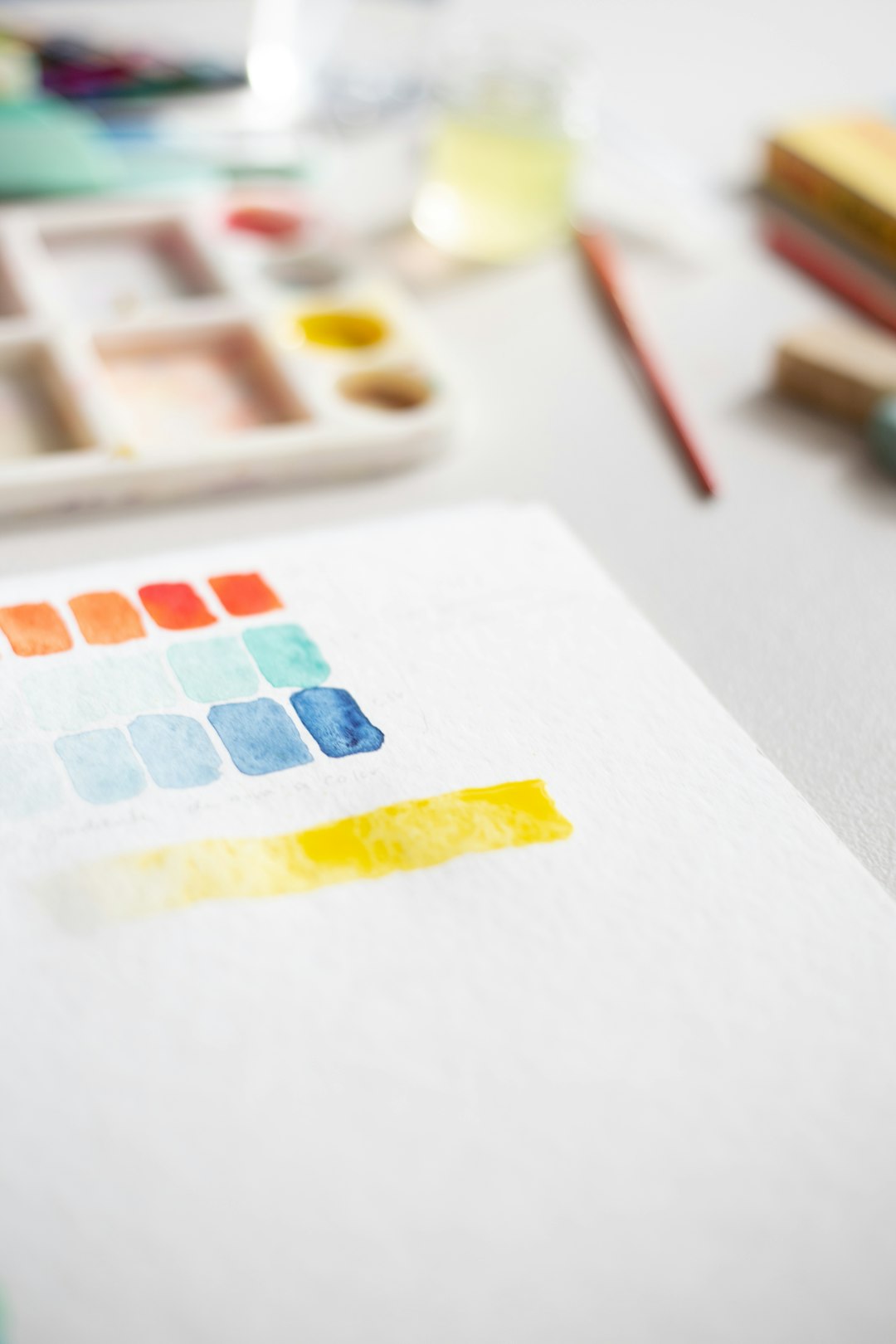
- Top Feature: Real-time color sampling with magnified previews.
- Bonus: Naming and organizing palettes with export formats for various design apps.
ColorSlurp also synchronizes across multiple devices and stores your palettes for future use — a hidden treasure for branding work.
6. Vectornator – Free Vector Powerhouse Focused on Touch Devices
Vectornator is a game-changer for Apple ecosystem users, particularly those who prefer designing on the iPad or even an iPhone. It challenges powerful legacy tools like Illustrator, combining a beautiful UI with professional features — entirely for free.
- Top Feature: Auto trace, PDF import, and full gesture support on iOS.
- Bonus: Integrated Unsplash and icon library access for inspiration on the go.
Designers report improved productivity when sketching ideas or editing vectors during commutes, thanks to its exceptional responsiveness to Apple Pencil.
7. Whimsical – Visual Collaboration Beyond Wireframes
Whimsical is quickly gaining traction among product designers for its simple yet powerful flowchart, wireframing, and mind-mapping tools. But what makes it underrated is its vital role in rapid ideation. Even non-design collaborators find it easy to interact with your ideas and prototypes.
- Top Feature: Drag-and-drop wireframes and sticky notes for quick iteration.
- Bonus: Real-time collaboration with version history tracking.
It’s not trying to be a full design suite — and that’s exactly why it serves as the perfect companion tool for early-stage projects or cross-disciplinary brainstorming.
Conclusion
In a fast-moving world of UI, graphic, and motion design, having the right tools — large and small — can make all the difference. Each of these 7 apps provides unique functionality, versatile design support, or hidden efficiencies that designers appreciate in their weekly routines. Whether it’s the offline convenience of Lunacy, the finger-friendly creativity of Vectornator, or the plugin harmony of Iconscout, what ties them all together is a commitment to enhancing design freedom without unnecessary friction or expense.
FAQs
Q1: Are these apps suitable for beginners?
A: Yes. Most of these apps, such as Amadine and Whimsical, feature intuitive interfaces and user-friendly tutorials, making them great for beginners while maintaining advanced features for professionals.
Q2: Do I need a subscription for all these tools?
A: Not all. Some like Vectornator and Lunacy are completely free, while others like ColorSlurp offer premium tiers or one-time purchases. Gravit Designer and Iconscout may require a subscription for advanced features.
Q3: Can these apps integrate into larger workflows involving tools like Figma or Adobe?
A: Absolutely. Apps like Iconscout plugins are made for Figma and Sketch integration, while Whimsical complements more robust prototyping tools well in the planning stages.
Q4: Which app is best for offline use?
A: Lunacy leads the pack for offline use among design tools, offering nearly full capabilities without the internet. Gravit Designer also supports offline access for its Pro tier.
Q5: Is there a cross-platform vector design tool on this list?
A: Yes, Gravit Designer supports web, Windows, macOS, Linux, and ChromeOS, making it ideal for designers on various systems.