

InspiredWindsInspiredWinds
  • Business
  • Computers
  • Cryptocurrency
  • Education
  • Gaming
  • News
  • Sports
  • Technology
Reading: How to Fix Winnoise Website
Share
Aa
InspiredWindsInspiredWinds
Aa
  • Business
  • Computers
  • Cryptocurrency
  • Education
  • Gaming
  • News
  • Sports
  • Technology
Search & Hit Enter
  • Business
  • Computers
  • Cryptocurrency
  • Education
  • Gaming
  • News
  • Sports
  • Technology
InspiredWinds > Technology > How to Fix Winnoise Website
Technology

How to Fix Winnoise Website

Ethan Martinez
Last updated: 2025/04/03 at 11:33 AM
Ethan Martinez Published April 3, 2025
Share
SHARE

If you’ve landed here, you’re probably thinking, “Why is the Winnoise website acting weird?” No worries! Fixing a broken or buggy site can seem scary, but we’ll make it fun and easy. So grab your digital toolbox, and let’s get started.

Contents
1. Identify the Problem2. Check the Internet Connection3. Clear Cache and Cookies4. Test the Backend (Don’t Panic!)5. Use Browser Dev Tools6. Restore from a Backup7. Update Everything8. Ask for Help9. When to Call the ProsWrap-Up

1. Identify the Problem

First thing’s first: what’s actually wrong with the site?

  • Is it slow?
  • Do pages not load?
  • Are images missing?
  • Is the layout all over the place?

Visit the site on different browsers. Try it on your phone. Get clues!

2. Check the Internet Connection

We know, sounds basic. But you’d be shocked how often the issue is on your end.

Make sure you have a solid internet connection. Try other websites. If Netflix loads and Winnoise doesn’t, it’s probably the site’s fault, not yours.

3. Clear Cache and Cookies

Web browsers like to store stuff. Sometimes too much stuff.

This stored data, called cache, may make your site misbehave if it goes outdated.

  • Go to settings on your browser
  • Find “Clear Browsing Data”
  • Choose cache and cookies
  • Restart the browser

Try Winnoise again. Better? Let’s hope!

4. Test the Backend (Don’t Panic!)

This is just the fancy name for stuff behind the curtain — the code, the server, the databases.

If you’re a techie or have a developer, check these:

  • Is the server up? You can do this using tools like Pingdom or Uptime Robot.
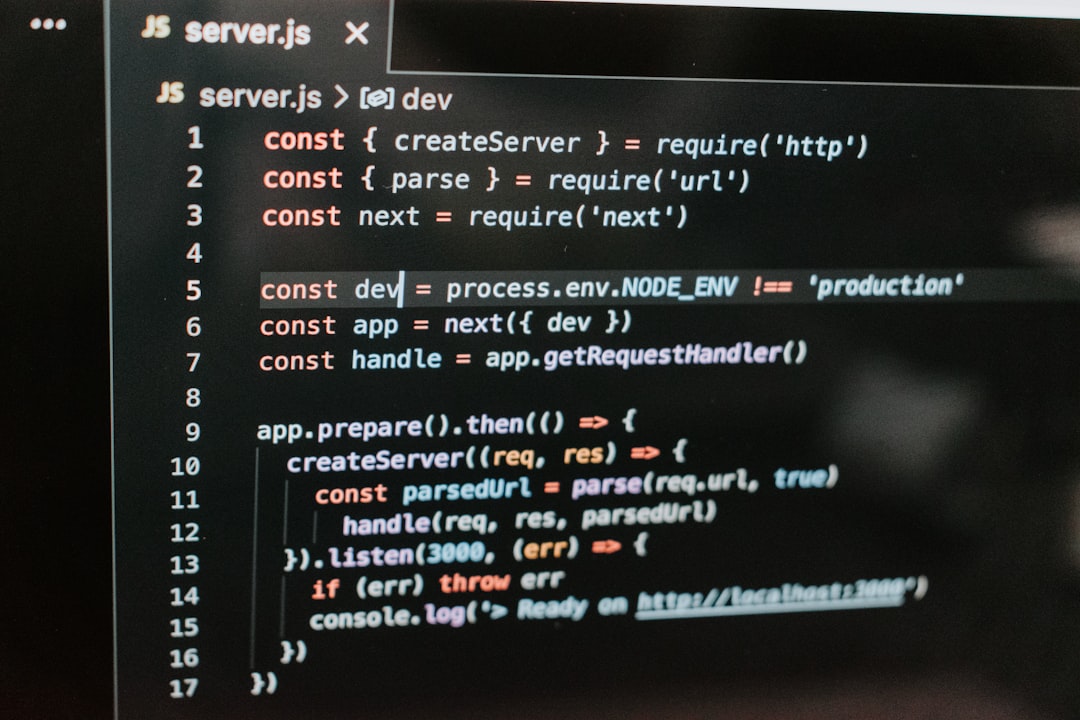
  • Is the code clean? See if someone recently pushed a new update that broke something.
  • Any broken scripts or missing files? Missing JavaScript or CSS files = broken layout.
5. Use Browser Dev Tools

This is your secret weapon. Every browser has them. Right-click on your webpage and hit “Inspect.”

Look in the console tab. See any red errors? That’s the browser screaming, “Something’s wrong!”

Example: “Failed to load resource”… That probably means a file is missing.

6. Restore from a Backup

If Winnoise worked yesterday but crashed today, roll it back!

  • Go to your site hosting panel
  • Look for backup options
  • Pick a time when the site last worked
  • Click restore. Breathe.

This is like time-traveling. Without the flux capacitor.

7. Update Everything

Outdated plugins, themes, or scripts can mess everything up.

  • Update your CMS (WordPress, etc.)
  • Update plugins and themes
  • Double-check compatibility before updating

Sometimes an update breaks something else, so be careful and do it step-by-step.

8. Ask for Help

Still stuck? No shame in asking!

Use forums like:

  • Stack Overflow
  • WordPress Support
  • Reddit Tech Support

Be polite, explain clearly, and include screenshots if needed.

9. When to Call the Pros

Sometimes the website is just… too broken. When it’s above your pay grade, call a web developer.

Paying a pro can save hours and headaches.

Tip: Always ask for a quick site audit first before diving into big fixes.

Wrap-Up

Fixing the Winnoise website isn’t rocket science, but it does take a little patience and detective work.

Start simple, look for obvious clues, and don’t be afraid to get help if needed.

After all, every bug squashed is a step closer to internet glory!

Ethan Martinez April 3, 2025
Share this Article
Facebook Twitter Whatsapp Whatsapp Telegram Email Print
By Ethan Martinez
I'm Ethan Martinez, a tech writer focused on cloud computing and SaaS solutions. I provide insights into the latest cloud technologies and services to keep readers informed.

Latest Update

LinkedIn Profile Data Extraction Automation: How to Automate the Collection of Public LinkedIn Profile Data Ethically, With Data Quality, Compliance, and Responsible Automation Practices
Technology
How to Save an Email as a PDF: A Step-by-Step Guide to Saving Individual Emails as PDF Documents Across Gmail, Outlook, and Other Email Services
Technology
What Is the Difference Between Landing Page and Homepage: Understanding the Different Goals, Structures, Content, Navigation, and Conversion Roles of Landing Pages and Homepages
Technology
Conversion-Focused Marketing: How to Build a Conversion-Focused Marketing Strategy Around Intent, Messaging, Landing Pages, Testing, and Customer Journeys
Technology
Why Doesn’t My Site Appear on Google: Common Reasons Websites Fail to Appear in Google Search and Practical SEO Steps to Improve Visibility
Technology
How Much TikTok Pays for 1 Million Views: Understanding TikTok Earnings From One Million Views, Monetization Programs, Engagement, and Revenue Factors
Technology

You Might Also Like

Technology

LinkedIn Profile Data Extraction Automation: How to Automate the Collection of Public LinkedIn Profile Data Ethically, With Data Quality, Compliance, and Responsible Automation Practices

10 Min Read
Technology

How to Save an Email as a PDF: A Step-by-Step Guide to Saving Individual Emails as PDF Documents Across Gmail, Outlook, and Other Email Services

9 Min Read
Technology

What Is the Difference Between Landing Page and Homepage: Understanding the Different Goals, Structures, Content, Navigation, and Conversion Roles of Landing Pages and Homepages

10 Min Read
Technology

Conversion-Focused Marketing: How to Build a Conversion-Focused Marketing Strategy Around Intent, Messaging, Landing Pages, Testing, and Customer Journeys

9 Min Read

© Copyright 2022 inspiredwinds.com. All Rights Reserved

Like every other site, this one uses cookies too. Read the fine print to learn more. By continuing to browse, you agree to our use of cookies.X

Removed from reading list

Undo
Welcome Back!

Sign in to your account

Lost your password?
