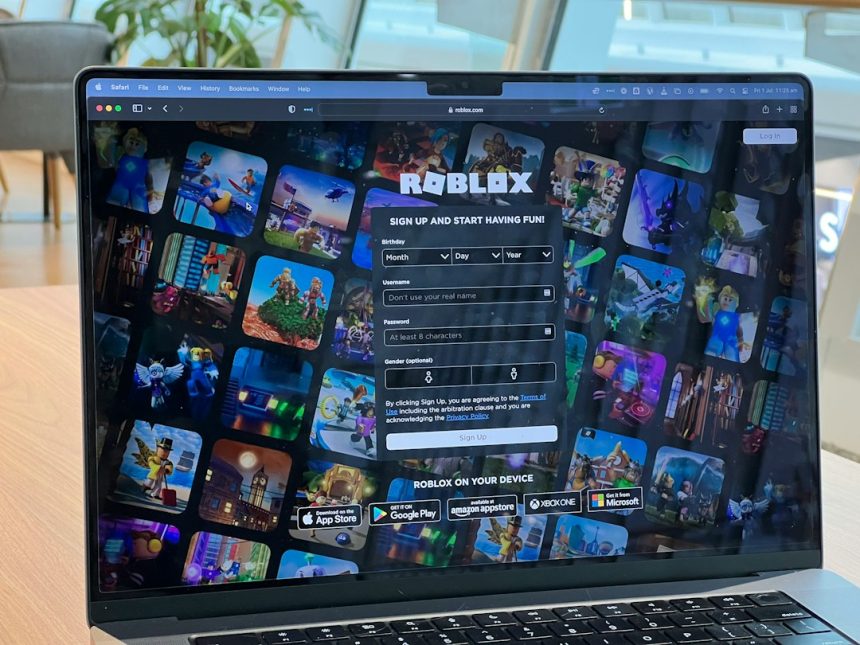
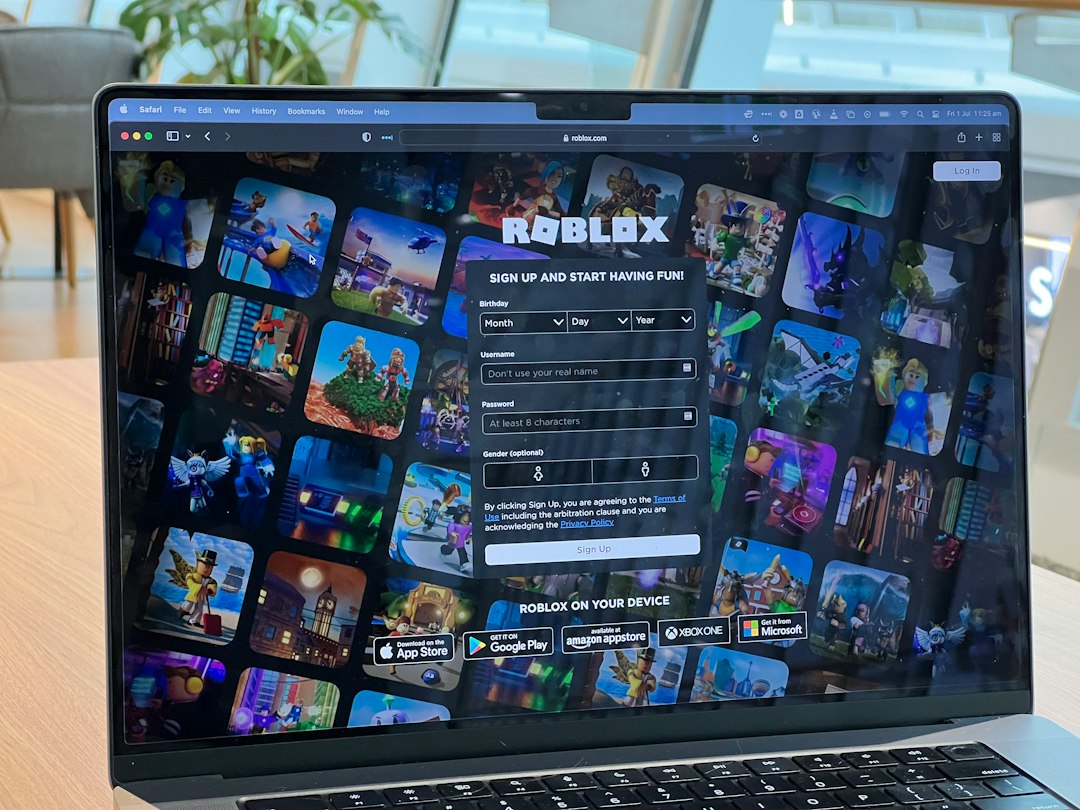
The safest three options are simple: ask for approved access, use your own mobile connection, or use a permitted VPN only when the network owner allows it. Roblox is huge, with Roblox reporting 79.5 million daily active users in Q2 2024, so it is no surprise that schools, offices, hotels, and public Wi Fi often block it to cut traffic or reduce distractions [source: Roblox].
TLDR: If Roblox is blocked, do not rush to sketchy “unblocker” sites. The cleanest fix is to get permission, switch to your own data, or use an approved VPN on a network where that is allowed. For example, a student running a Roblox coding club could ask IT for a 90 minute whitelist window once a week, while a commuter could play on mobile data instead of train station Wi Fi. Expect mobile play to use roughly 100 MB to 300 MB per hour, though heavy games and voice chat can push that higher.
1. Ask for approved access
This sounds boring. It is also the option least likely to get your account, device, or school login in trouble. If you are on a school, office, library, or campus network, the block may exist for a real reason. Roblox includes chat, user made games, purchases, and social features. Network admins often file it under games, social, or high bandwidth.
If your reason is valid, ask for a clear exception. Do not just say, “I want to play.” Say what you need, when you need it, and who will supervise it.
- For a school club: ask for access during club hours only.
- For game design class: ask for Roblox Studio and Roblox web access on lab computers.
- For a parent managed device: ask for a time limit instead of a full block removal.
- For an office break room: ask if personal gaming is allowed on guest Wi Fi.
Honestly, it feels annoying to send a formal request for a game. Still, it beats wasting 20 minutes on broken proxy pages that load ads faster than Roblox itself.
2. Use your own mobile data or hotspot
If the Wi Fi is restricted, the cleanest workaround is often not to use that Wi Fi at all. Your phone’s mobile data connection is separate from the local network. If your plan allows hotspot use, you can connect a tablet, laptop, or handheld device to your phone and play that way.
This works best for short sessions. Roblox is not the heaviest online game, but usage varies a lot. A simple obby may sip data. A busy open world with voice chat, high graphics, and constant asset loading may burn through much more. If you have a small data cap, lower the graphics setting and avoid long sessions.
Before you try this, check three things:
- Your data plan: some carriers slow hotspot speeds after a set limit.
- Your signal: weak 4G or 5G means lag, rubber banding, and disconnects.
- Your battery: hotspot mode drains phones fast.
The catch is that hotspot gaming can feel fine for five minutes, then suddenly turn into a lag slideshow when your signal drops. Sit near a window if you are indoors. Close other apps. If possible, keep the phone charging.
This option is best for public places where Wi Fi blocks games by default, such as airports, cafes, hotels, or train stations. It is not a magic excuse to ignore school or workplace rules. If the rule says no gaming during class or work hours, your own data does not change that.
3. Use a permitted VPN when the block is network based
A VPN can help when a network blocks game traffic too broadly, such as on hotel Wi Fi, apartment Wi Fi, or public Wi Fi. It routes your traffic through another server. That can sometimes stop a crude filter from blocking Roblox.
But use this carefully. Many schools and companies ban VPNs on their networks. Some networks also block VPN traffic. If the owner says no VPNs, do not treat that as a puzzle to solve. Treat it as a rule.
If VPN use is allowed, choose a trusted paid provider and a nearby server. Nearby servers usually mean lower ping. Free VPNs often have crowded servers, weak speeds, and privacy tradeoffs. Some are stuffed with ads. Some are worse. It drives me crazy that people install a random VPN app, then wonder why every login feels suspicious afterward.
- Pick a nearby location: this can reduce lag.
- Avoid free unknown apps: they may track traffic or inject ads.
- Test speed first: open Roblox, join a low traffic experience, and check ping.
- Turn it off after playing: some apps and sites behave oddly through VPNs.
What you should avoid
Do not use random Roblox “unblocked” websites. Many are copycat pages. Some collect logins. Some push fake browser extensions. Others show endless popups and never launch the game. Also avoid modified apps, cracked clients, script loaders, and “free Robux” pages. Those can risk your account and device.
Roblox works through official apps and supported platforms, including computers, phones, tablets, and some consoles [source: Roblox Help]. If a method asks for your password outside Roblox, that is a bright red warning sign.
Which method should you pick?
Choose based on where you are. If you are at school or work, request access or wait until later. If you are on public Wi Fi, use mobile data if your plan can handle it. If you own the connection or have permission, a VPN may help with blunt network blocks.
Best overall choice: approved access. Fastest practical choice: mobile data. Most situational choice: VPN. Roblox is more fun when it works without shady tools, surprise malware, or a message from IT asking why your device is trying to reach twelve strange proxy sites.