

A busy reception area, service desk, or shared office hub can feel calm only when someone is quietly coordinating the details behind it. That person is often the desk manager: the professional who turns walk-ins, calls, tickets, schedules, complaints, and daily admin work into an organized workflow. Whether in hospitality, healthcare, corporate offices, universities, or IT support, the role blends people management, process control, and smart use of technology.
TLDR: A desk manager oversees the daily operations of a front desk, help desk, or service desk, making sure requests are handled quickly and professionally. The role requires communication, organization, problem-solving, leadership, and comfort with software tools such as ticketing systems, scheduling platforms, CRMs, and communication apps. For example, a 120-room hotel that reduces check-in time from 8 minutes to 5 minutes can save roughly 6 staff hours per 100 arrivals while improving guest satisfaction. The best desk managers combine hospitality with data-driven workflow management.
What Does a Desk Manager Do?
A desk manager is responsible for supervising the point where people, information, and service requests enter an organization. In a hotel, this may mean managing front desk agents and guest arrivals. In an IT department, it may mean overseeing support tickets and ensuring users receive timely technical help. In an office, it may involve reception, meeting room coordination, visitor management, mail handling, and employee support.
Although the setting changes, the goal is consistent: deliver efficient, friendly, and reliable service while keeping operations under control.
Image not found in postmetaCore Responsibilities of a Desk Manager
The responsibilities of a desk manager are both practical and strategic. They handle the details of the day while also improving how the desk functions over time.
- Supervising desk staff: Training, scheduling, coaching, and monitoring the performance of receptionists, agents, coordinators, or support representatives.
- Managing customer or employee interactions: Ensuring visitors, guests, clients, or internal users are greeted properly and directed to the right solution.
- Handling escalations: Stepping in when a complaint, technical issue, billing question, or urgent request requires senior attention.
- Organizing schedules and coverage: Making sure the desk is staffed during peak times, breaks, events, or high-volume periods.
- Maintaining records: Tracking requests, check-ins, calls, service tickets, deliveries, room bookings, or incident reports.
- Improving procedures: Creating scripts, checklists, workflows, and standards so service is consistent across the team.
- Monitoring performance: Reviewing metrics such as response time, wait time, resolution rate, guest satisfaction, or call volume.
In many organizations, the desk manager also acts as the bridge between frontline staff and upper management. They translate daily operational problems into useful feedback: what customers ask most often, where delays happen, which tools are inefficient, and where the team needs more training.
Essential Skills for a Successful Desk Manager
Desk management is a people-facing job, but it is not just about being friendly. The best desk managers are emotionally intelligent, highly organized, and able to make fast decisions without losing professionalism.
1. Communication
Clear communication is the foundation of the role. A desk manager must explain policies, calm frustrated people, brief staff, write updates, and coordinate with other departments. The tone matters as much as the message: confident, courteous, and concise.
2. Organization and Prioritization
At any moment, a desk manager may be handling a ringing phone, a waiting visitor, an urgent ticket, and a staff absence. Strong prioritization helps them decide what needs immediate action and what can be scheduled for later. Good desk managers often rely on checklists, dashboards, and shift notes to avoid missed details.
3. Leadership
Desk staff look to the manager for direction, especially during stressful periods. Leadership includes setting expectations, correcting mistakes constructively, recognizing strong performance, and keeping morale steady. A desk manager does not need to micromanage, but they do need to create dependable standards.
4. Problem-Solving
Problems arrive at the desk first. A guest cannot access a room, an employee cannot log in, a visitor is missing from the schedule, or a client is upset about a delay. The desk manager must investigate quickly, choose a reasonable solution, and know when to escalate.
5. Technical Confidence
Modern desk operations depend heavily on software. Even in a warm, human-centered role, technical confidence is essential. A desk manager should be comfortable learning new systems, interpreting reports, maintaining digital records, and helping staff use tools correctly.
Software Options for Desk Managers
The right software depends on the type of desk being managed. A hotel front desk has different needs than an IT help desk, but most managers benefit from tools that improve visibility, accountability, and speed.
Ticketing and Help Desk Software
For IT, facilities, customer support, and internal service teams, ticketing platforms are often the backbone of the operation. They allow teams to log requests, assign responsibility, set priorities, and track resolution times.
- Zendesk: Popular for customer support teams that need ticket management, knowledge bases, automation, and reporting.
- Freshdesk: A flexible option for support teams that want multichannel ticketing, automation, and easy setup.
- Jira Service Management: Strong for IT service desks, development teams, change management, and technical workflows.
- ServiceNow: Often used by larger organizations needing enterprise-level IT service management and advanced workflows.
Reception and Visitor Management Tools
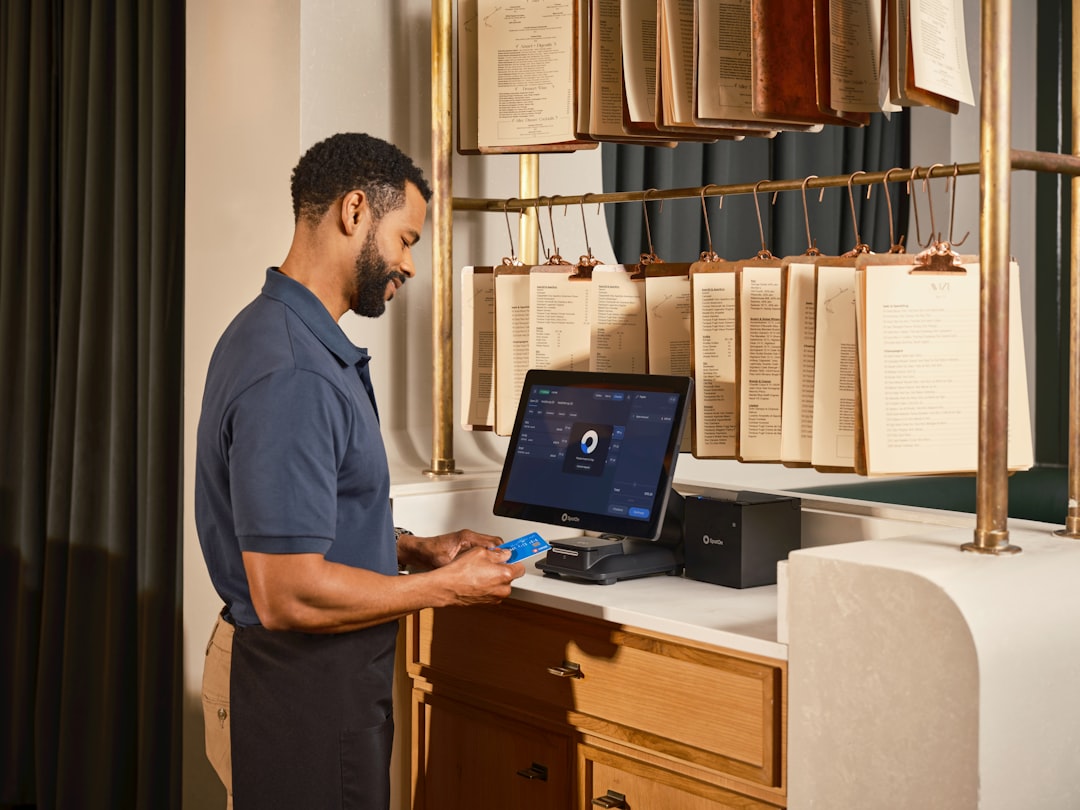
For front offices, coworking spaces, schools, and corporate lobbies, visitor management software can replace paper sign-in sheets and improve security.
- Envoy: Useful for visitor sign-ins, deliveries, workplace entry, and employee notifications.
- SwipedOn: Designed for visitor check-in, staff tracking, and simple front desk administration.
- Proxyclick: Suitable for organizations that need visitor registration, compliance features, and access control integrations.
Scheduling and Workforce Management
Desk managers must ensure the right people are available at the right time. Scheduling tools reduce confusion and help prevent understaffing during peak periods.
- When I Work: Helpful for shift scheduling, time tracking, and staff communication.
- Deputy: Good for workforce scheduling, timesheets, and labor cost tracking.
- Google Calendar or Microsoft Outlook: Practical for smaller teams that need shared calendars and simple coordination.
Communication and Collaboration Platforms
Desk teams often coordinate with security, maintenance, housekeeping, IT, HR, or management. Real-time communication tools make this faster.
- Microsoft Teams: Strong for organizations already using Microsoft 365, with chat, calls, files, and meetings in one place.
- Slack: Useful for channel-based communication, quick updates, and integrations with support tools.
- Front: Helpful for teams managing shared inboxes, customer emails, and collaborative responses.
Hospitality and Property Management Systems
In hotels, serviced apartments, and resorts, desk managers often rely on property management systems to handle reservations, room status, payments, and guest profiles.
- Cloudbeds: A cloud-based option for reservations, channel management, and front desk operations.
- Opera: Common in larger hotels and hospitality groups with complex property operations.
- RoomRaccoon: Designed for independent hotels that need reservations, payments, and booking management.
How to Choose the Right Desk Management Software
Software should solve real operational problems, not create extra admin work. Before choosing a platform, a desk manager should identify the biggest pain points: long wait times, lost requests, unclear ownership, poor reporting, staff scheduling problems, or inconsistent communication.
Useful selection criteria include:
- Ease of use: Staff should be able to learn the system quickly, especially in high-turnover environments.
- Integration: The software should connect with email, calendars, CRMs, access systems, payment tools, or messaging apps where needed.
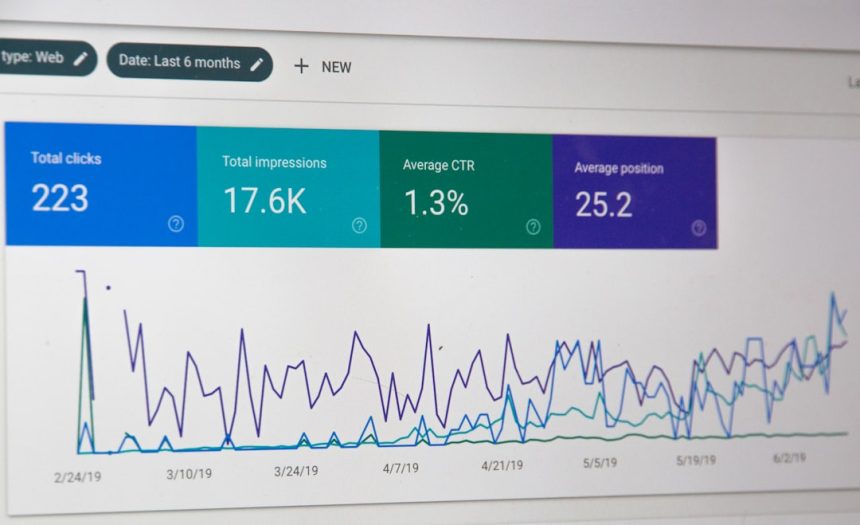
- Reporting: Managers need clear data on volume, response time, resolution time, satisfaction, and staffing patterns.
- Scalability: The tool should support growth, multiple locations, or expanded service channels.
- Security: Visitor data, customer records, employee information, and payment details must be protected.
Why the Desk Manager Role Matters
The desk is often the first and most frequent point of contact with an organization. A well-managed desk creates trust before the main service even begins. It reduces confusion, speeds up responses, and gives people confidence that their needs are being handled.
For businesses, a skilled desk manager can also reveal hidden inefficiencies. If 35% of support tickets are about the same login problem, that signals a training or system issue. If lobby wait times spike every Monday morning, staffing can be adjusted. If guest complaints rise after a software change, the workflow may need redesigning.
Final Thoughts
A desk manager is part host, part coordinator, part analyst, and part team leader. The role requires patience and professionalism, but also a sharp eye for systems and improvement. With the right mix of responsibilities, skills, and software, a desk manager can transform a busy point of contact into a smooth, measurable, and welcoming service experience.







