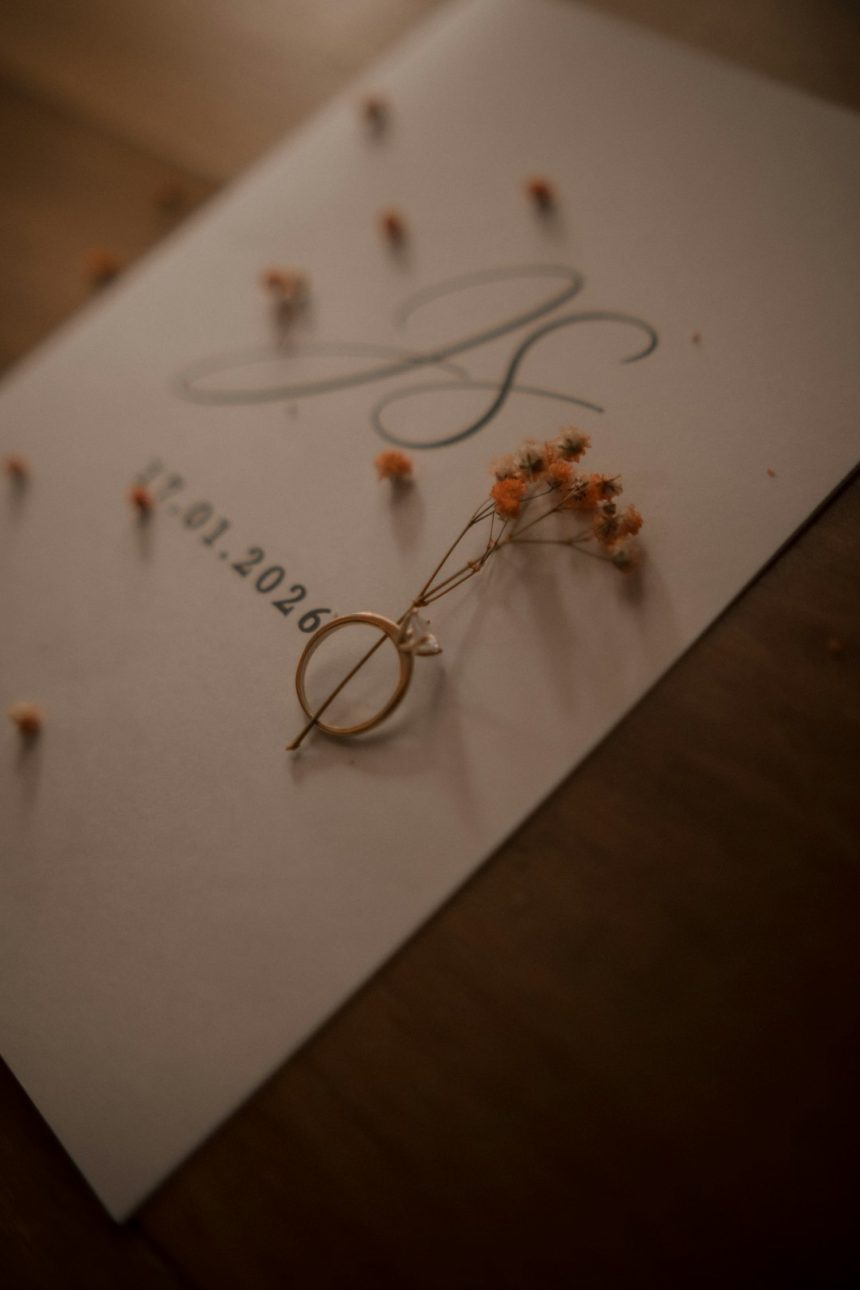
A wedding logo can turn a celebration into a beautifully recognizable experience. It may appear on invitations, menus, signage, favors, a wedding website, dance floor decals, and even thank you cards. When created thoughtfully, it becomes more than decoration; it represents the couple’s style, story, and the atmosphere they want guests to remember.
TLDR: Creating a wedding logo online is easy with user-friendly design platforms, template marketplaces, and digital illustration tools. The best logos usually combine the couple’s initials, wedding date, meaningful symbols, and a style that matches the event theme. A strong wedding logo should be simple, readable, versatile, and consistent across printed and digital materials. Couples can personalize templates or create something fully custom without needing professional design experience.
Why a Wedding Logo Matters
A wedding logo, sometimes called a wedding monogram or couple crest, gives the event a cohesive visual identity. It helps all wedding details feel connected, from the save the dates to the seating chart. For formal weddings, it can add elegance and tradition. For modern, rustic, beach, or whimsical weddings, it can communicate personality in a subtle but memorable way.
The logo does not need to be complicated. In many cases, the most effective design is a clean combination of initials, a date, and a decorative element. A minimal line drawing, floral frame, custom script, or geometric layout can make the logo feel polished without overwhelming the wedding materials.
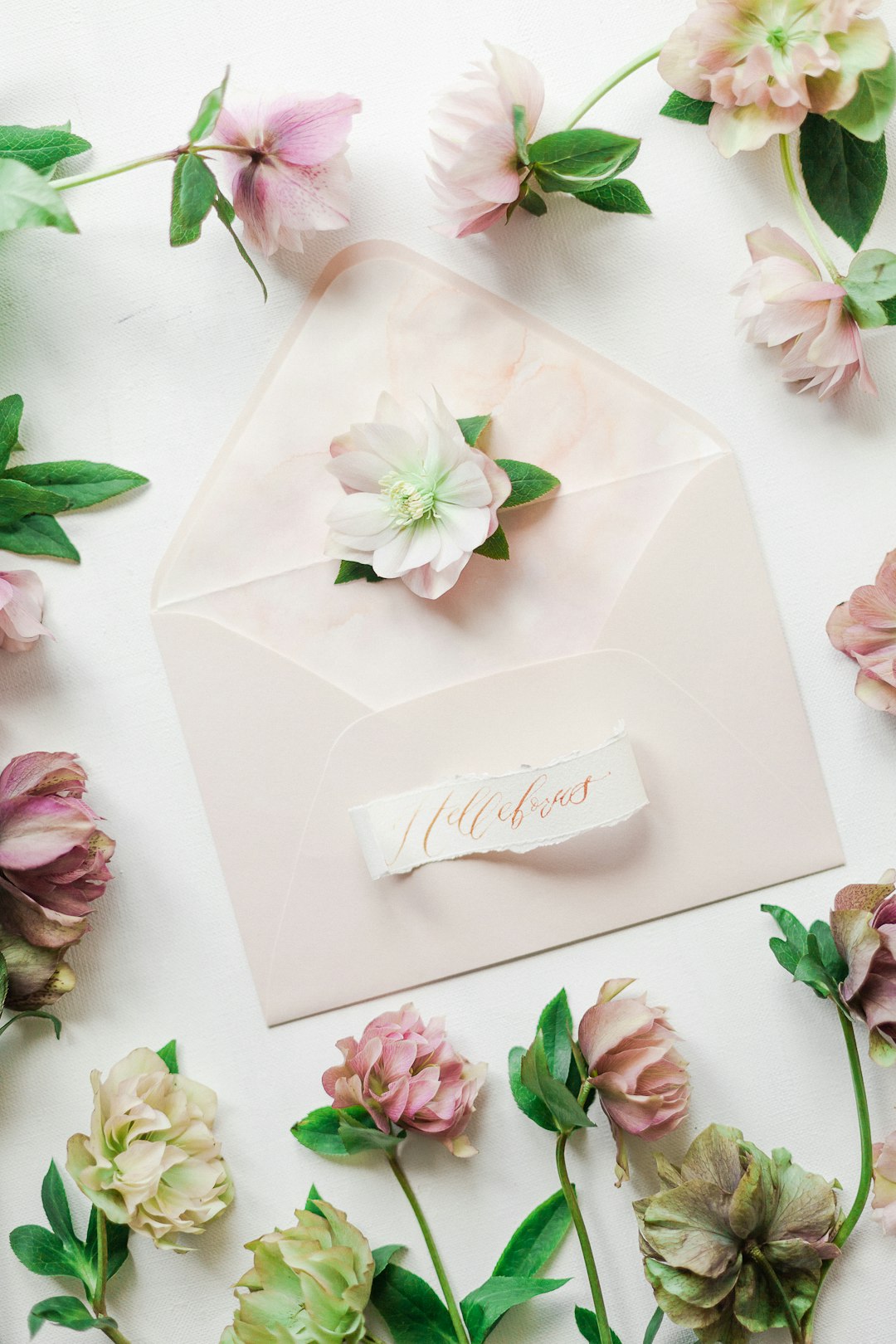
Best Online Tools for Creating a Wedding Logo
Several online platforms make it possible for couples to create a wedding logo without hiring a designer. Each option offers different strengths, depending on whether the couple wants a quick template, custom typography, illustration features, or professional export files.
1. Canva
Canva is one of the most accessible tools for wedding logo creation. It offers templates for monograms, invitations, signage, and social media graphics. Couples can search for wedding logo templates, change fonts, adjust colors, add floral illustrations, and export the design for printing or digital use.
Its drag and drop interface makes it especially useful for those who do not have design experience. Canva also allows the same logo to be applied to multiple wedding materials, helping create a consistent look across the entire event.
2. Adobe Express
Adobe Express is a strong choice for couples who want polished results with simple editing tools. It includes fonts, icons, backgrounds, and templates that work well for elegant or modern wedding branding. The platform is useful for resizing the logo for different needs, such as a wedding website banner, favor tag, or welcome sign.
Because it connects with the broader Adobe ecosystem, it can also be helpful if a professional printer or designer later needs high-quality assets.
3. VistaCreate
VistaCreate provides stylish templates and a large collection of design elements. Couples can use it to create logos with romantic illustrations, watercolor accents, minimalist typography, or decorative borders. It is a practical option for themed weddings, particularly when matching the logo to invitations and printed decor.
4. Figma
Figma is better suited for couples or planners who want more control over the design process. It is not as template-focused as some other tools, but it offers excellent layout, spacing, and vector editing features. A couple who prefers a clean, modern, or highly customized logo may find Figma useful.
It also works well for collaboration. A wedding planner, stationer, or artistic friend can edit the same design file and refine the logo together with the couple.
5. Kittl
Kittl is useful for ornate typography, vintage-inspired graphics, luxury crests, and decorative monograms. It offers strong lettering tools and design styles that suit classic, romantic, gothic, art deco, and old-world wedding themes. Couples looking for something more artistic than a basic monogram may enjoy this platform.
6. Etsy Templates
Etsy has many editable wedding logo and monogram templates created by independent designers. These are often available for instant download and can be personalized through online editing platforms. This option is ideal for couples who want a semi-custom look without commissioning original artwork.
When choosing a template, the couple should check whether the file includes transparent backgrounds, print-ready formats, and permission for personal wedding use.
7. Corjl and Templett
Corjl and Templett are popular editing platforms commonly used by stationery sellers. A couple may purchase a logo or invitation template and personalize the text, fonts, and colors directly in the browser. These tools are convenient for coordinating stationery pieces, especially when the seller has already designed matching menus, programs, and signs.
Creative Wedding Logo Ideas
The best wedding logo usually reflects the couple’s relationship and the wedding style. It should feel intentional rather than generic. A few creative directions can help inspire the design.
Initials and Monograms
A classic monogram combines the couple’s initials in a balanced arrangement. The initials may overlap, sit side by side, or be joined by an ampersand. For traditional weddings, a script font and circular border can look timeless. For modern weddings, simple uppercase letters with wide spacing may feel more refined.
Wedding Date Designs
Adding the wedding date can make the logo more personal. The date may appear beneath the initials, around a circular emblem, or inside a crest. Numeric dates create a clean look, while written dates feel more formal and ceremonial.
Custom Crests
A wedding crest can include initials, florals, animals, meaningful places, cultural symbols, or family-inspired details. For example, a coastal wedding might feature waves and shells, while a garden wedding might use roses, vines, or butterflies. A crest often works beautifully on invitations, wax seals, napkins, and welcome signage.
Venue-Inspired Logos
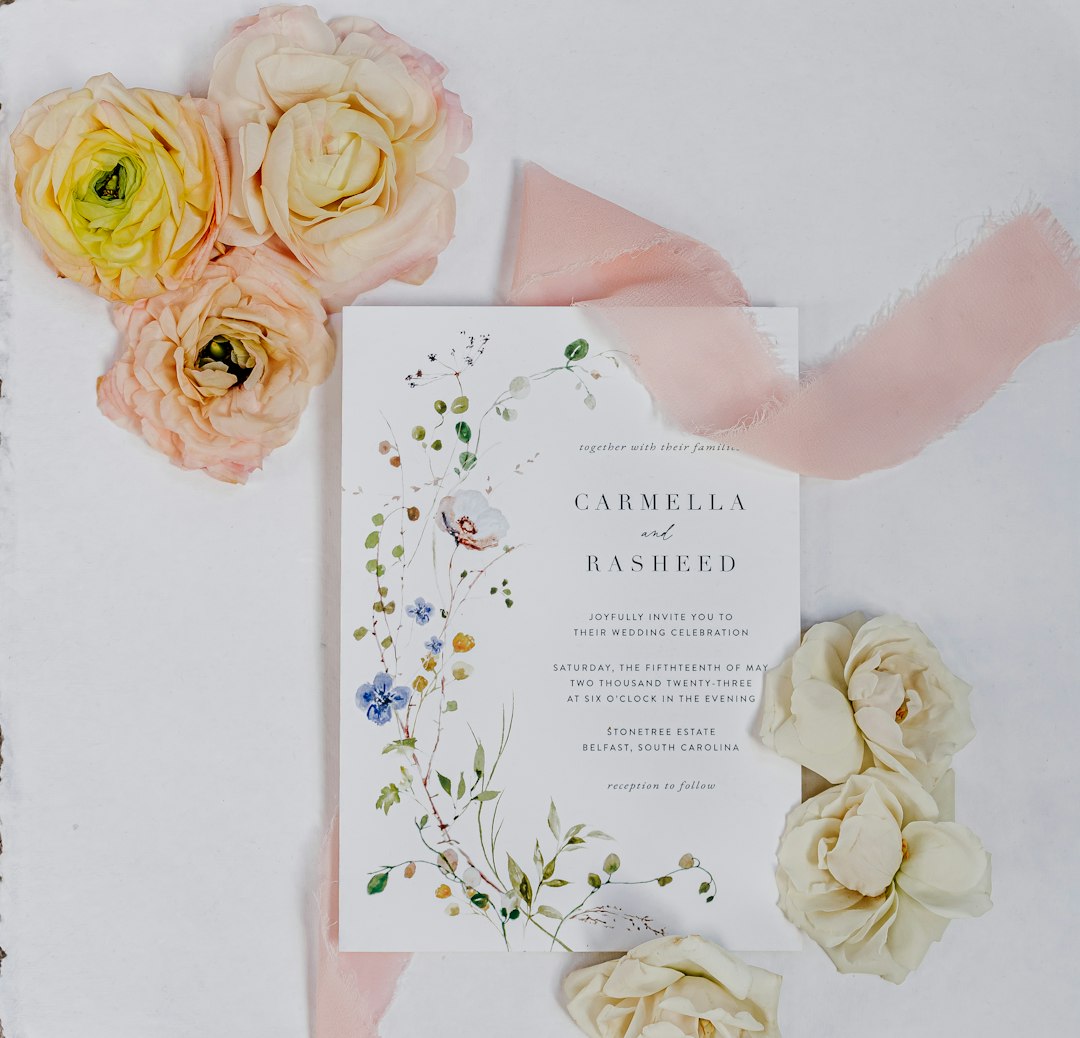
The venue can be a rich source of inspiration. A castle, vineyard, mountain lodge, city skyline, beach, or historic estate can be simplified into a line illustration. This kind of logo feels meaningful because it connects the design to the place where the celebration happens.
Floral and Botanical Motifs
Flowers are one of the most popular choices for wedding logos. The couple may use the same flowers planned for the bouquet or ceremony decor. Peonies, roses, orchids, olive branches, eucalyptus, lavender, and wildflowers all communicate different moods. Botanical elements can frame the initials or sit delicately above and below the text.
Minimalist Line Art
Minimalist logos are excellent for contemporary weddings. A single line drawing of two hands, a heart, a mountain, a sun, or a flower can feel personal without looking too decorative. This style is especially versatile because it can be printed small on favor tags or enlarged for signage.
Symbolic Icons
Symbols can tell a story quickly. A compass may represent travel, a star may suggest destiny, a tree may symbolize roots, and a pair of birds may represent partnership. The symbol should connect naturally to the couple rather than being chosen only because it looks attractive.
How to Choose the Right Style
Before starting the design, the couple should identify the overall wedding mood. A black-tie ballroom celebration may need a formal crest or elegant script monogram. A rustic barn wedding may pair better with hand-drawn florals and warm earth tones. A beach wedding may use soft blues, sandy neutrals, and flowing typography.
Color is especially important. The wedding logo should match or complement the wedding palette. If the event uses blush, sage, ivory, and gold, the logo should follow the same direction. This consistency helps every detail feel planned and harmonious.
Font choice also affects the final impression. Script fonts feel romantic and elegant, but they must remain readable. Serif fonts create a formal or editorial look. Sans serif fonts feel clean, modern, and minimal. Many strong wedding logos combine two fonts: one decorative font for initials or names and one simple font for the date or location.
Design Tips for a Professional Result
- Keep it simple: A wedding logo should be easy to read at different sizes.
- Use no more than two or three fonts: Too many fonts can make the design look cluttered.
- Create a black and white version: This ensures the logo works on stamps, embossing, engraving, and simple printing.
- Check spacing carefully: Balanced spacing makes the logo look more refined.
- Use high-resolution files: Print materials need clear, sharp artwork.
- Save a transparent version: A transparent background allows the logo to be placed over photos, colored paper, or digital backgrounds.
A couple should also test the logo in real situations. It may look beautiful on a computer screen but become unreadable on a small favor sticker. Printing a sample at different sizes can prevent problems before the final order is placed.
Image not found in postmetaWhere to Use a Wedding Logo
Once the logo is complete, it can be used throughout the celebration. Common placements include save the dates, invitations, envelope liners, wedding websites, ceremony programs, seating charts, bar menus, cocktail napkins, favor boxes, welcome bags, photo booth backdrops, and thank you cards.
It can also be used in more creative ways. Some couples place their logo on a custom dance floor, neon-style sign, embroidered handkerchiefs, wax seals, cake toppers, or projected lighting. When used consistently, the logo becomes part of the event’s visual memory.
Common Mistakes to Avoid
One common mistake is choosing a design that is too trendy. While current styles can be appealing, the logo should still feel timeless when the couple looks back at photos years later. Another mistake is using overly complex artwork. A detailed crest may look lovely at a large size but lose clarity when printed on small items.
Couples should also avoid using low-quality images, unlicensed graphics, or fonts without proper usage rights. Many online tools include licensed elements, but it is still wise to review the platform’s terms before sending the design to print. A logo made for a wedding should be both beautiful and legally safe to use.
Final Thoughts
Creating a wedding logo online gives couples the opportunity to shape a visual identity that feels personal, elegant, and memorable. With the right tool, a thoughtful concept, and attention to detail, even a simple monogram can become a meaningful part of the celebration. Whether the design is classic, modern, floral, rustic, or artistic, the strongest wedding logos reflect the couple’s story and support the overall atmosphere of the day.
FAQ
What is a wedding logo?
A wedding logo is a custom visual mark created for a couple’s wedding. It often includes initials, names, a wedding date, symbols, florals, or a crest-style design.
Can a wedding logo be created without design experience?
Yes. Many online tools offer editable templates, drag and drop design features, and ready-made graphics that make the process simple for beginners.
What file types are best for a wedding logo?
For printing, high-resolution PDF, PNG, or SVG files are useful. A transparent PNG is especially helpful for placing the logo on different backgrounds.
Should the logo match the wedding colors?
Yes. Matching the logo to the wedding palette helps create a cohesive look across invitations, signage, decor, and digital materials.
How early should a couple create the wedding logo?
Ideally, the logo should be created before save the dates and invitations are designed. This allows the same branding to be used from the beginning.
Is a wedding logo the same as a monogram?
Not always. A monogram usually focuses on initials, while a wedding logo may include initials, names, symbols, illustrations, dates, and other design elements.
Where can a wedding logo be used?
It can be used on invitations, websites, programs, menus, signs, favors, napkins, thank you cards, welcome bags, and many other wedding details.