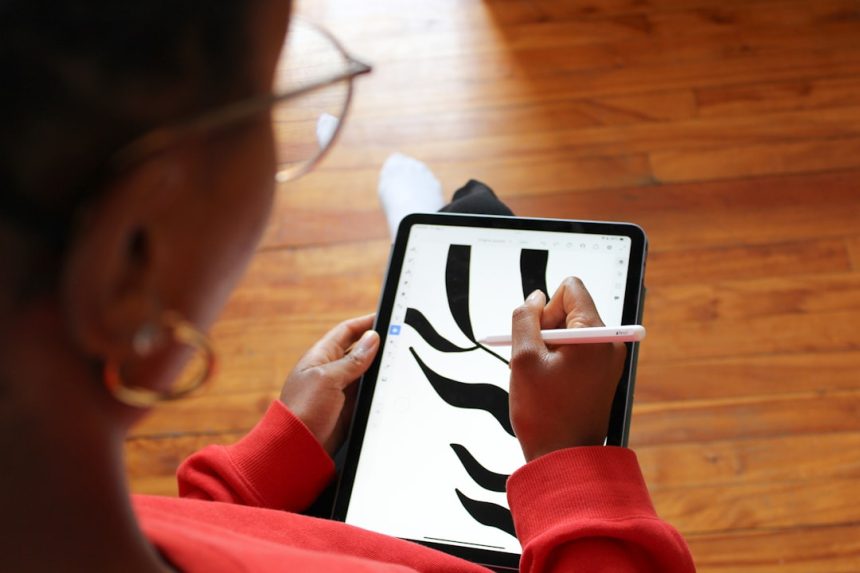
Digital note-taking has become an essential part of modern productivity, whether for students, professionals, or creatives. While Notability has long been a popular choice for handwritten notes and document annotation, many users are now exploring alternatives that offer different pricing structures, feature sets, or platform compatibility. The good news is that several powerful apps rival—and in some cases surpass—Notability in flexibility and value.
TLDR: Notability remains a strong digital note-taking app, but it is no longer the only compelling option. Apps like Goodnotes, Microsoft OneNote, Evernote, Apple Notes, and Nebo offer competitive features such as handwriting recognition, cross-device syncing, and collaboration tools. The best alternative depends on the user’s device ecosystem, workflow needs, and budget. Evaluating features like organization, annotation tools, and cloud integration helps determine the right fit.
Why Consider a Notability Alternative?
While Notability is praised for its intuitive interface and smooth handwriting experience, users may search for alternatives due to subscription pricing, device limitations, or specific workflow needs. Some users want better cross-platform access, while others prioritize advanced document management, AI-powered search, or stronger collaboration features.
Choosing the right digital note-taking app requires considering several factors:
- Platform compatibility (iOS, Android, Windows, macOS, Web)
- Handwriting recognition accuracy
- Organization and tagging systems
- Cloud sync and collaboration capabilities
- Pricing structure (one-time purchase vs subscription)
Below are five strong Notability alternatives that excel in different areas.
1. Goodnotes
Goodnotes is often considered the closest competitor to Notability, especially for Apple users. It offers an elegant handwritten note-taking experience and a powerful document organization system.

Key Features
- Advanced folder and subfolder organization
- AI-powered handwriting search
- PDF annotation and document import
- Customizable paper templates
- iCloud sync across Apple devices
Strengths: Goodnotes shines in organization. Users can create nested folders, making it easier to manage extensive academic or professional materials.
Limitations: Although now expanding, it has historically been strongest within the Apple ecosystem.
For iPad users who rely heavily on handwriting and document annotation, Goodnotes often feels like a natural transition.
2. Microsoft OneNote
Microsoft OneNote stands out for its flexibility and cross-platform support. Available on Windows, macOS, iOS, Android, and the web, it provides a highly accessible experience.
Key Features
- Freeform canvas for flexible note arrangement
- Strong collaboration through Microsoft 365
- Real-time syncing across devices
- Audio recording paired with notes
- Robust search functionality
Strengths: OneNote is particularly attractive for teams and students who need free access and collaboration tools.
Limitations: Its interface can feel less polished compared to Apple-centric apps like Goodnotes or Notability.
Because it integrates seamlessly with tools like Outlook and Teams, OneNote is especially useful in professional environments.
3. Evernote
Evernote has long been a leader in digital organization and productivity. While it is less handwriting-focused than Notability, it excels in structured note management and advanced search.

Key Features
- Powerful tagging and notebook system
- Web clipping tool
- Task management integration
- Document scanning and OCR
- Cross-platform availability
Strengths: Evernote is ideal for users who collect research, web content, and multimedia notes.
Limitations: Advanced features typically require a paid subscription.
For users who prioritize organization and searchable archives over handwritten note quality, Evernote remains a compelling option.
4. Apple Notes
Apple Notes has evolved into a surprisingly powerful built-in note-taking app. For Apple users, it offers strong functionality without additional cost.
Key Features
- Handwriting and Apple Pencil support
- Smart folders and tagging
- Document scanning
- Seamless iCloud sync
- Collaboration capabilities
Strengths: Deep integration with the Apple ecosystem makes it effortless to use across iPhone, iPad, and Mac.
Limitations: It lacks some advanced organization features found in dedicated apps like Goodnotes.
For users seeking simplicity and strong integration without additional costs, Apple Notes can serve as a practical alternative.
5. Nebo
Nebo distinguishes itself through advanced handwriting recognition technology. It is particularly well-suited for users who want to convert handwritten notes into editable text.
Key Features
- Highly accurate handwriting-to-text conversion
- Math equation recognition
- Multi-device sync
- Interactive diagrams
- Export to Word, PDF, or text formats
Strengths: Nebo excels in structured note conversion and math-heavy subjects.
Limitations: Its interface may feel more functional than design-focused.
Students in STEM fields and professionals who frequently convert written drafts into typed documents may find Nebo especially valuable.
Comparison Chart
| App | Best For | Platforms | Handwriting Recognition | Pricing Model |
|---|---|---|---|---|
| Goodnotes | Apple users and students | iOS, macOS | Excellent | One-time or subscription |
| Microsoft OneNote | Collaboration and cross-platform access | Windows, macOS, iOS, Android, Web | Good | Free (with optional Microsoft 365) |
| Evernote | Research and organization | Windows, macOS, iOS, Android, Web | Basic | Subscription |
| Apple Notes | Apple ecosystem users | iOS, macOS | Good | Free |
| Nebo | Handwriting conversion and math | iOS, Android, Windows | Outstanding | One-time purchase |
How to Choose the Right Alternative
There is no universal “best” app—only the best option for a specific workflow. A student who primarily annotates lecture slides on an iPad may prefer Goodnotes. A remote team collaborating across multiple operating systems might choose OneNote. A researcher compiling online materials may find Evernote indispensable. Meanwhile, users who want seamless Apple integration might stay within the native Notes app, and STEM students could gravitate toward Nebo.
Key considerations should include:
- Device ecosystem: Does the app support all of the user’s devices?
- Budget: Is the app free, subscription-based, or one-time purchase?
- Primary use case: Handwriting, typing, collaboration, or research?
- Organizational depth: Does the system handle large volumes of notes effectively?
Evaluating these points ensures that the chosen tool enhances productivity rather than complicates it.
Frequently Asked Questions (FAQ)
1. What is the best free alternative to Notability?
Microsoft OneNote and Apple Notes are the strongest free alternatives. OneNote offers extensive cross-platform support, while Apple Notes works exceptionally well within the Apple ecosystem.
2. Which app is best for handwriting recognition?
Nebo is widely regarded as one of the most accurate handwriting recognition apps, especially for converting notes and equations into editable text.
3. Is Goodnotes better than Notability?
It depends on preference. Goodnotes offers stronger folder organization, while Notability is praised for its streamlined interface and audio-note syncing.
4. Which app works on both Windows and Mac?
Microsoft OneNote and Evernote both support Windows and macOS, along with mobile devices and web access.
5. Are these alternatives suitable for students?
Yes. Goodnotes, OneNote, and Nebo are particularly popular among students due to their annotation tools, handwriting support, and document organization features.
6. Can these apps replace paper entirely?
For many users, yes. With advanced handwriting tools, document scanning, cloud syncing, and search features, these apps can fully replace traditional notebooks while adding powerful digital advantages.
By examining features, compatibility, and pricing, users can confidently select a Notability alternative that aligns with their needs and enhances their digital workflow.